

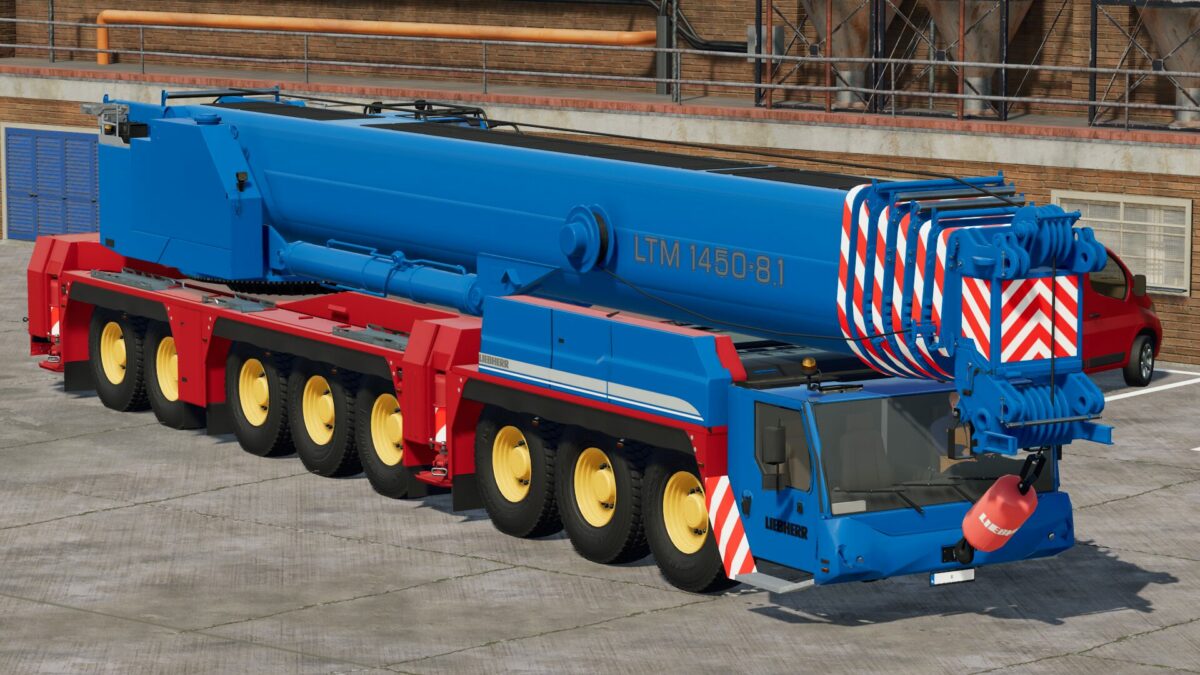
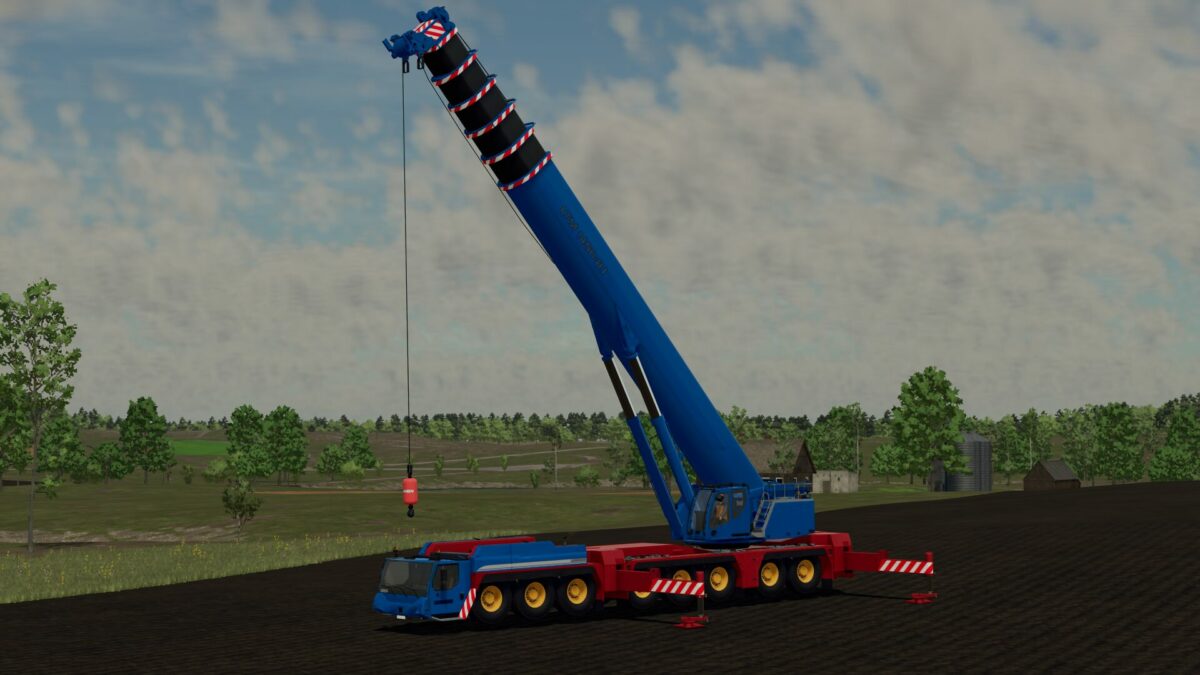
Liebherr LTM 1450 Mobile Crane v 1.1


– Power 677 hp
– Color options
– Tilting cab
– Door Opening
– Hook Camera view
– Animated controls and dashboards
– Tension belt on hook
– Realistic weights option
– Control groups
Controls:
Control Group 1:
Axis Crane Arm: Rotate Top Component
Axis Crane Arm2: Lift/Lower Main Arm
Axis Crane Arm3: Lift/Lower Hook
Axis Crane Arm4: Boom Extend
Axis Crane Tool: Cab Tilt
Axis Crane Tool2: Hook Rotate
Axis Crane Tool3: Cab Door Slide
Control Group 2:
Axis Crane Arm: Left Support In/Out
Axis Crane Arm2: Right Support In/Out
Axis Crane Arm3: Left Support Up/Down
Axis Crane Arm4: Right Support Up/Down
Control Group 3:
Axis Crane Arm: Adjust Weight Position (auto weights)
Version 1.1:
* Changed boom extension animation
* Added counterweights (automatic or manual options)
* Changed leg positions
* Changed unfold controls and animations
* Added tension belts to hook
* Added extra wheel colours
Credits:
RossN Mods


