

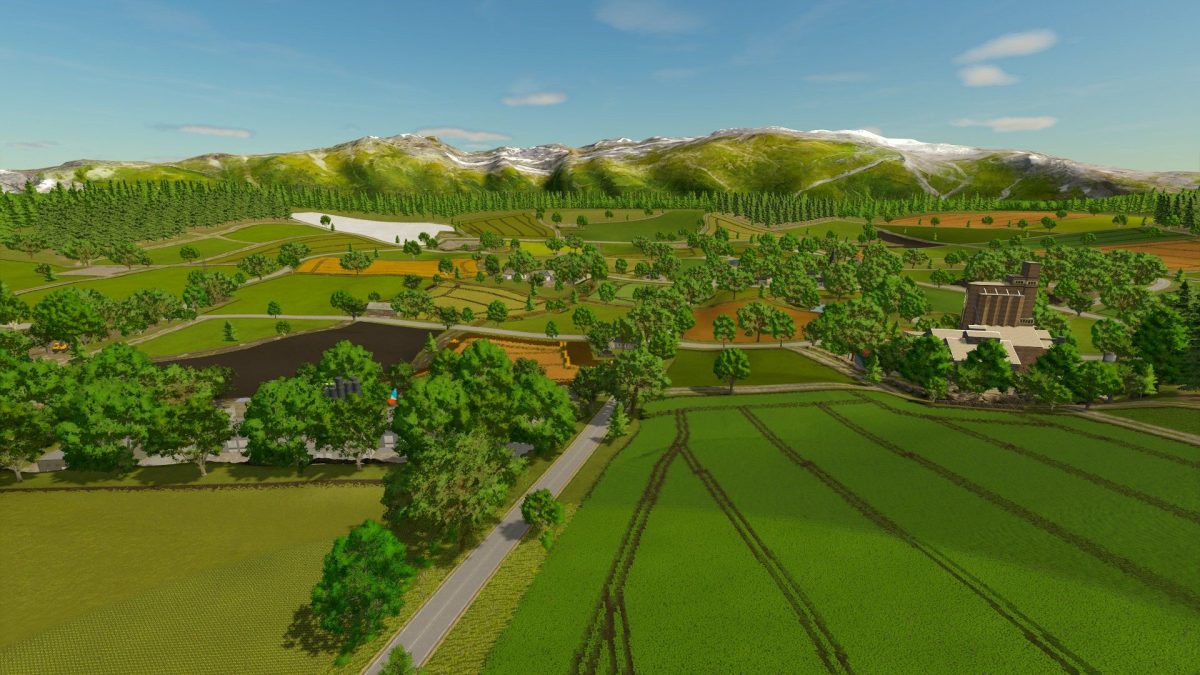
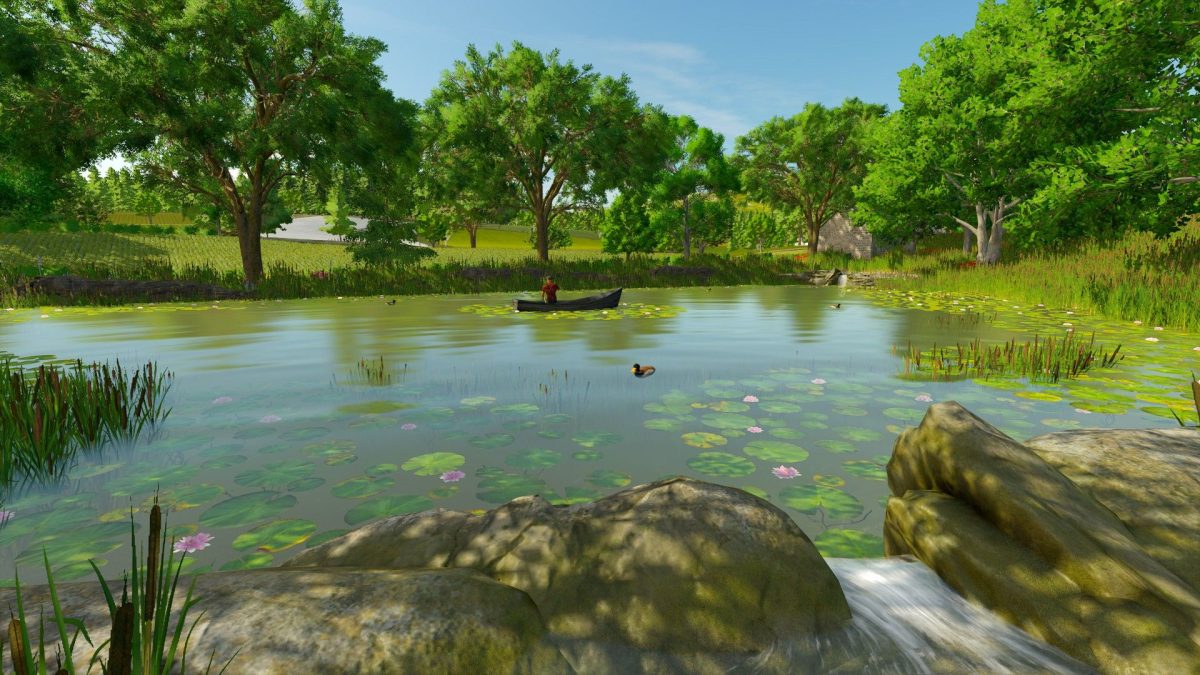
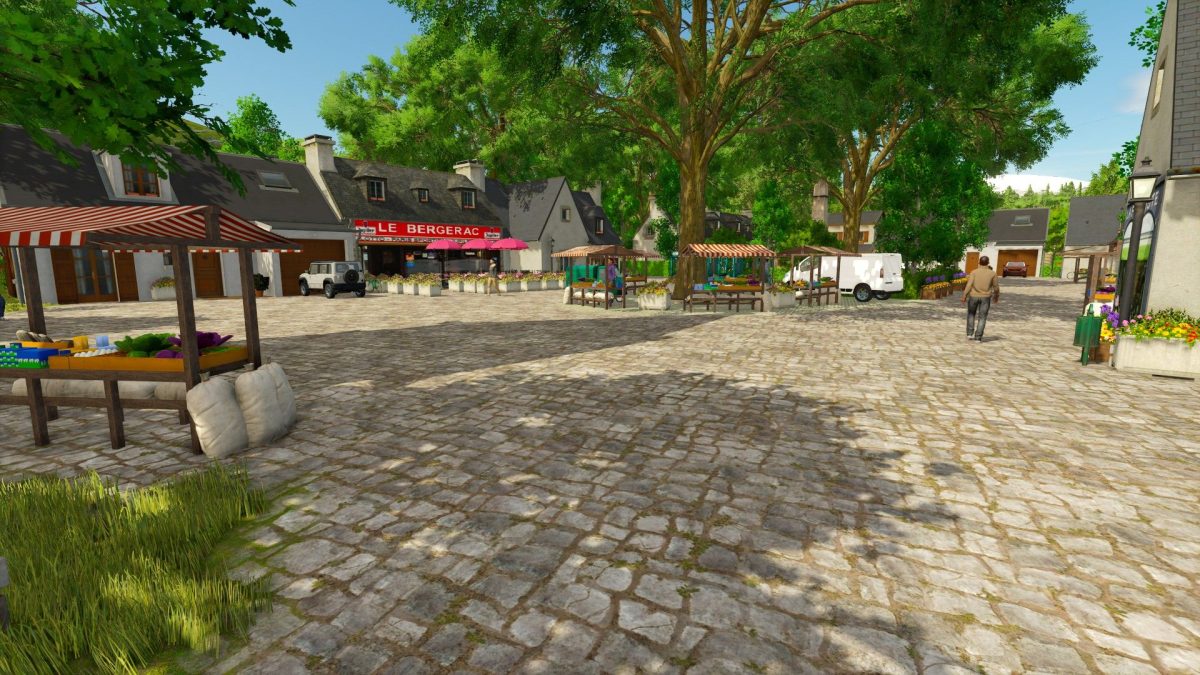
Les Plaines de la Vallee Map v 1.0


– 55 fields including 10 pastures of all sizes and shapes as well as 5 forests that are waiting for you
– Map background belongs to you for more freedom of creation in easy mode (Remember to buy it if you start your career in normal or difficult)
– 1 functional farmhouse belonging to you with animals + different outbuildings
– 3 other farmhouses with their respective animals that only wait for you if you want to enlarge or other are also available on the map
– Various production and sales sites (dairy, bakery, spinning, cooperative, etc.), as well as various small factories hid on the map are at your disposal
– 1 New Holland dealer, 1 service station, 1 lime station, 1 BGA as well as many productions and points of sale are available on the map
– NPCs and traffic installed on the map
– Personalized environments and sounds
– Modified dynamic terrain for more realism
– Standard cultures
Credits:
Gizmo Modding, OmaTana


