

Lawncare Trailers Pack v 1.0


– Set of trailers dedicated to the lawncare business
– 2 different trailers
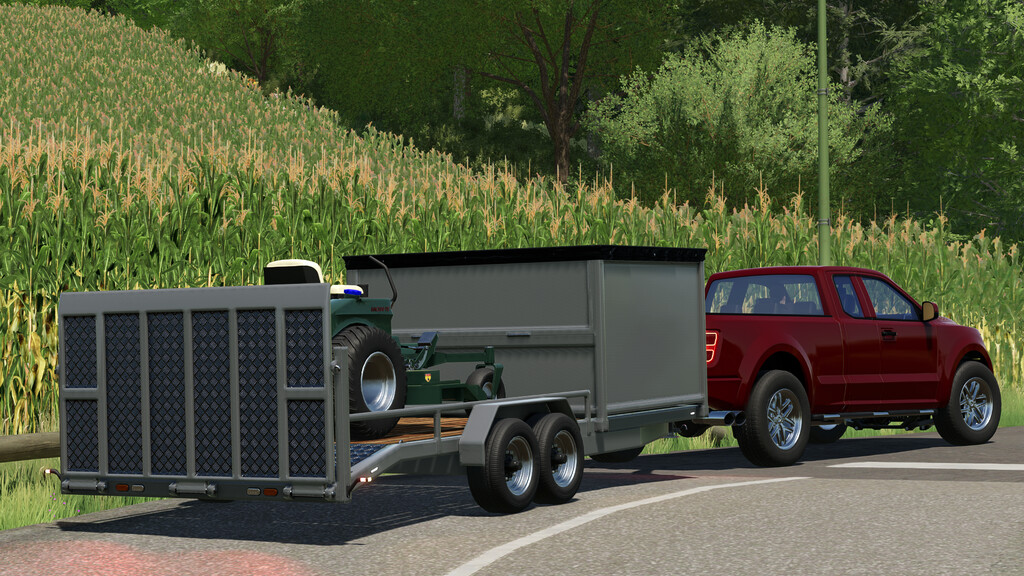
– Trailer A; long trailer; capacity for 2 mowers
– Multiple options available
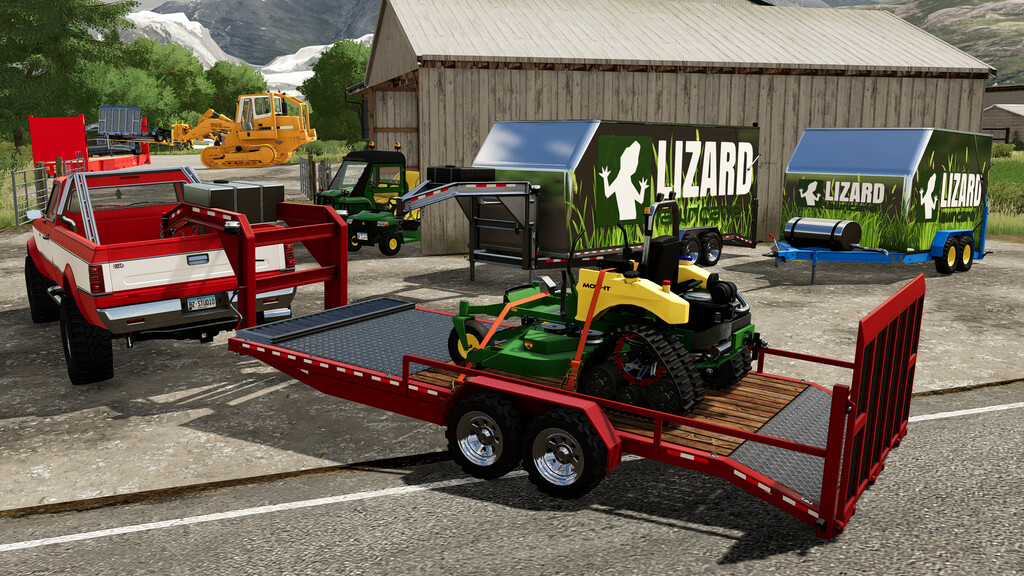
– Flat deck
– Tip-side box with rear loading; collect the cut grass with the Bag-IT and unload it from the top of the trailer
– Optional gas tank _in-field refilling)
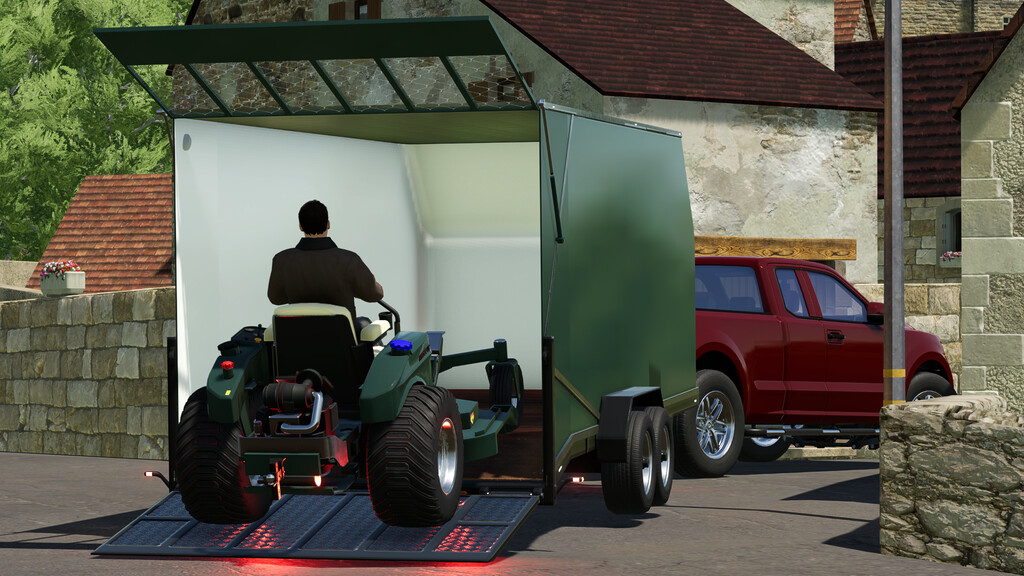
– Enclosed option with multiple decals
– Rear Worklights
– Custom color selection among the standard ones
– 3 different wheels configurations
– Price 4500 $
– Trailer B; short trailer; capacity for 1 mower
– Multiple options available
– Flat deck
– Optional gas tank _in-field refilling)
– Enclosed option with multiple decals
– Rear Worklights
– Custom color selection among the standard ones
– 3 different wheels configurations
– Front attacher raise configuration
– Price 2800 $
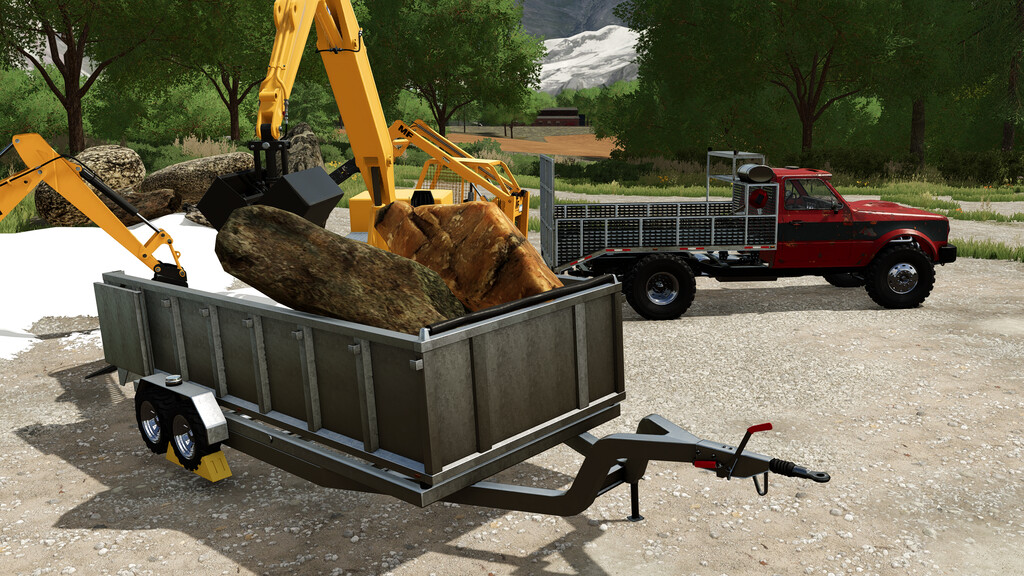
– Trailer D; long tipper trailer; capacity for 2 mowers
– Multiple options available
– Flat deck
– Rear Worklights
– Custom color selection among the standard ones
– 3 different wheels configurations
– Price 6500 $
Credits:
82Studio


