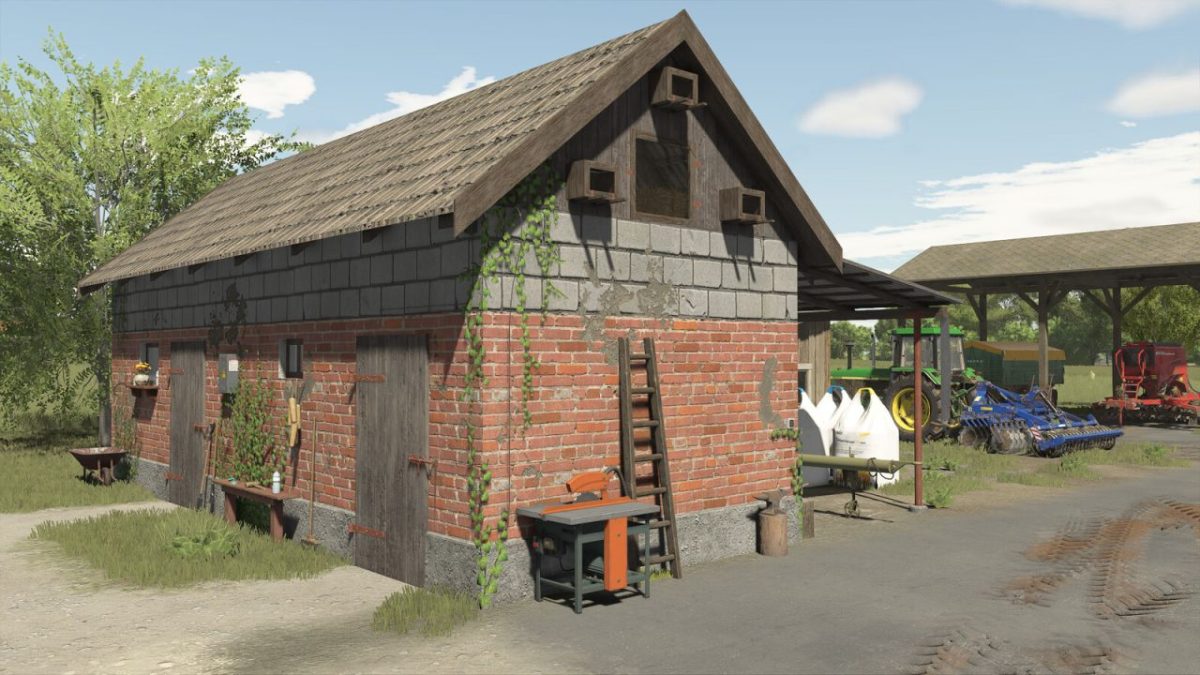
Large Tool Shed v 1.0


The Large Tool Shed v 1.0 offers players an effective and organized space for storing equipment and vehicles in Farming Simulator 25.
This mod adds a functional structure that allows for a more efficient farming experience by keeping tools and vehicles securely stored.
The shed is designed with practicality in mind, providing ample space for a variety of implements and machinery.
The cost of the shed is set at $5000, with a monthly upkeep fee of $50, making it a manageable investment for players looking to optimize their farm operations.
The mod features a straightforward design for seamless integration into your farming layout, enhancing the aesthetic and functional appeal of your virtual farm.
– Functional storage for vehicles and tools
– Price: $5000
– Monthly upkeep: $50
– Designed for organization and efficiency
– Seamless integration into farm layouts
Credits:
Czarny317