
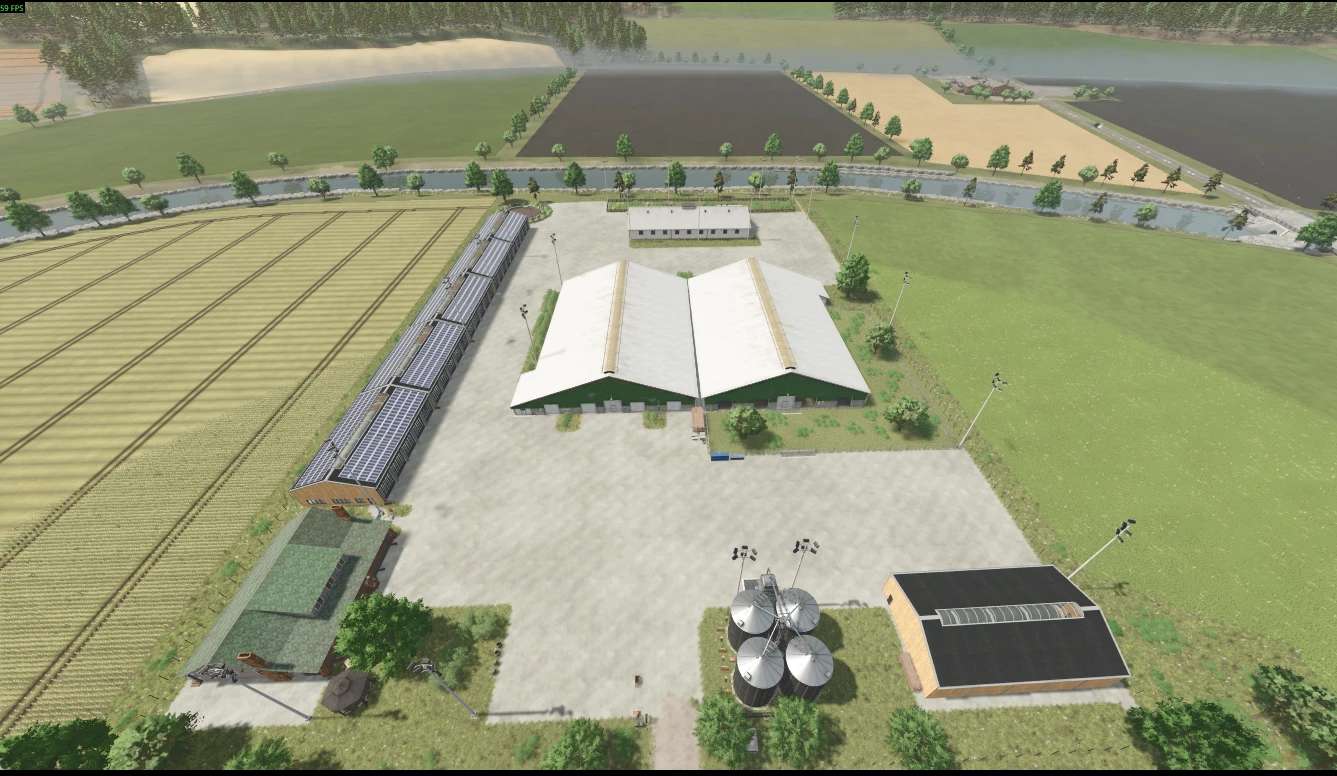
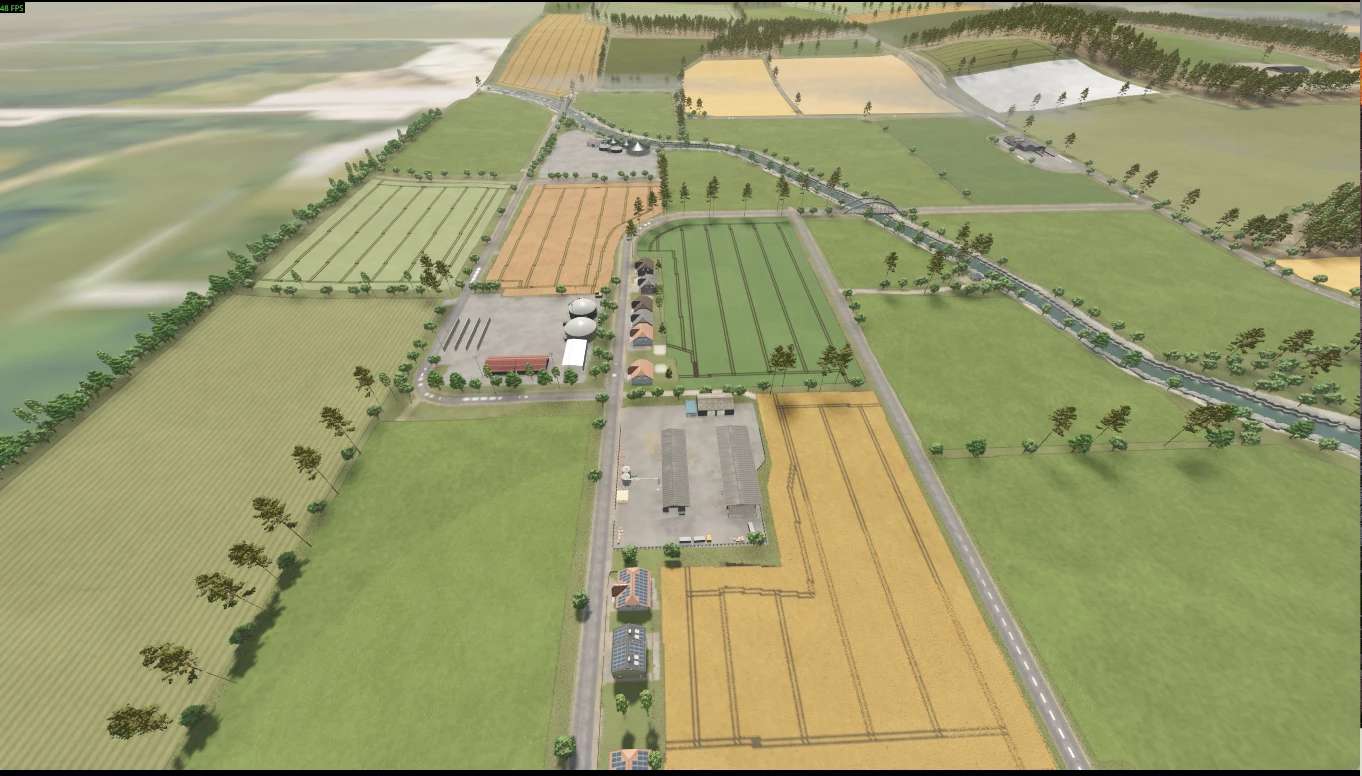
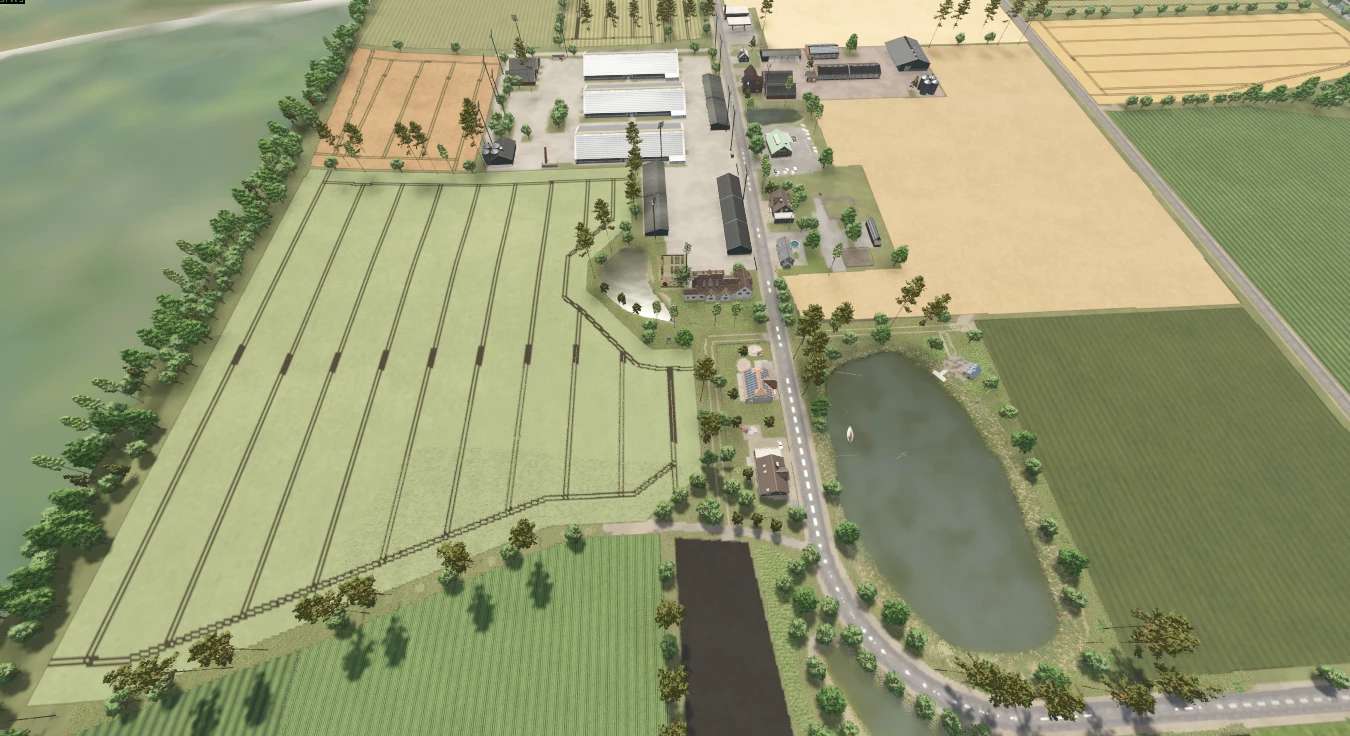
FS25 Maps

Landkreis Niedersachsen Map v 1.0.0.5

Landkreis Niedersachsen Map v 1.0.0.5

– Compost can be used as fertilizer
– 180 fields ranging in size from 0.5 hectares to 19.4 hectares
– 6 BGA (Big Gas Stations)
– 18 Playable farms
– 2 open spaces
– 1 winery
– 20 productions
– 2 animal dealers
– 1 vehicle shop
– 7 sales points
– 2 bale sales points
– 1 manure and manure sale
– 3 shopping points
– 10 new crops: GREEN RYE, HOPS, LAVENDER, RYE, SPELT, TRITICALE, HEMP, ONIONS, TOBACCO, POPPY
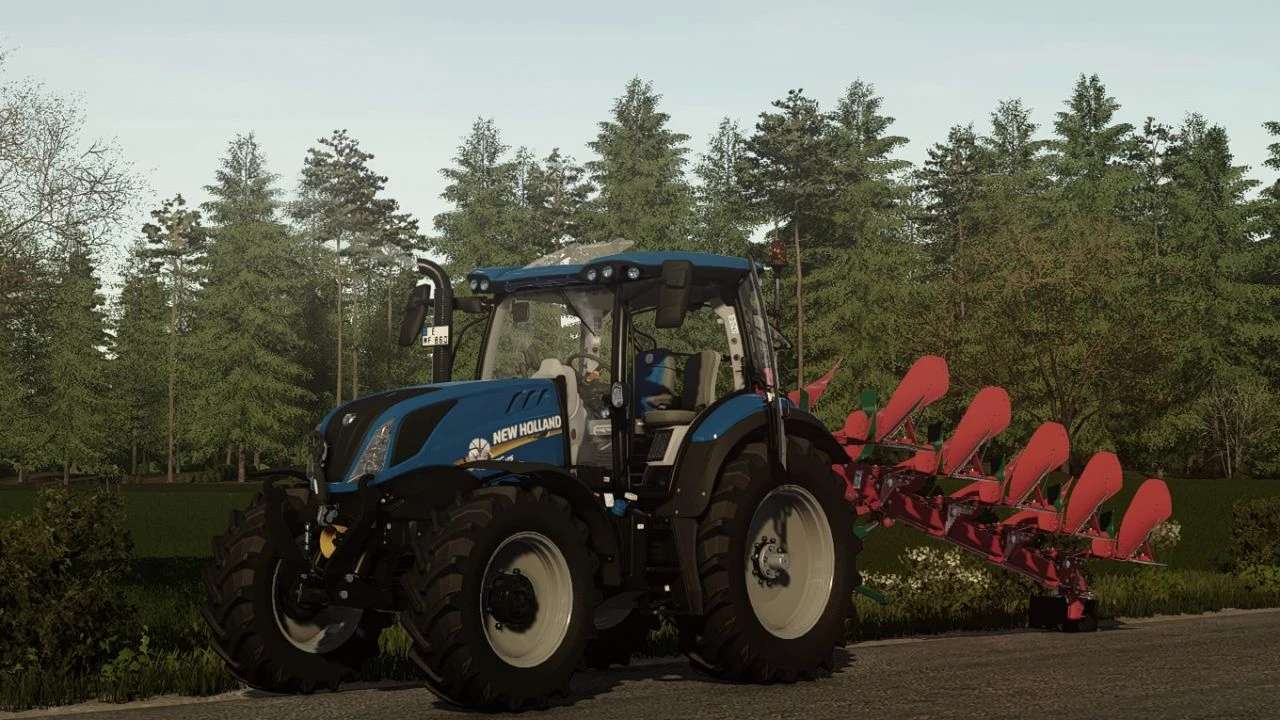
– Vehicle categories: Harvester, Cotton harvester for tobacco, Hemp, Lavender, Manure spreader for lime, Manure, Compost

Version 1.0.0.5:
* Fixed a minor bug that occurred when chopping corn
* Unpurchasable land can now be purchased externally so that some people don’t have to complain about not being able to combine fields

Credits:

AustriaModding Sascha
How to install FS25 Maps?
Firstly find a mod which you like and want to download. Then download a mod to your PC. Mods are usually in .zip format file. But sometimes it can be in .rar. If a mod file is a .zip format no needed additional actions. If a file is in .rar, then you must unarchive mod with software like WinRar or Zip7. Windows 10 users no need to use software for archives, Win10 itself has a feature to unarchive files.
The next step is to find mods folder in your PC. Usually, it is in Documents/My Games/Farming Simulator 25/2025. Open the "mods" folder and put downloaded .zip archive or unarchived .rar file to this folder.
Last step. Enjoy of FS25 mods!

Leave a Reply

Your email address will not be published. Required fields are marked *