

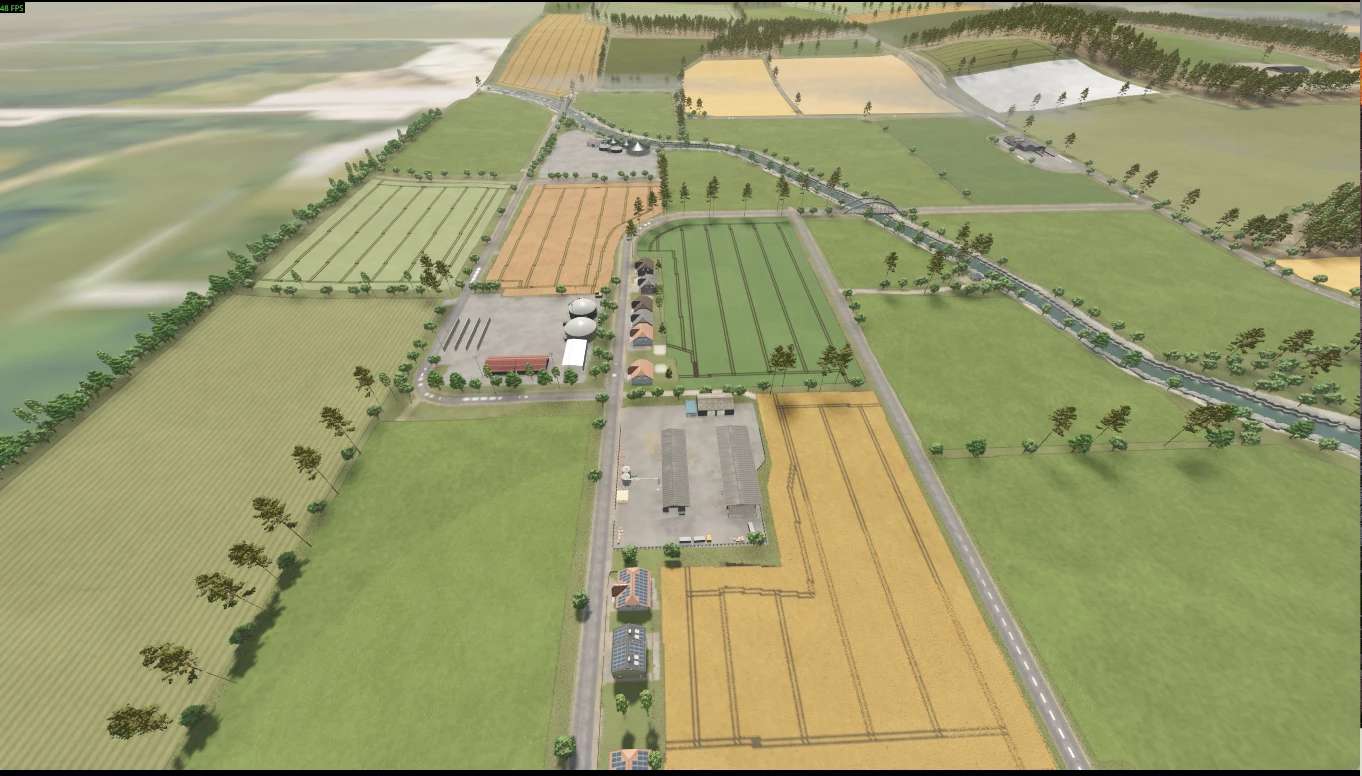
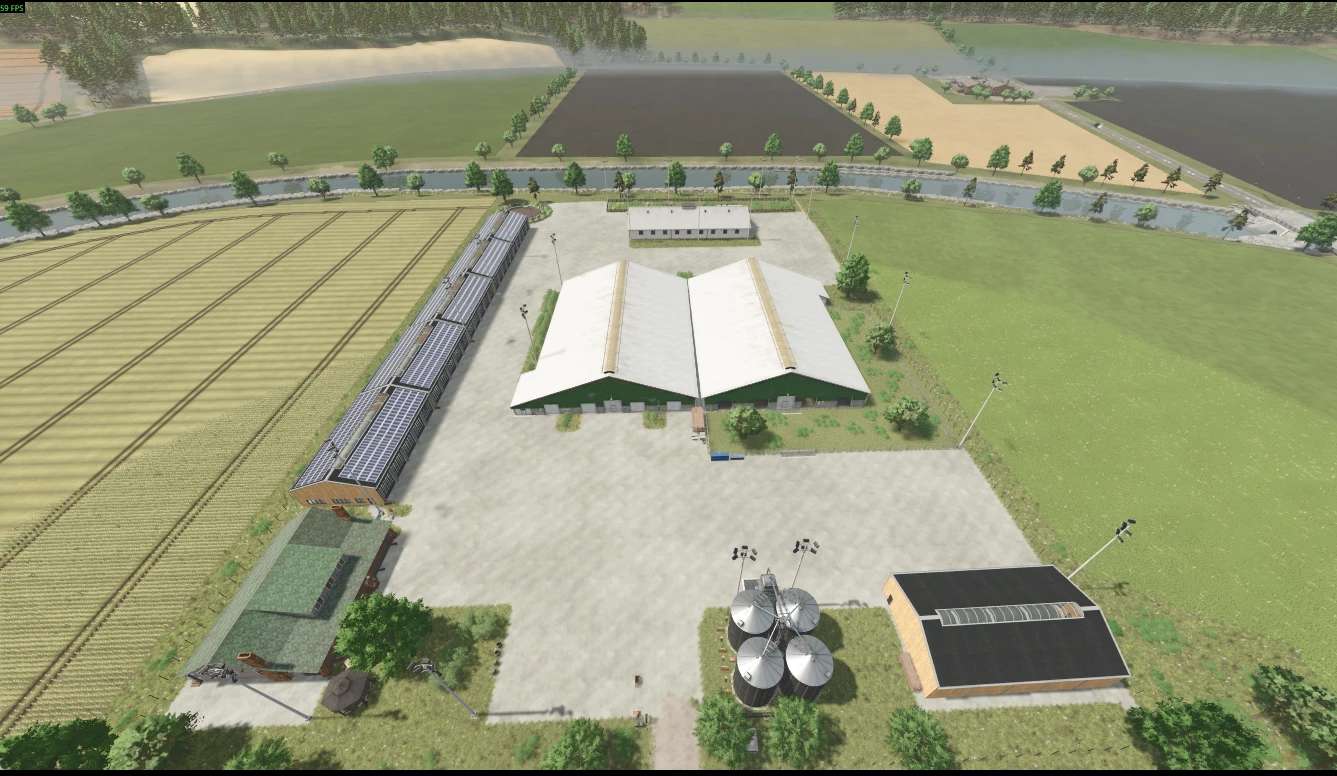
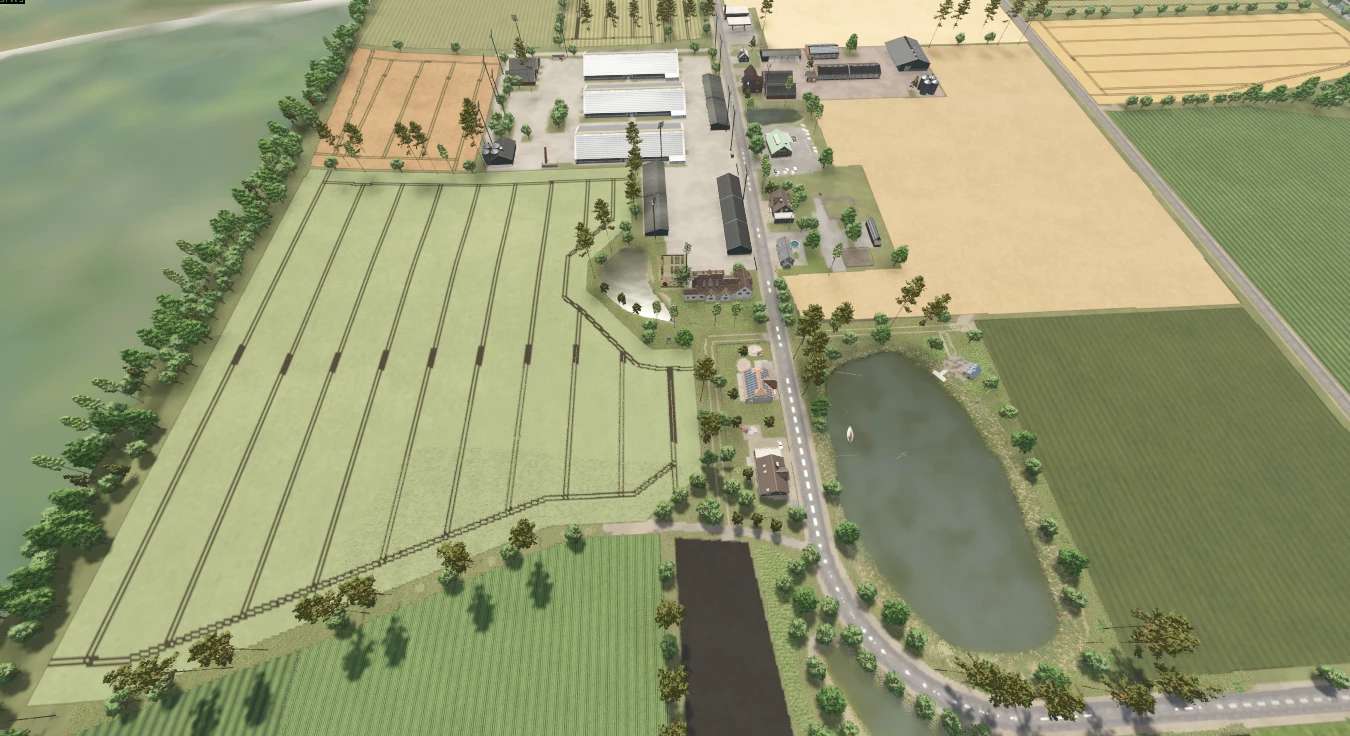
Landkreis Niedersachsen Map v 1.0.0.3


– Compost can be used as fertilizer
– 180 fields ranging in size from 0.5 hectares to 19.4 hectares
– 6 BGA (Big Gas Stations)
– 18 Playable farms
– 2 open spaces
– 1 winery
– 20 productions
– 2 animal dealers
– 1 vehicle shop
– 7 sales points
– 2 bale sales points
– 1 manure and manure sale
– 3 shopping points
– 10 new crops: GREEN RYE, HOPS, LAVENDER, RYE, SPELT, TRITICALE, HEMP, ONIONS, TOBACCO, POPPY
– Vehicle categories: Harvester, Cotton harvester for tobacco, Hemp, Lavender, Manure spreader for lime, Manure, Compost
Version 1.0.0.3:
* Changes made to farms
* Forests have new trees
* Roads have been adjusted: some were too short at various intersections
* Bridge where you jumped too hard has been lowered
* Fixed an error during the poppy harvest
* Added translations for PF
* Removed grass from roads
* Removed piano factory and added a vegetable farm
* Terrain adjustments made
* Added mission vehicles
* Added various translations to XML
* Reduced the number of mods for additional download from 29 to 10
* Removed various trees from fields and roads
* Completely changed the road texture
* Removed, replaced, and relocated fences that extended into fields
* Relocated triggers at sales points
* Completely replaced the black market
* Adjusted fields
* Replaced gas stations
* Fixed fill planes
* Fog control installed can now be adjusted by yourself
Credits:
AustriaModding Sascha


