
FS25 Maps

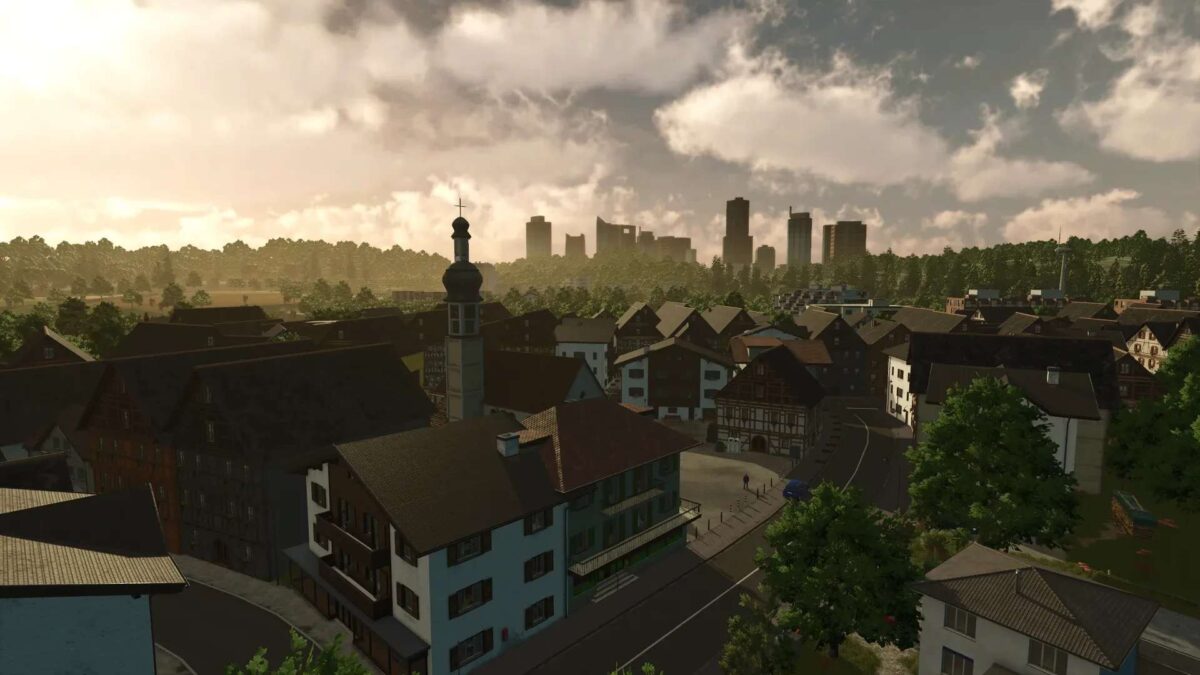
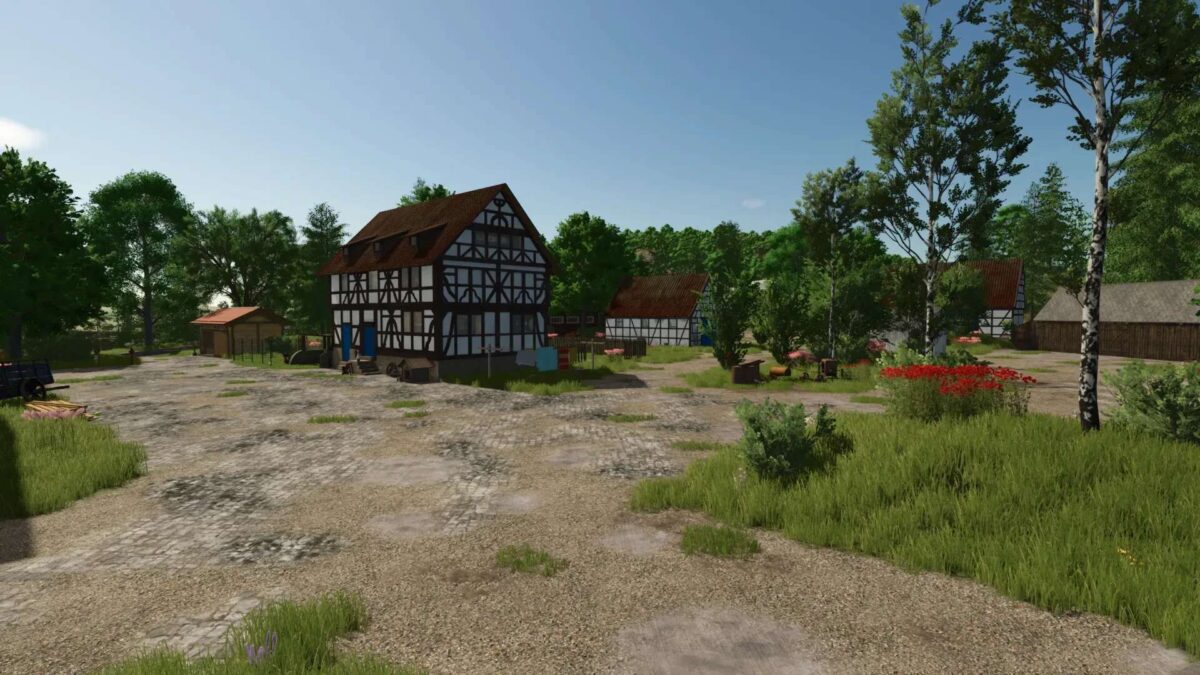
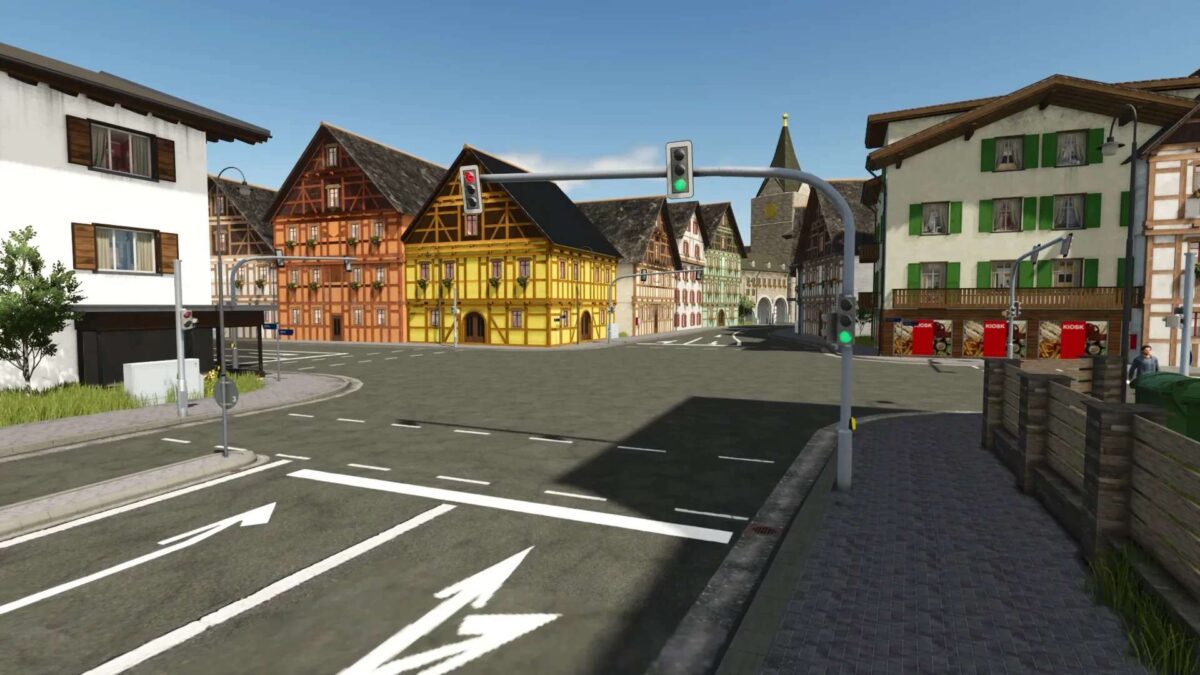
Landkreis Mittelberg Map v 1.1.0.3

Landkreis Mittelberg Map v 1.1.0.3

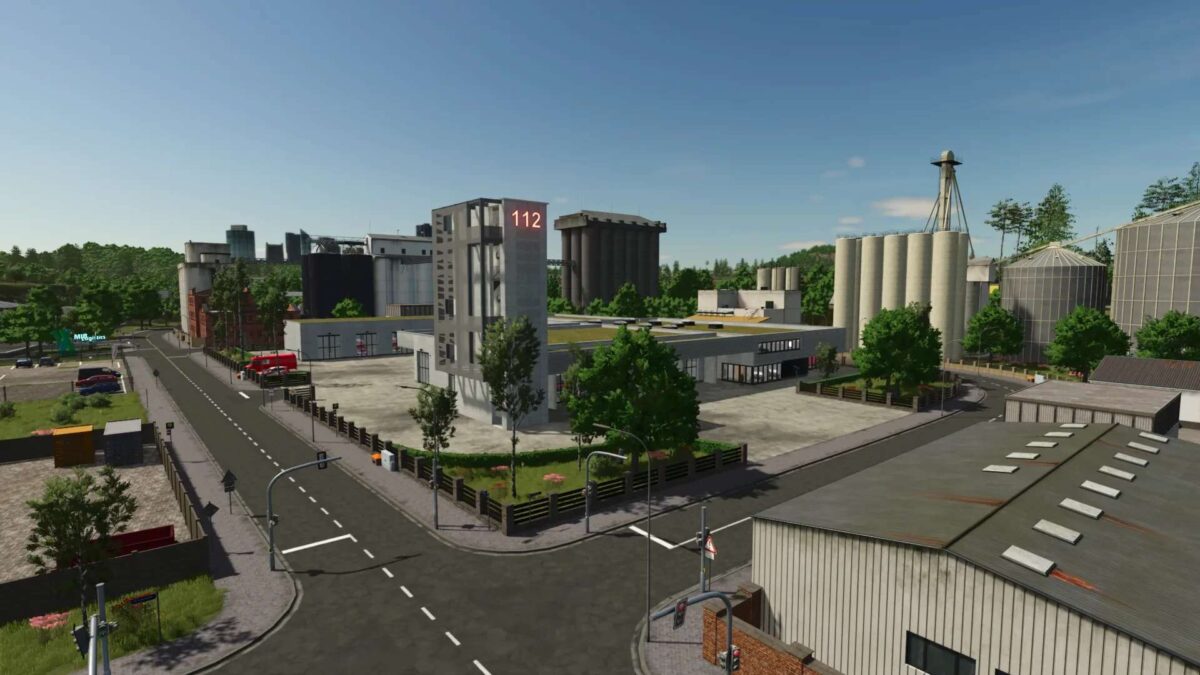
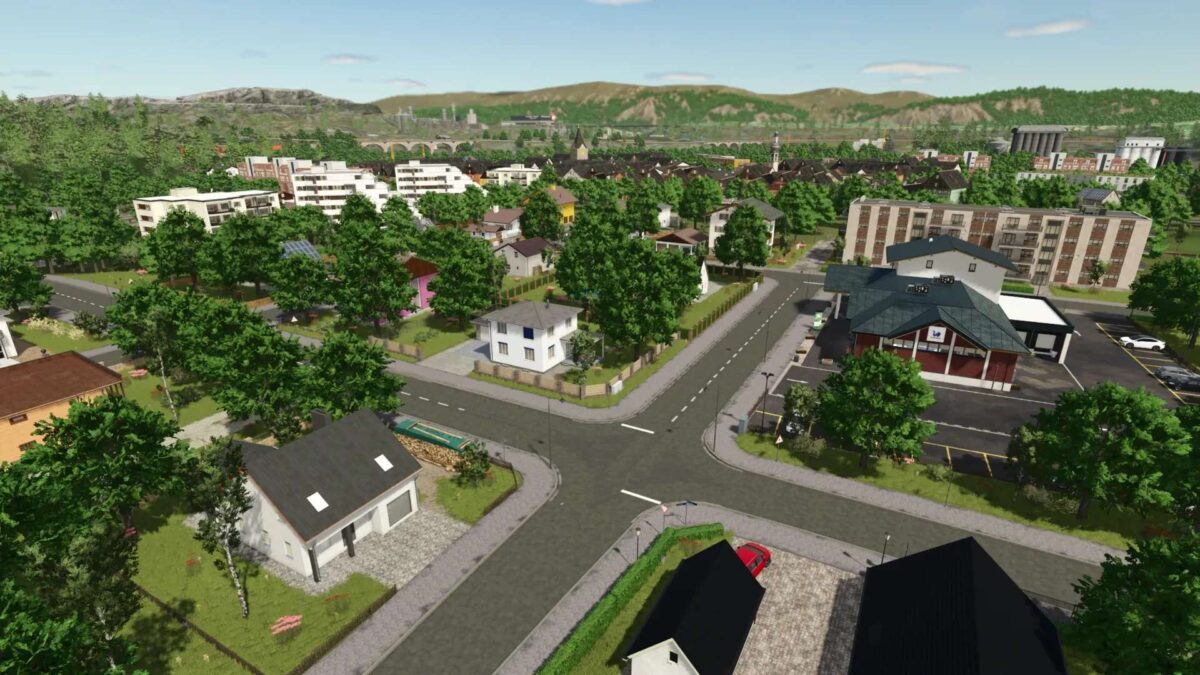
– 29 fields + 4 meadows
– Farmyard
– Biogas plant
– Gravel pit
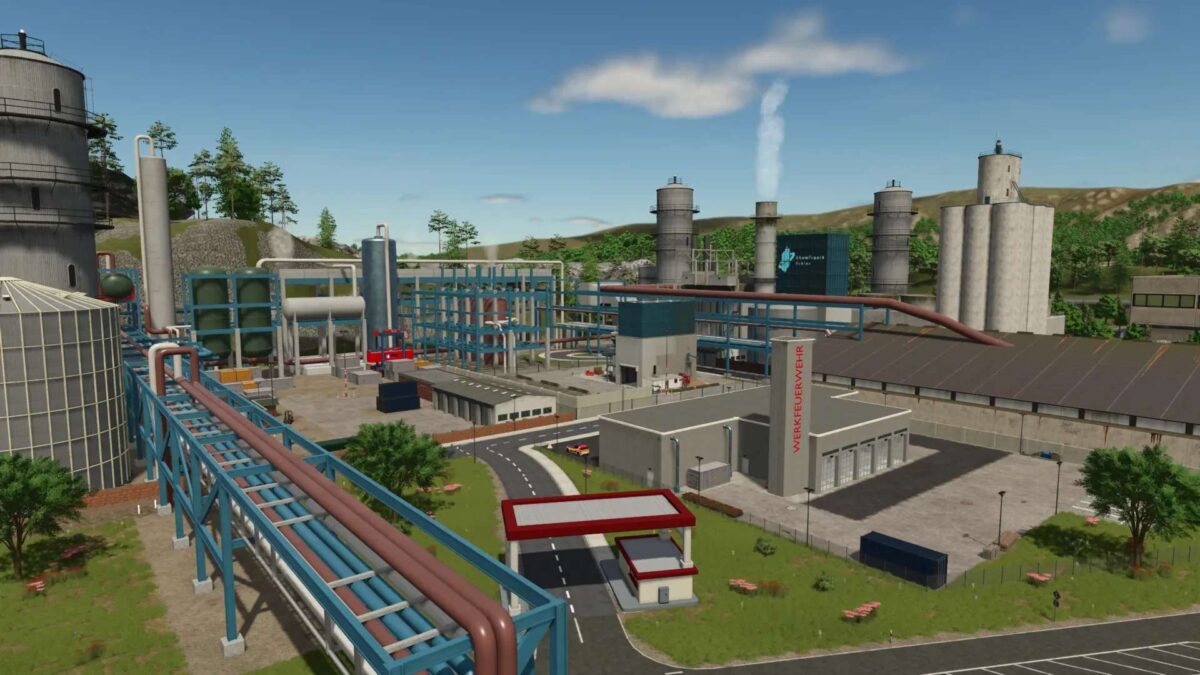
– 3 fire stations
– 2 town halls
– 2 police stations
– 2 ambulance services
– Hospital
– Towing service
– Sewage treatment plant
– Car dealership
– Soccer field
– Water rescue service
– Relief organization
– Road maintenance depot
– Go-kart track
– Highway with tunnels, bridges, interchanges, and rest areas
– Shops and retail outlets
– Recycling center
– Drive-in movie theater
– Industrial parks
– Driving practice area
– Controllable sirens for the fire department (activating one siren activates all others)

Version 1.1.0.3:
* Added compatibility for the Visual Sales Mod (with the mod enabled, a new section for used vehicles is visible in the vehicle shop)
* Added more decorative details to the vehicle shop
* Minor bug fixes

Credits:

SoSi-Modding

How to install FS25 Maps?
Firstly find a mod which you like and want to download. Then download a mod to your PC. Mods are usually in .zip format file. But sometimes it can be in .rar. If a mod file is a .zip format no needed additional actions. If a file is in .rar, then you must unarchive mod with software like WinRar or Zip7. Windows 10 users no need to use software for archives, Win10 itself has a feature to unarchive files.
The next step is to find mods folder in your PC. Usually, it is in Documents/My Games/Farming Simulator 25/2025. Open the "mods" folder and put downloaded .zip archive or unarchived .rar file to this folder.
Last step. Enjoy of FS25 mods!

Leave a Reply

Your email address will not be published. Required fields are marked *