

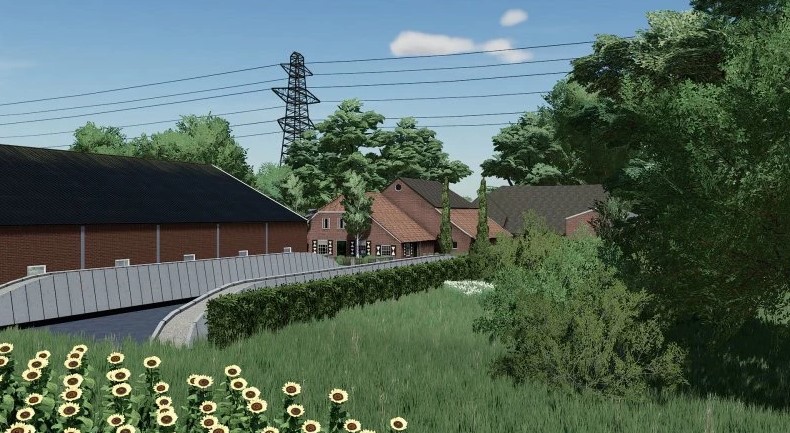
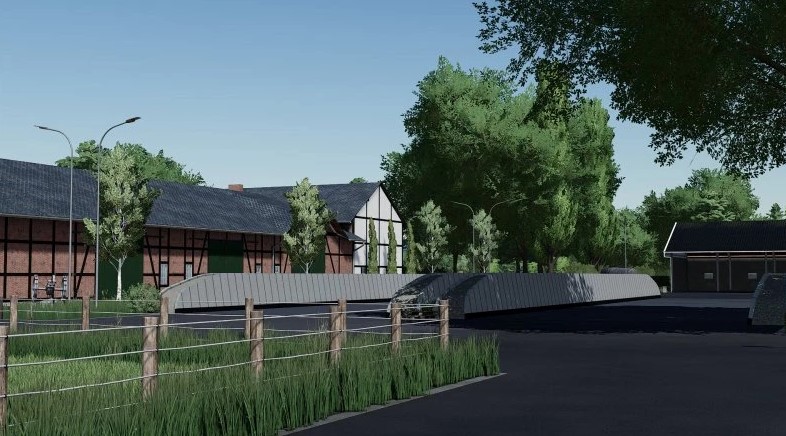
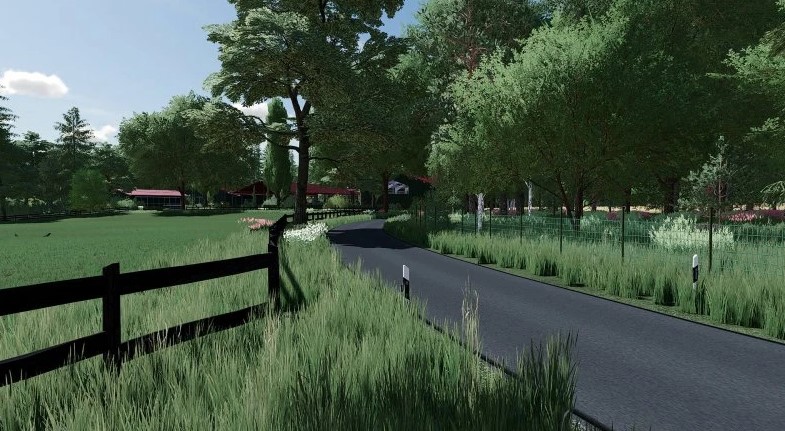
Landersum Map v 1.0


Landersum Map v1.0 offers an expansive 4x map designed for an immersive farming simulation experience. With a total of 238 fields, the map encompasses over 1258 hectares of arable land and grassland, providing plenty of space for various farming activities. There are 13 courtyards scattered throughout the map, along with 4 biogas plants that enable players to engage in renewable energy production.
The map emphasizes realism with features such as realistic seed consumption and crop yields, along with adjusted prices for certain goods to reflect market conditions more accurately. Players will appreciate the enhanced ground angle, which adds to the challenge and realism of navigating the terrain. The introduction of Fruit Destruction 2.0 adds an additional layer of complexity to managing crops, while the removal of crops like cotton, sugarcane, olives, and grapes streamlines the farming focus.
Moreover, the Landersum Map supports Precision Farming, allowing for more accurate farm management. To complement the seasonal gameplay, adjusted season geo settings have been implemented for a more authentic experience.
– 4x Map
– 238 Fields
– 1258 ha of arable Land and Grassland
– 13 Courtyards
– 4 Biogas
Credits:
Agrario


