
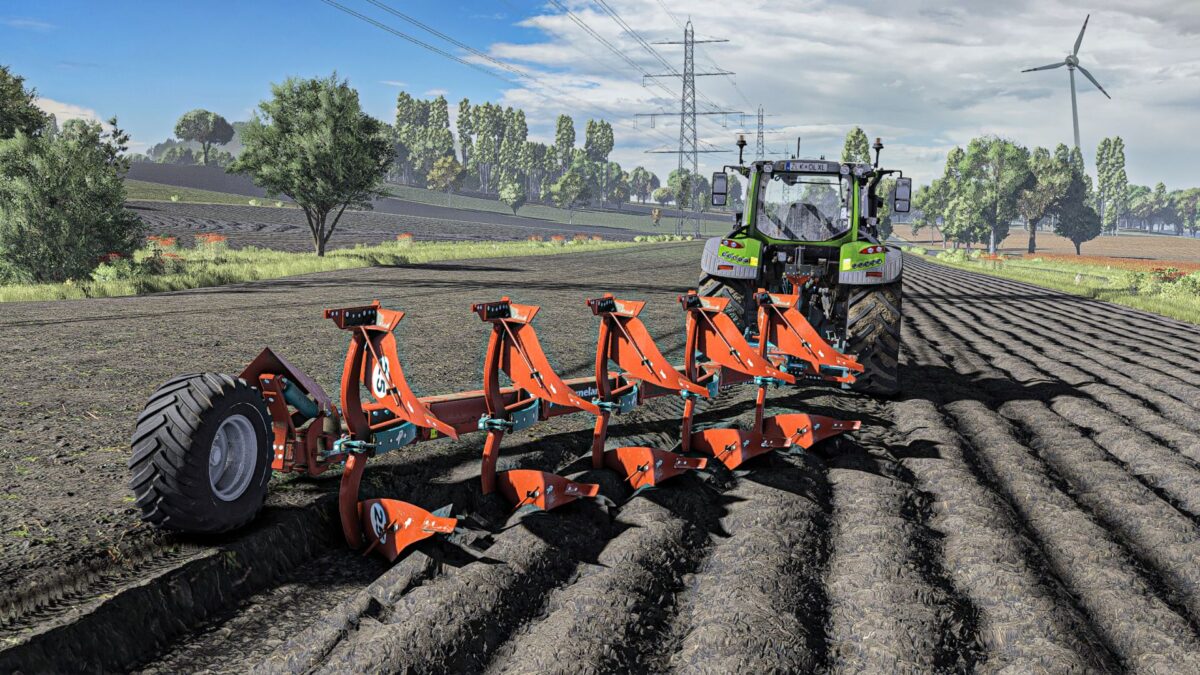
FS25 Plows

Kverneland PB 100 v 1.0

Kverneland PB 100 v 1.0

The Kverneland PB 100 v 1.0 mod introduces a detailed ploughing tool into Farming Simulator 25, specifically designed for efficient soil preparation. This mod features a five-furrow model of the Kverneland plough, which allows players to tackle a variety of field sizes with effective results. While currently limited to this configuration, there are plans for future updates that will include larger models, providing players with more options as they expand their farming operations. The mod aims to deliver realistic handling and performance, enhancing your gameplay experience.

– Five-furrow configuration
– Realistic ploughing mechanics
– Detailed modeling

Credits:

cieplykrzysiu, M8E

How to install FS25 Plows?
Firstly find a mod which you like and want to download. Then download a mod to your PC. Mods are usually in .zip format file. But sometimes it can be in .rar. If a mod file is a .zip format no needed additional actions. If a file is in .rar, then you must unarchive mod with software like WinRar or Zip7. Windows 10 users no need to use software for archives, Win10 itself has a feature to unarchive files.
The next step is to find mods folder in your PC. Usually, it is in Documents/My Games/Farming Simulator 25/2025. Open the "mods" folder and put downloaded .zip archive or unarchived .rar file to this folder.
Last step. Enjoy of FS25 mods!

Leave a Reply

Your email address will not be published. Required fields are marked *