


FS25 Slurry Tanks

Kumm Technik Pack v 1.0.1.1

Kumm Technik Pack v 1.0.1.1

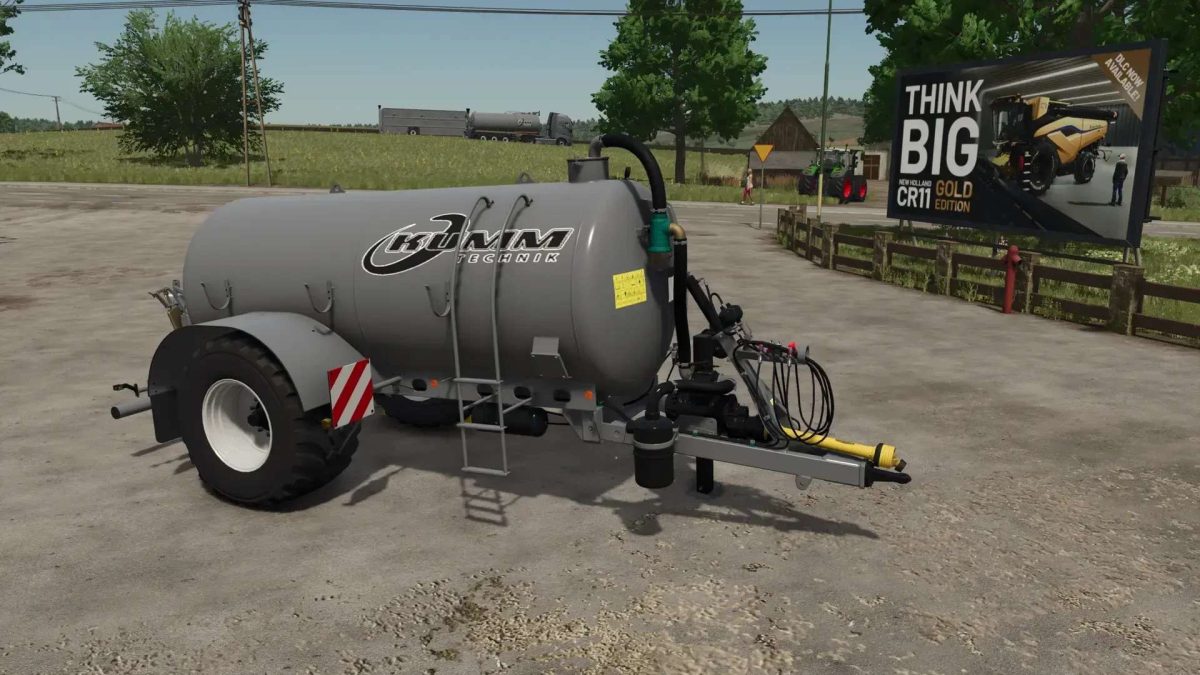
Kumm Technik KTR 800
Shop Category: Slurry Tankers

Kumm Technik KTR 20000
Shop Category: Slurry Tankers

Wienhoff FreeSight Compatible

Kumm Technik KTR 30000
Shop Category: Slurry Tankers

Wienhoff FreeSight Compatible

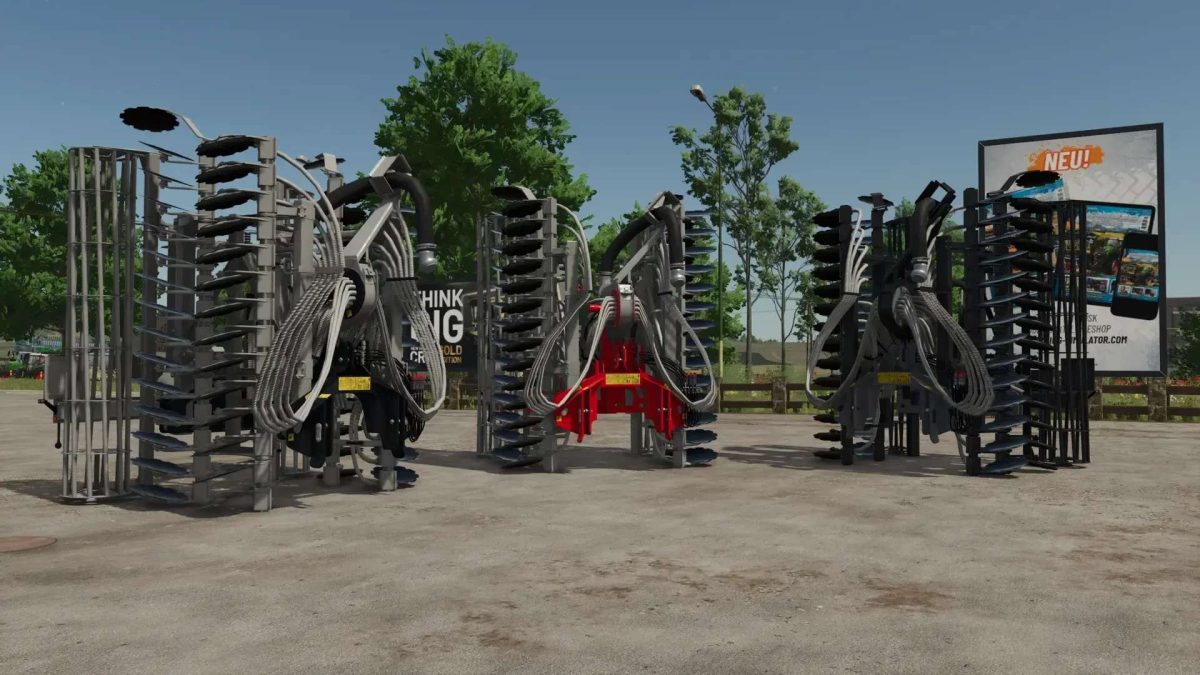
Kumm Technik Vibro
Shop Category: Spreading Equipment

Kumm Technik sd700
Shop Category: Spreading Equipment

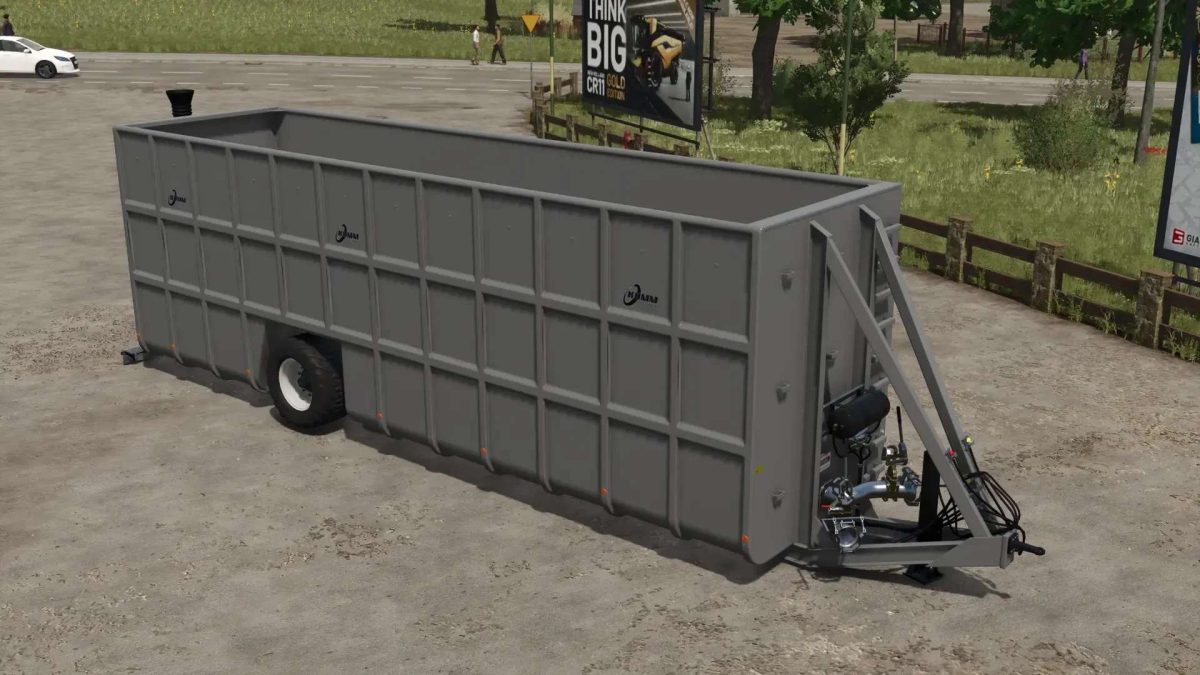
Kumm Technik KTS 30000
Shop Category: Slurry Transport

Kumm Technik KTC
Shop Category: Slurry Transport

Version 1.0.1.1:
* FIX: Filling with the suction arm was not working

Credits:

Finanzamt31er

How to install FS25 Slurry Tanks?
Firstly find a mod which you like and want to download. Then download a mod to your PC. Mods are usually in .zip format file. But sometimes it can be in .rar. If a mod file is a .zip format no needed additional actions. If a file is in .rar, then you must unarchive mod with software like WinRar or Zip7. Windows 10 users no need to use software for archives, Win10 itself has a feature to unarchive files.
The next step is to find mods folder in your PC. Usually, it is in Documents/My Games/Farming Simulator 25/2025. Open the "mods" folder and put downloaded .zip archive or unarchived .rar file to this folder.
Last step. Enjoy of FS25 mods!

Leave a Reply

Your email address will not be published. Required fields are marked *