
FS25 Windrowers

Kuhn MergeMaxx 950 v 1.0

Kuhn MergeMaxx 950 v 1.0

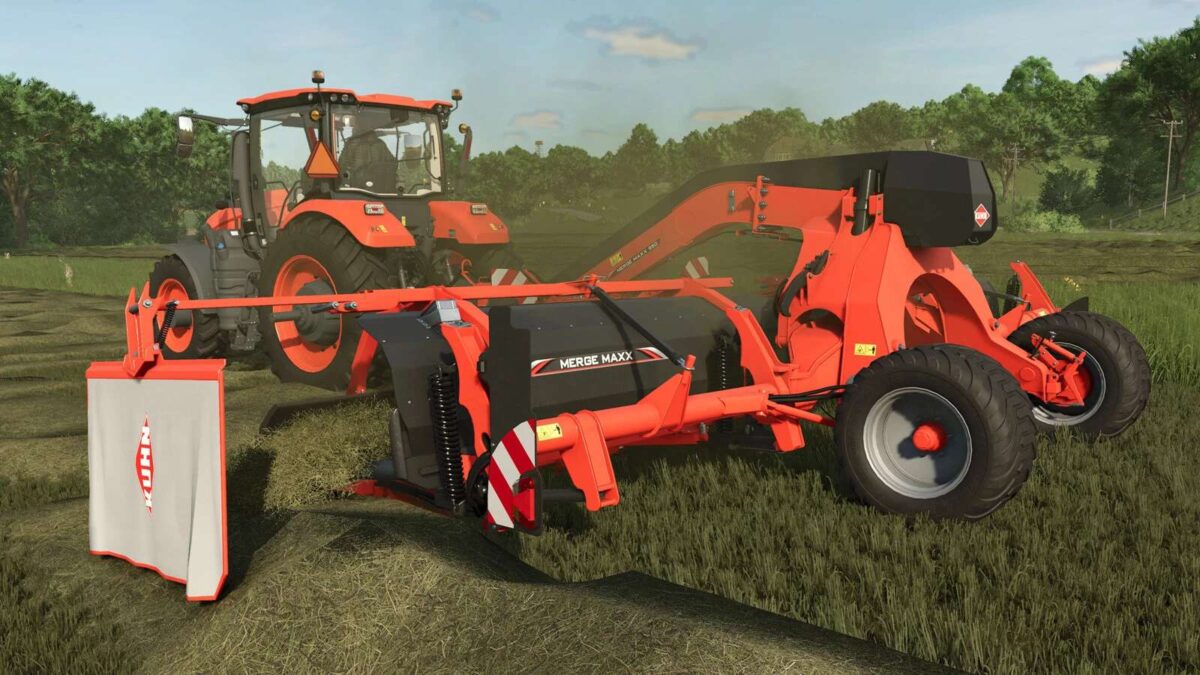
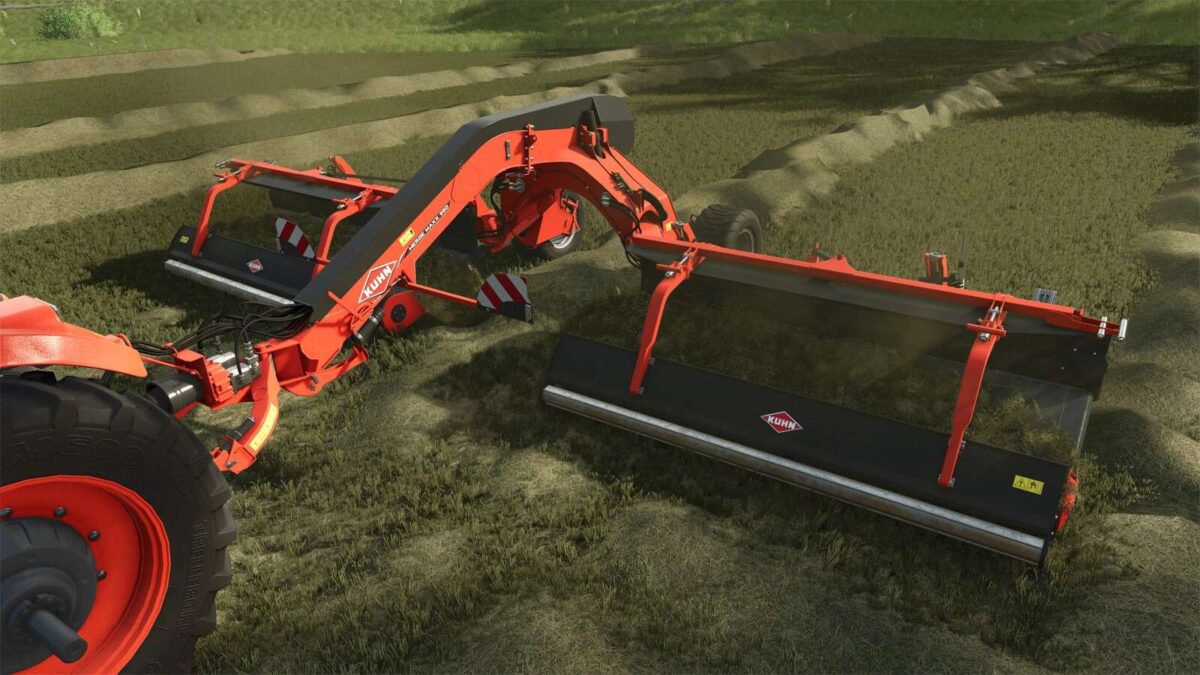
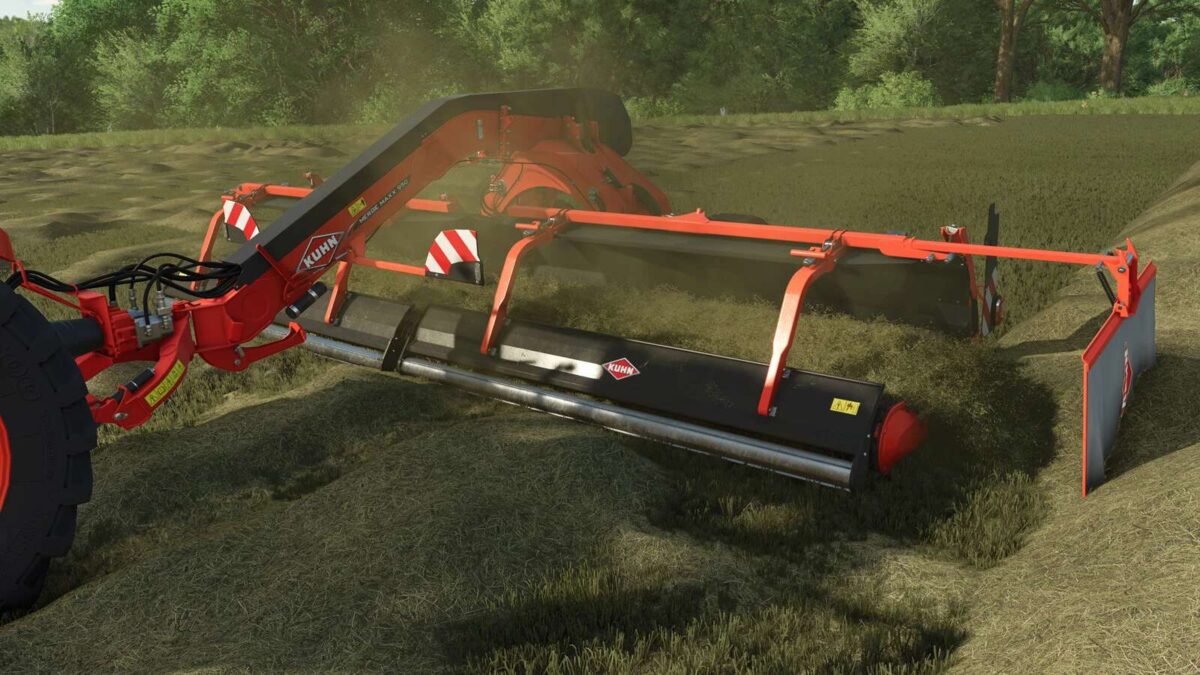
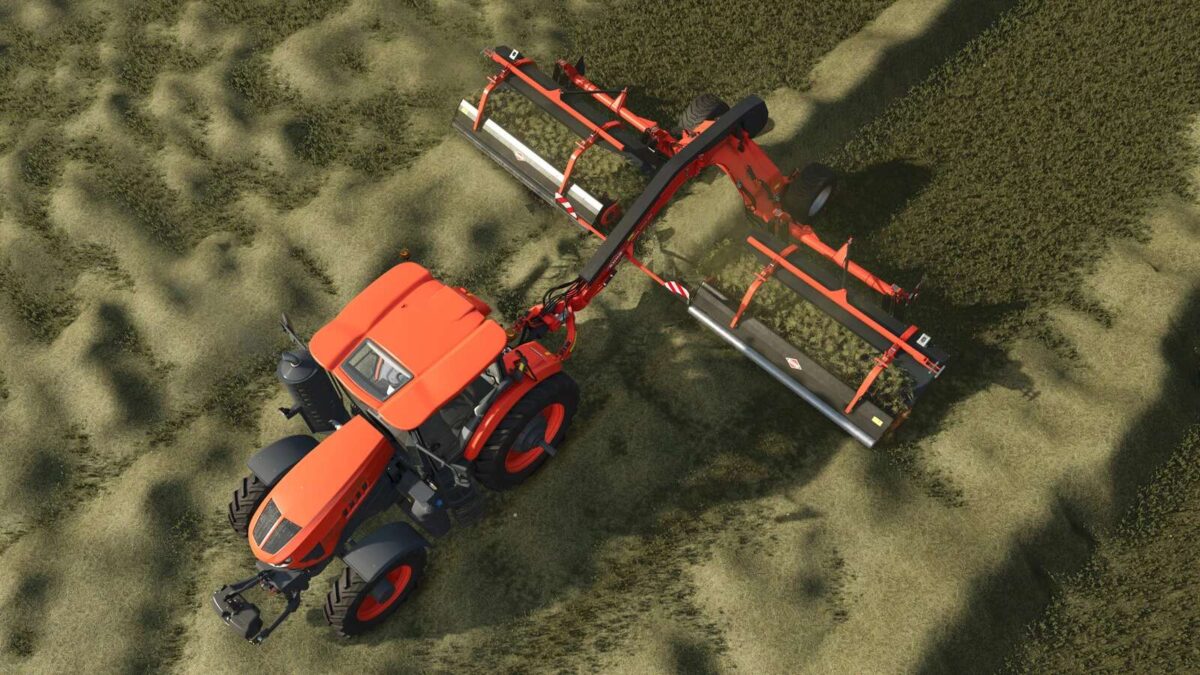
The Kuhn MergeMaxx 950 is a windrower designed for use in Farming Simulator 25, offering a working width of 9.5 meters to efficiently handle your crop management needs. With a working speed of 18 km/h, it allows for swift operation in the field, making it suitable for large farming operations. This mod accurately reflects the features of the real Kuhn MergeMaxx 950, providing farmers with a reliable tool for merging crops into tidy windrows, facilitating easier harvesting processes. The design and functionality ensure that players can integrate this equipment seamlessly into their farming routines.

Kuhn MergeMaxx 950 Windrower for Farming Simulator 25.
Working width 9.5 meters.
Working speed 18 km/h.

Credits:

Giants Software

How to install FS25 Windrowers?
Firstly find a mod which you like and want to download. Then download a mod to your PC. Mods are usually in .zip format file. But sometimes it can be in .rar. If a mod file is a .zip format no needed additional actions. If a file is in .rar, then you must unarchive mod with software like WinRar or Zip7. Windows 10 users no need to use software for archives, Win10 itself has a feature to unarchive files.
The next step is to find mods folder in your PC. Usually, it is in Documents/My Games/Farming Simulator 25/2025. Open the "mods" folder and put downloaded .zip archive or unarchived .rar file to this folder.
Last step. Enjoy of FS25 mods!

Leave a Reply

Your email address will not be published. Required fields are marked *