

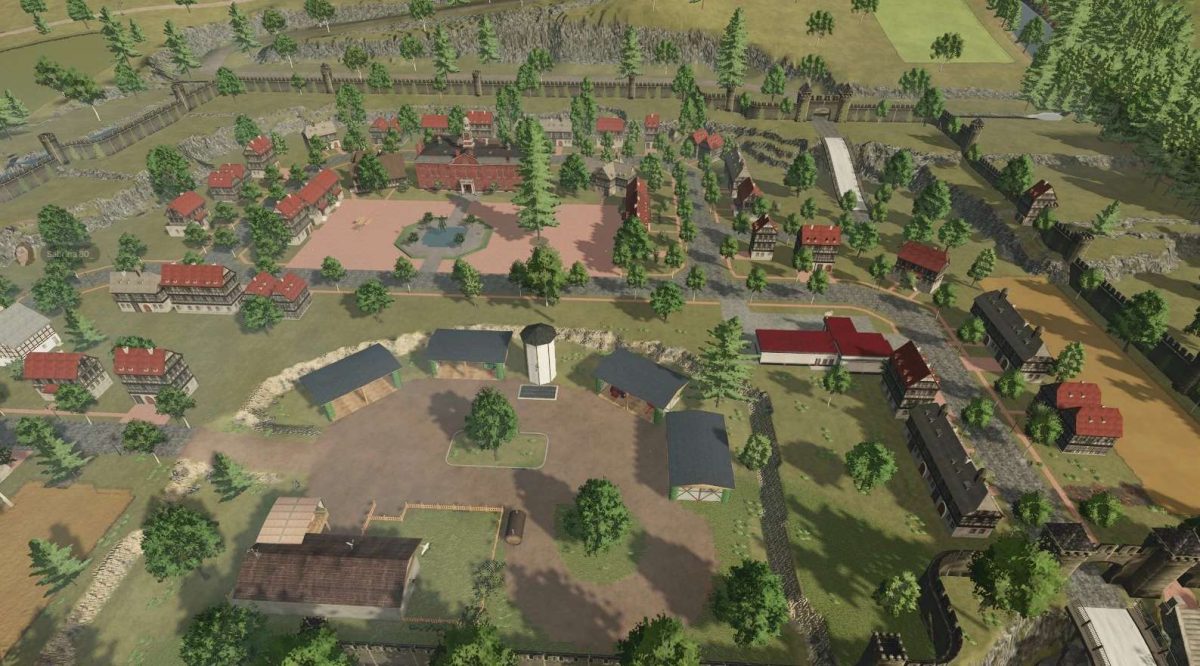
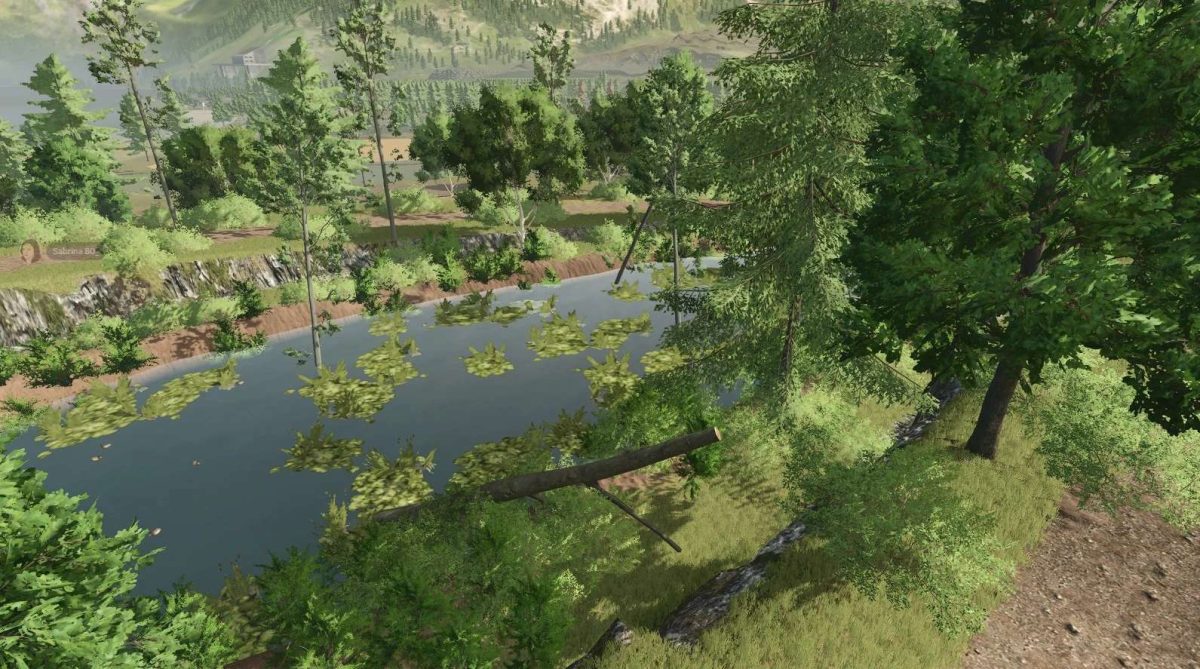
Kreis Almsingen Map v 1.0.3.0


– 1 sheep farm
– 1 cow farm
– 1 horse farm
– 1 pig farm
– 1 chicken farm
– In addition, there are 18 different productions, including a wine and a beer production, and 26 sales stations on the map
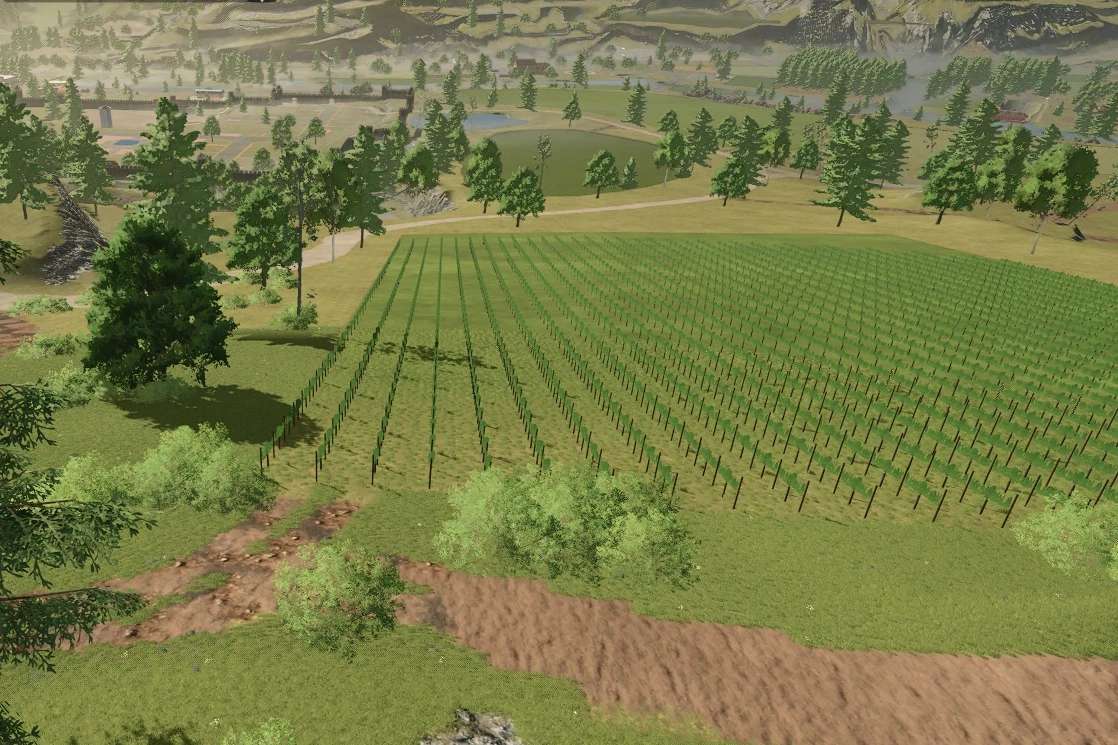
– The grape and olive fields are present and ready for purchase
– There are 109 fields.
– The Kreis_Almsingen is suitable for small to medium sized vehicles because the paths and roads are narrow, but the terrain is very hilly, so you still need power
– 24 animal collectibles are waiting to be found
– These are available in the colors ruby, emerald, topaz, gold, silver, and pitch black
– The map has also been adapted to the precision farming system and is suitable for it
Version 1.0.3.0:
* Moved the rocks near the terraced fields
* Placed the floating trees back on the ground
* Fixed the diesel storage
* Moved the trees from fields 25 and 27 further away
* Made molasses distributable
* Added toy production
* Placed a toy sales point on the market and added it to other sales points
Credits:
Sabrina80_


