

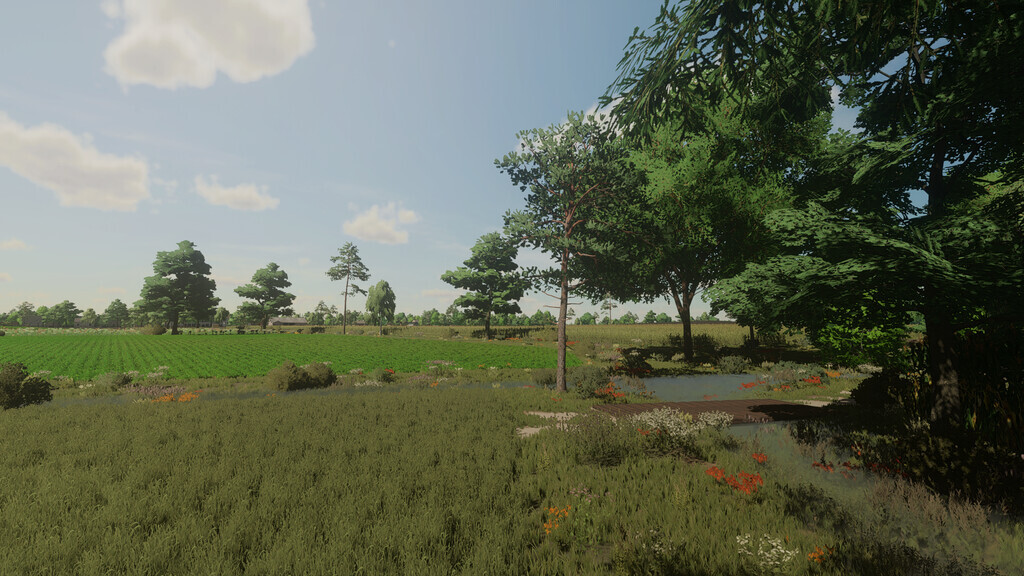
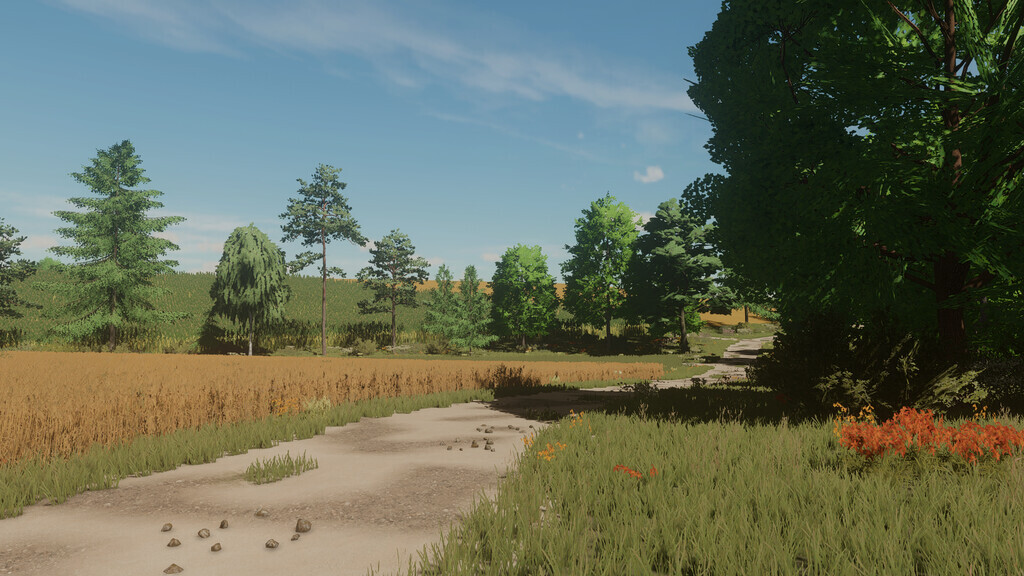
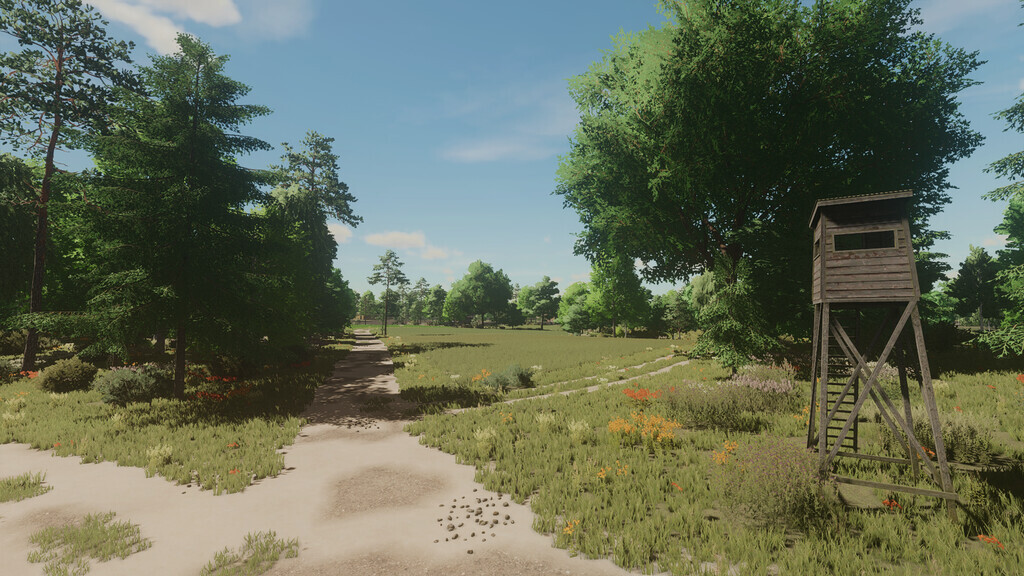
Krajeńskie Pola Map v 1.1


– Quadruple size
– 5 Farms (Small / Medium / Large)
– 1 agricultural base
– 191 fields and 28 meadows (from 0.18ha to 52.38ha)
– 4 Sales points
– 12 federal states with passive income
– 1 Large and 1 Small Forest
– 20 collectibles
– Multiterrain
– Varied terrain
– Custom traffic
– New custom textures: Crops, Grass, Ground, Trees
– Custom ambient sounds
– Stubble compaction (When the crop destruction option is turned on)
– License plates appropriate for the map region
– Adaptation for DLC Premium and DLC Platinum
– Customized precision farming values
– Volunteer Fire Department
– Mill
– Liming stations
– 2 gas stations
– 2 straw purchases
– Grocery store
– Oil mills
– Sawmill
– 2 grain collection centers
– Root purchasing
– Animal dealer
– Purchase of stones and boards
– Wholesale
– Wool purchase
– Bakery
– Dairies
– Biogas plants
– BigBag Store
– Vehicle workshop
Version 1.1:
* Improved optimizations
* Terrain unevenness in fields has been corrected
* Fixed operation of the precision farming map
* Numerous farm issues fixed
* Missing sounds fixed
* Several ground and crop textures have been changed
* Several buildings changed
* More decorative objects added
* Added lamps on the street in Wałdów
* vehicle and pedestrian traffic has been adjusted
* The appearance of crops has been adjusted
* 25 additionally required mods removed
* Vehicles removed from the game as static
* Walking dogs removed from the map
* Default manure plates removed
* Additional crops removed
* One terrain texture removed
Credits:
CUKS0N


