

FS25 Trucks

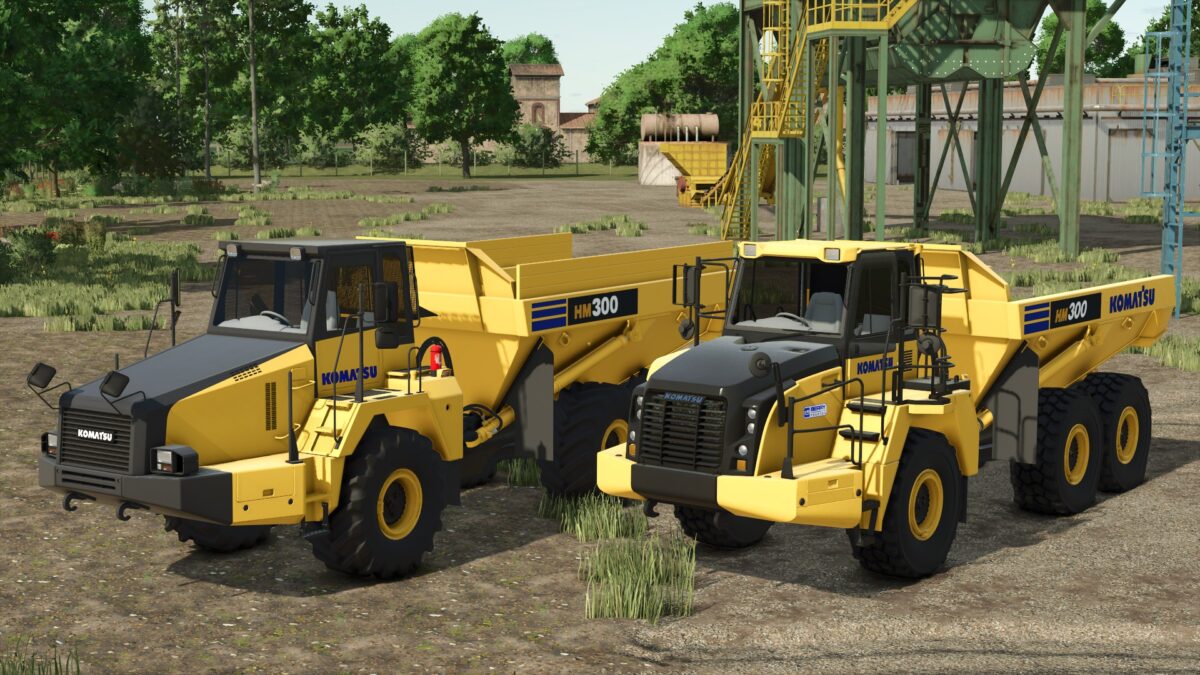
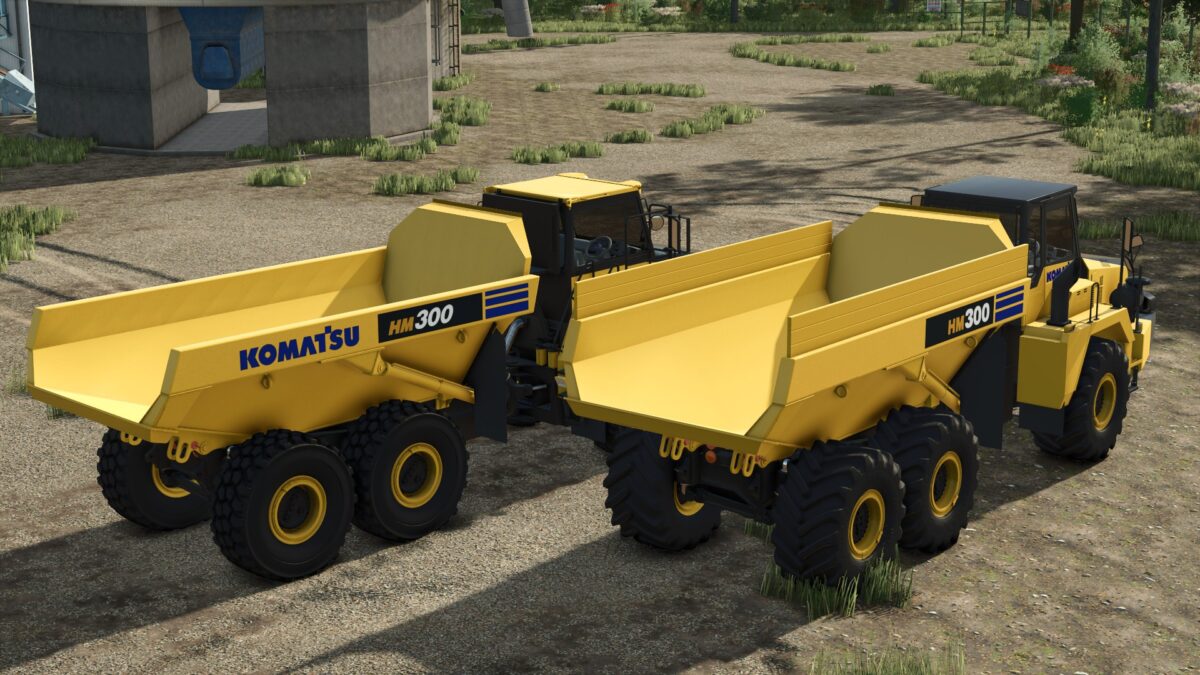
Komatsu HM300 Edit v2.0

Komatsu HM300 Edit v2.0

Version 2.0 Safari Edit:

Performance:
Real Power: 332HP → 480HP (+45%) – SAA6D120E-7 engine tuned for real work
Top Speed: 58.6 km/h → 75 km/h (+28%) – Get between sites faster
Reverse Speed: 22 km/h → 30 km/h (+36%) – Maneuver quicker
Torque: 11.102 → 15.5 (+40%) – Climbs hills with full load
Brakes: 45 → 60 (+33%) – Stops safely with 50 tons

Economy & Usability:
Fuel Tank: 795L → 1200L (+51%) – Work longer without refueling
DEF Tank: 159L → 200L (+26%)
Fuel Consumption: 124 → 110 (-11% more economical)
Engine Start: 2500ms → 1500ms – Faster start

Capacity:
Regular Body: 35,000L → 50,000L (+43%)
Cheater Boards: 45,000L → 65,000L (+44%)

Credits:

Safari, Canada FS, EB Modding, Pappy

How to install FS25 Trucks?
Firstly find a mod which you like and want to download. Then download a mod to your PC. Mods are usually in .zip format file. But sometimes it can be in .rar. If a mod file is a .zip format no needed additional actions. If a file is in .rar, then you must unarchive mod with software like WinRar or Zip7. Windows 10 users no need to use software for archives, Win10 itself has a feature to unarchive files.
The next step is to find mods folder in your PC. Usually, it is in Documents/My Games/Farming Simulator 25/2025. Open the "mods" folder and put downloaded .zip archive or unarchived .rar file to this folder.
Last step. Enjoy of FS25 mods!

Leave a Reply

Your email address will not be published. Required fields are marked *