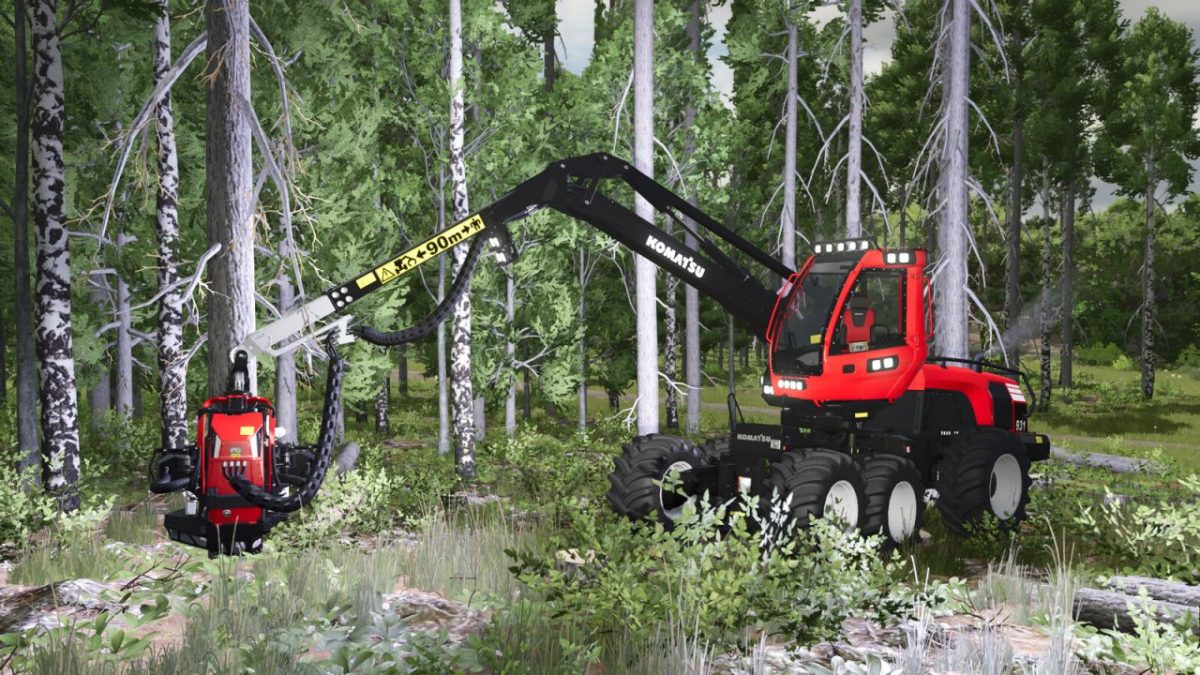
Komatsu 931 & 931XC Logging Harvesters v 1.0


Komatsu 931:
Category: Harvesters
Price: 415,000 $
Power: 251 HP
Komatsu 931XC:
Category: Harvesters
Price: 450,500 $
Power: 251 HP
Features:
– Rear pendulum axle and pure articulated steering, just like in real life
– Cabin tilt can be turned off for transport.
– Cutting length up to 25 meters in 0.5 increments
– Window tinting
– 2 verschiedene Arm Ausschub Varianten
– Additional indoor camera for the steep slope, follows the harvester head and tilts forward
– Additional headlights selectable at the bottom of the cabin
– Rear cage selectable
– Position lights selectable
– Color choices for: Vehicle, Harvesterhead, Claws, Hose protection, Olofsfors, Rims, Cage, Seat
– License plate in the left window for e.g. the driver name
– Real Steering
– The set cutting length shown on the display
– Chainsawholder
Credits:
HR Forst und Fahrzeugbau