

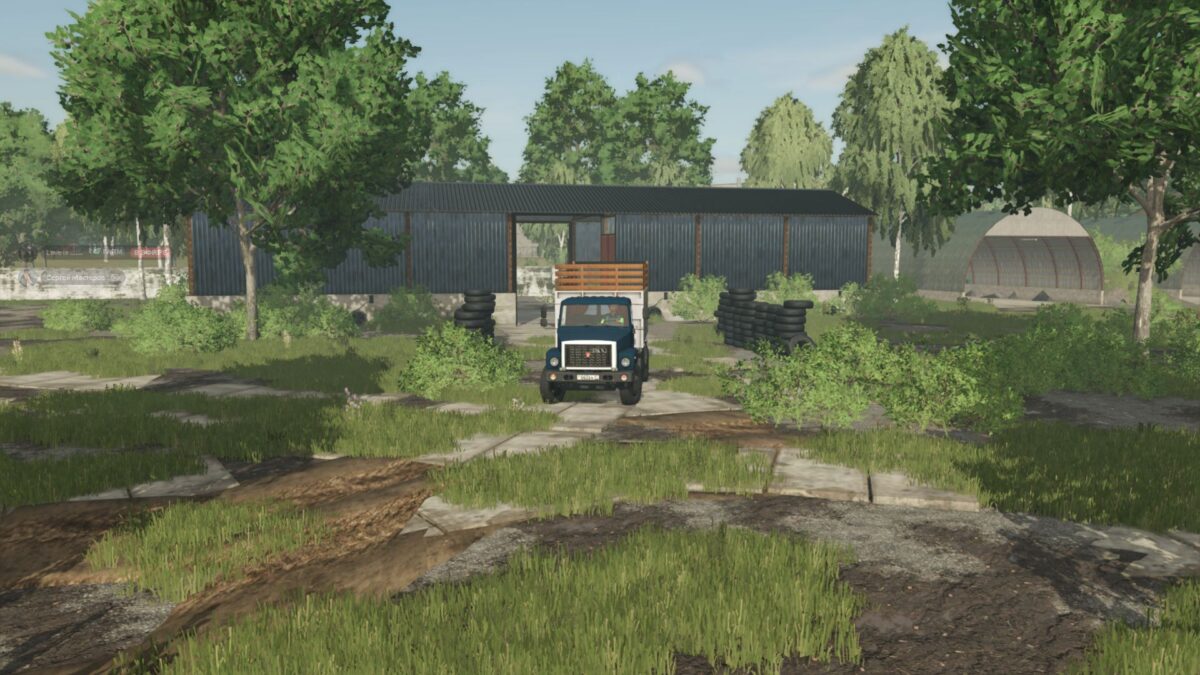
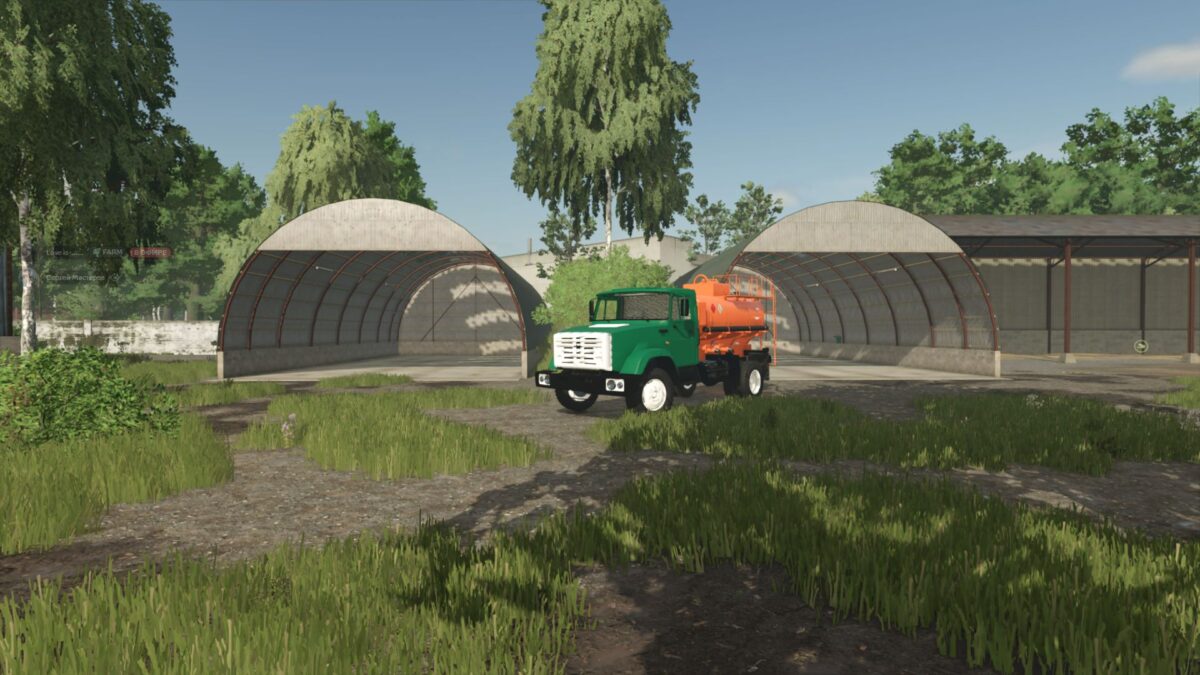
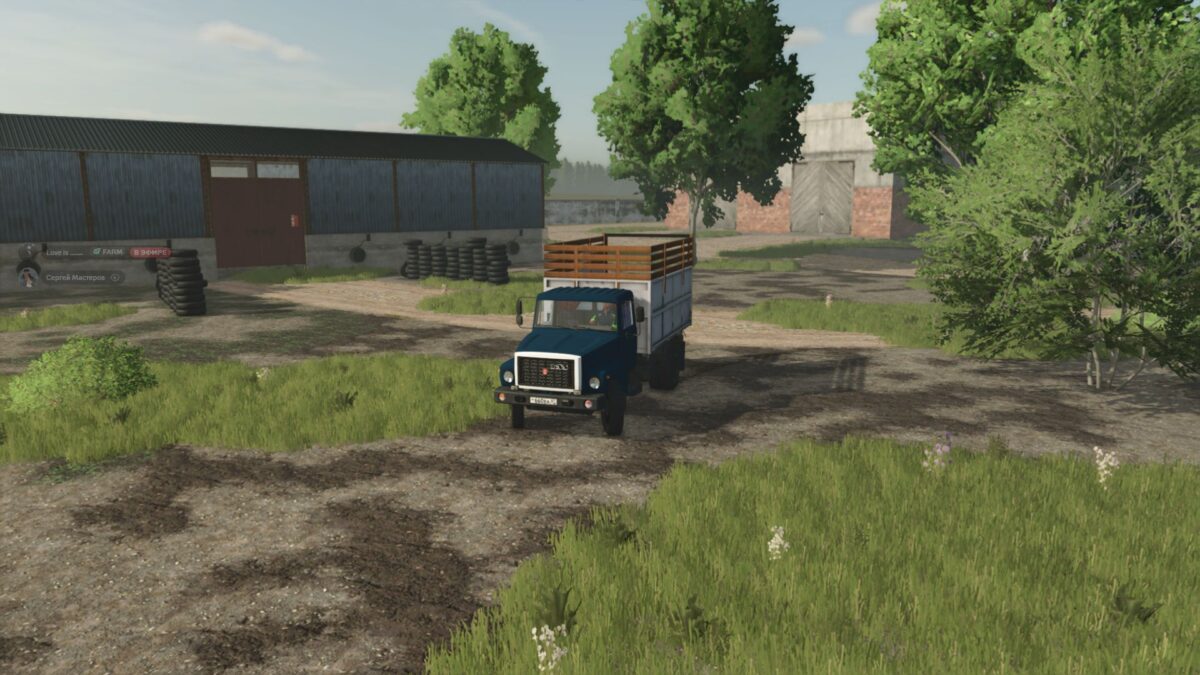
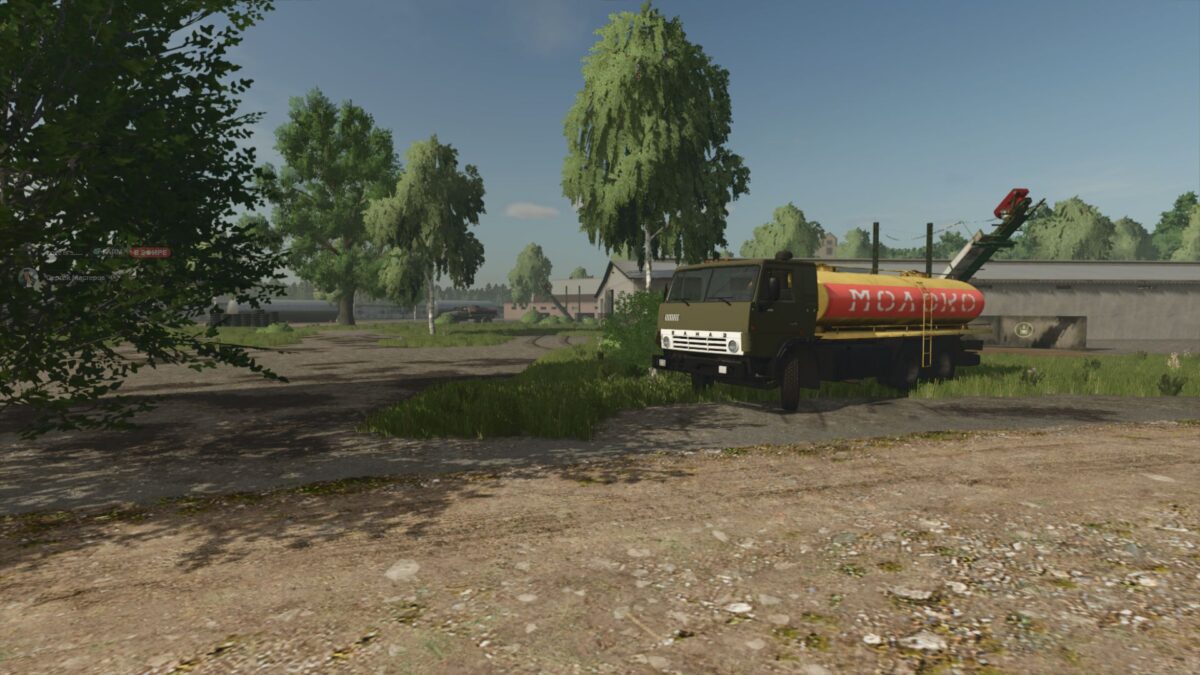
Kiselevka 4x Map v 1.0.1.1


Available productions:
– Mill
– Bakery
– Sawmill
– Sugar factory
– Dairy
– Seed plant
– Paper Factory
– Fish production Brewery
– Meat processing plant
– Creamery
– Finished Products Factory
– Points of sale
There are many sales points for selling products:
– Stores
– Vegetable base
– Elevator
– Processing plants
– Industrial warehouses
– Quarry
– And other objects
Version 1.0.1.1:
* The quarry has received an update and has become even more interesting to work with
* Certain elements were improved
* Bugs were corrected
* The appearance was tidied up
* A new production has been added, which expands the capabilities of the card and adds another option for earning money and developing the economy
* Greenhouses appeared on the map. Now you can engage in an additional area of production and diversify the usual gameplay
* Individual elements of the database have been completely updated and improved
* Improvements have been added, bugs have been fixed and changes have been made to make it more convenient to use
* Fixes many different bugs and minor issues
* Additional optimization and customization of the map was also carried out
* In addition to the main changes, the update includes many small improvements, improvements and fixes that are not always immediately noticeable, but make the map nicer and more stable
Credits:
ZLoyDED


