
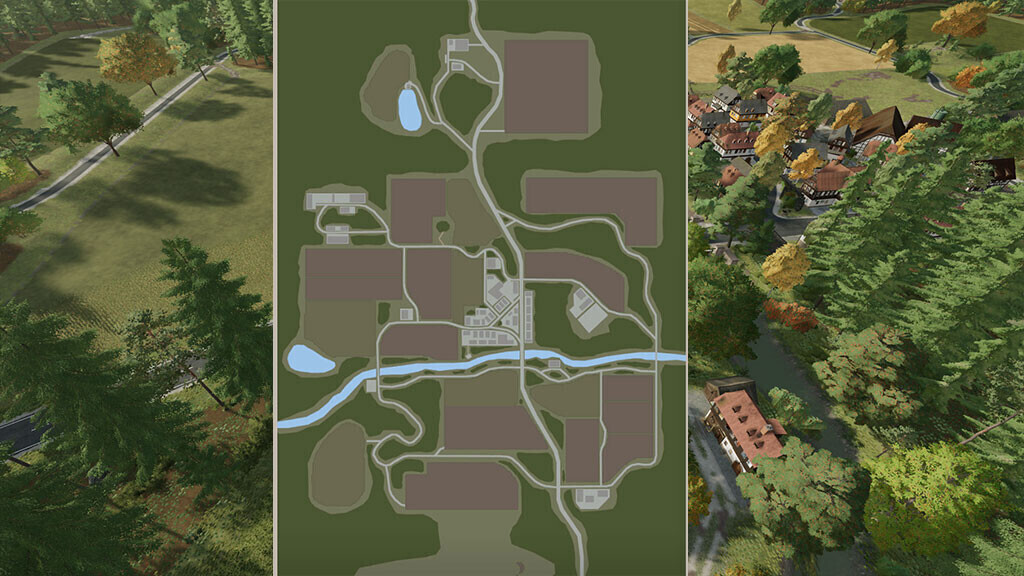
Kallebach Map v 1.1


Farms & Stables:
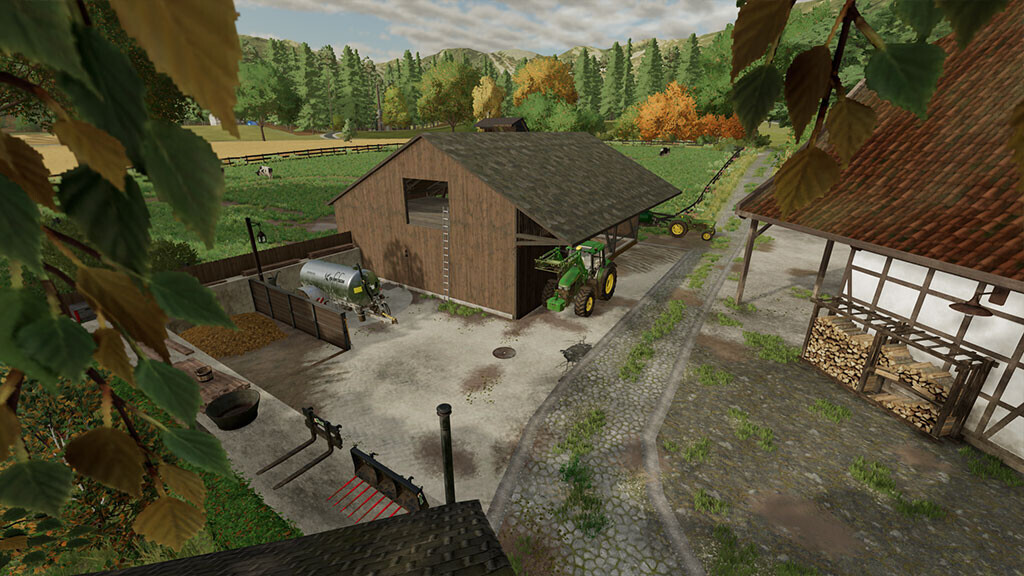
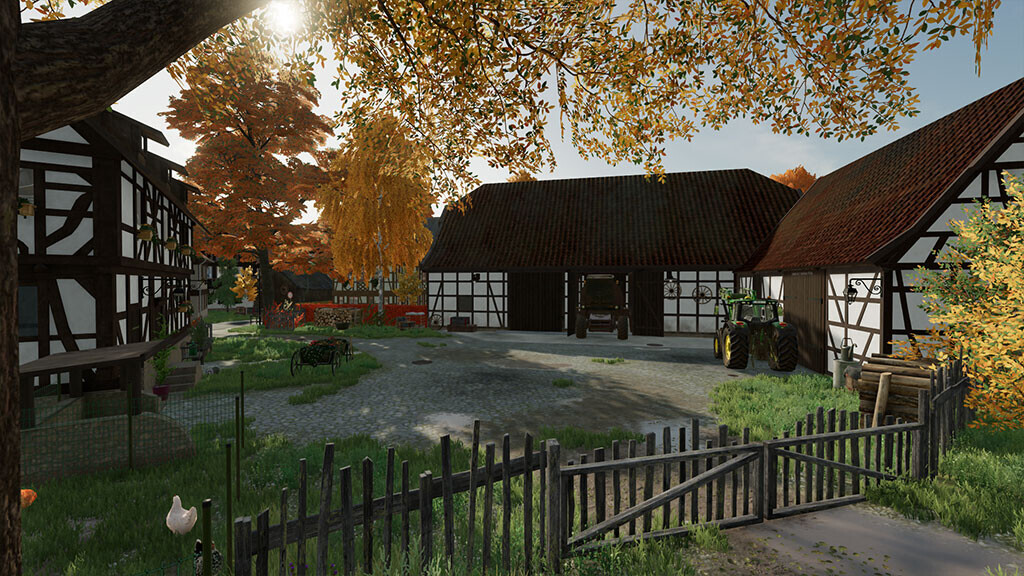
– Starting farm: Small arable farm with chickens, grain silo and barn with bale and pallet storage
– Cowshed and barn with bale storage
– Sheepfold/pasture and barn with bale storage
– Horse pasture
– Pig barn
– Barn with pallet storage
– Garden
– All farms & stables can be purchased and managed via the farmland
– Cowshed is prepared for the ManureSystem mod
Build:
– The construction menu is based on Erlengrat but has been expanded (more trees and painting textures)
– The starting farm and the area for the cows are an integral part of the map and therefore not suitable for tearing down
– The areas for pigs, horses and sheep can be completely demolished, including decoration
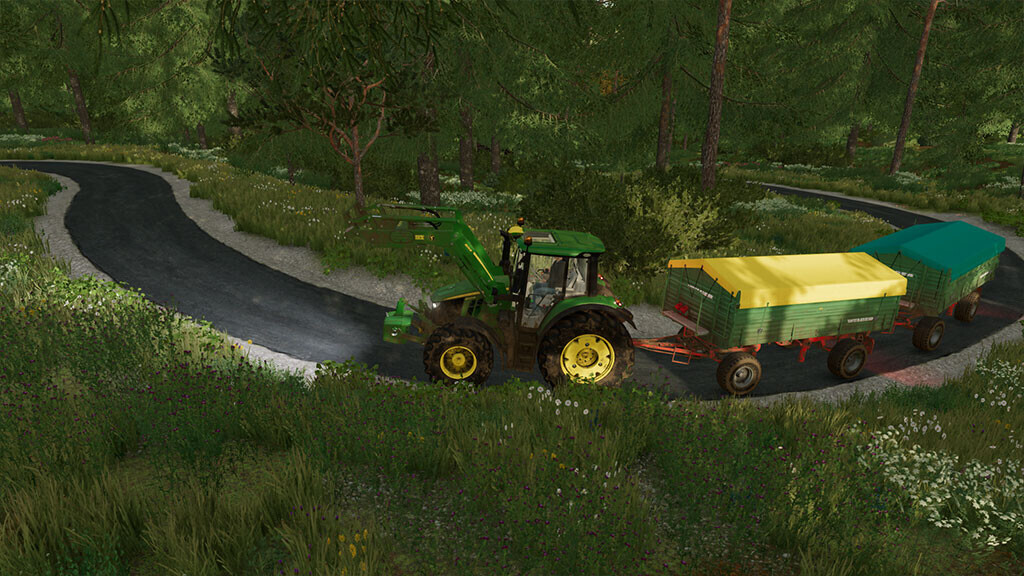
– Fields or forest areas are ideal for your own construction work
Sales & Production:
– Corner shop
– Restaurant
– Hotel and Inn
– Agrar trade
– Livestock trade with hay barn
– Flour mill
– Dairy
– Bakery
– Tailor shop “Naturmode Mäh” (clothes are made directly from wool)
– Sawmill
– Production barn
Buy:
– Gas station
– Water
Fields:
– 14 fields (0.34 ha to 2.1 ha)
– 7 meadows (0.5 ha to 1.5 ha)
– 6 forest areas (0.9 ha to 3.5 ha)
Tip: Machines that fit the Map:
– Oldtimer
– Youngtimer
– Small modern machines
– Tractors up to 150 HP
Version 1.1:
* Built a cow barn with pasture at the main farm
* Built a silage silo at the main farm
* Replaced the pigsty with a decorative church
* Built the pigsty at the former location of the cow barn
* Added Bizon Pack as a new required mod
* Revised starting fleet and set new starting fields for a fresh gameplay experience
Credits:
Ka77e