

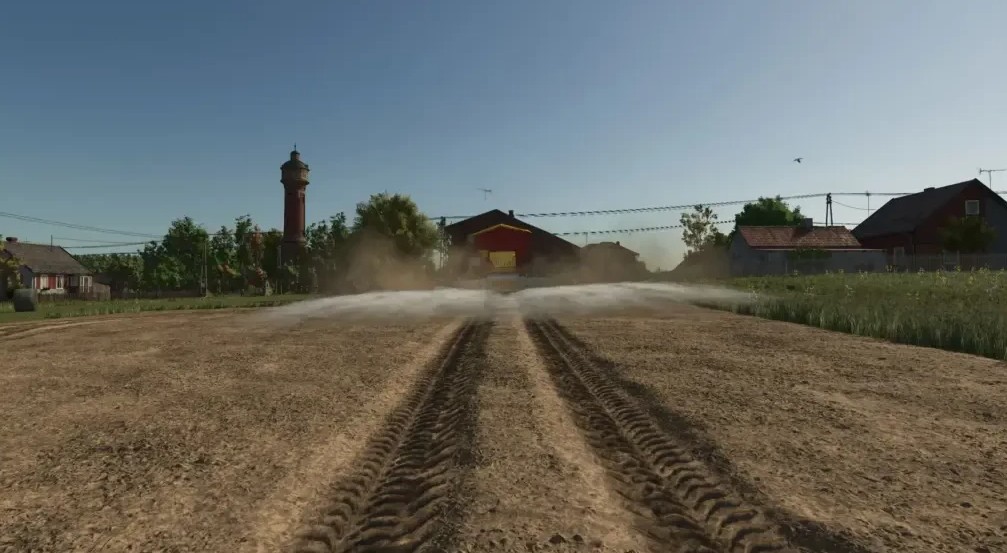
Kalk Texture v 1.0


A real lime texture using images.
Fill Plane built for spreaders.
Particle color adjusted.
Ground lime texture built for fields.
Distance texture created.
Installing:
– Installing fillplane: Data disk c/ProgramsX86/Farming Silmulator 2025/ data/fillPlanes
– Installing fillplane distance: Data disk c/ProgramsX86/Farming Silmulator 2025/ data/fillPlanes/distance
– Installing ground: Data disk c/ProgramsX86/Farming Silmulator 2025/ data/maps/textures/terrain/ground/distance
– Installing ground distance: Data disk c/ProgramsX86/Farming Silmulator 2025/ data/maps/textures/terrain/ground
– Installing particles: Data carrier c/ProgramsX86/Farming Silmulator 2025/ data/effects/fertilizer/fillTypes/lime
Before installing, please make a copy of all files to be replaced.
Credits:
johannesG


