

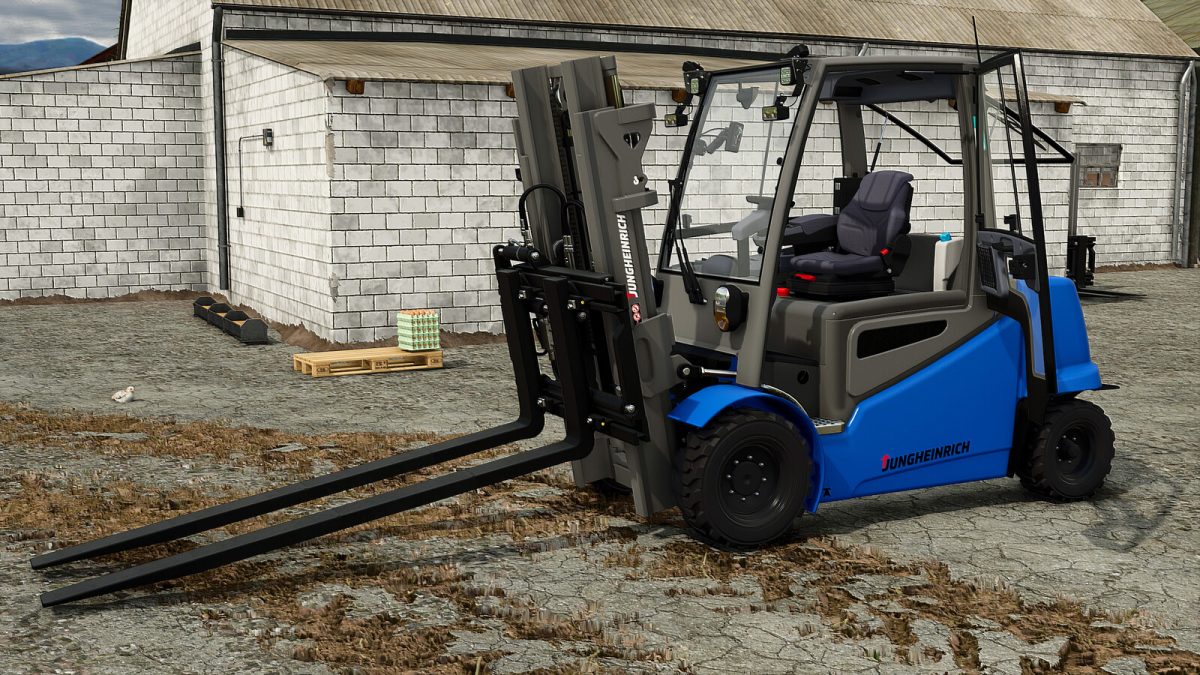
Jungheinrich EfgS50S Pro v 1.0


This forklift is designed to provide a gameplay experience that is not only more authentic but also more realistic. You can choose between standard or extended forks, which significantly ease the loading of pallets.
Additionally, this machine is equipped with several dynamic animations, such as door opening, as well as adjustments for the driver’s seat and steering wheel, ensuring optimal comfort.
You will also find an adjustable main screen, displaying an analog RPM gauge and functional sliders to visualize essential information.
All animations are controlled via the mouse and are organized into five distinct groups:
– Group 1: Forklift control
– Group 2: Door, window, rear window, and steering wheel
– Group 3: Driver’s seat
– Group 4: Main screen and armrest
– Group 5: Engine hood and rear camera
Configuration:
– Design
– Body color
– Category: Forklift
– Price: 45 000 $
– Power: 57 HP
– Max Speed: 25 km/h
Credits:
Just Farming


