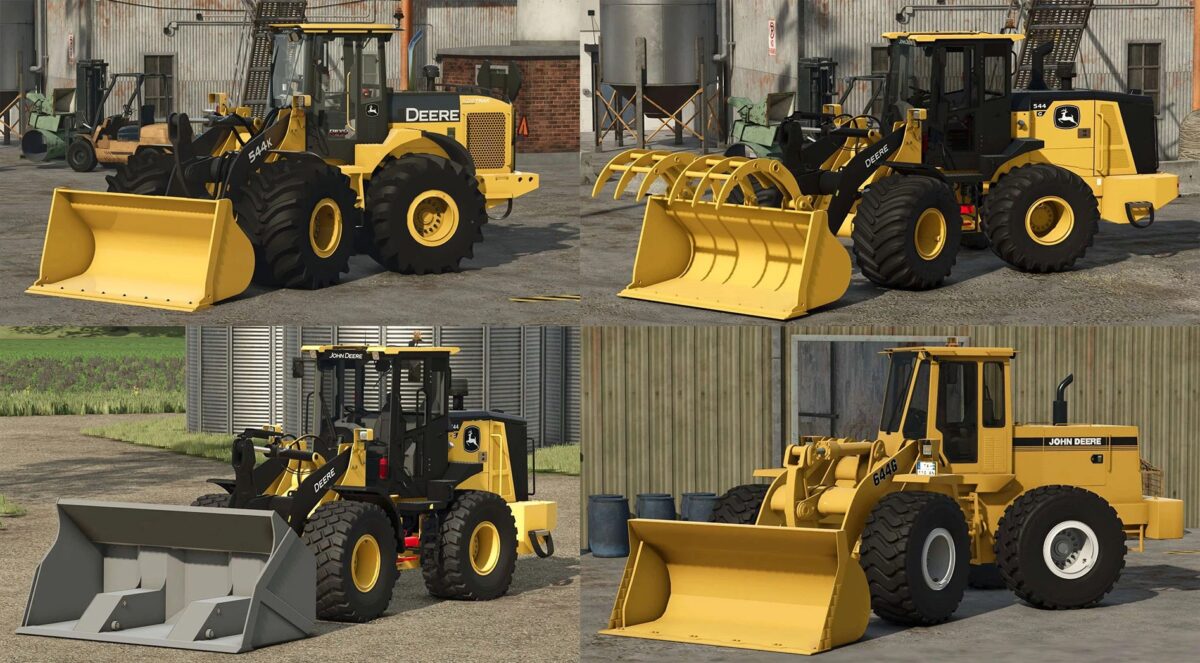
John Deere Wheel Loaders Pack v 1.0


The Pack consist of John Deere Wheel Loaders for Farming Simulator 25:
John Deere 544K:
Power 142 hp
Wheels Configuration Options
Wheels Brand Configuration Options
Fenders Configuration Options
Auxiliary Lines Configuration Options
Dealer Decal Configuration Options
Warnings Configuration Options
Logos Configuration Options
Quebec Snow Configuration Options
Window Tint Configuration Options
Included Tools:
John Deere Universal Bucket: Capacity 10000 liters
Jogn Deere Object Lifter
John Deere Pallet Fork
John Deere 544G:
Power 234 hp
Speed 45 km/h
Wheels Brand Configuration Options
Included Tools:
John Deere 3yd Shovel: Capacity 2200 liters
Tink Shovel: Capacity 3500 liters
John Deere 644G:
Power 178 hp
Speed 40 km/h
Beacon Configuration Options
Rim Color Configuration Options
Included 5000 liters Shovel
Credits:
IINCEPT, 4MR Modding, AJDEERE, Retro Mods, FATASS