

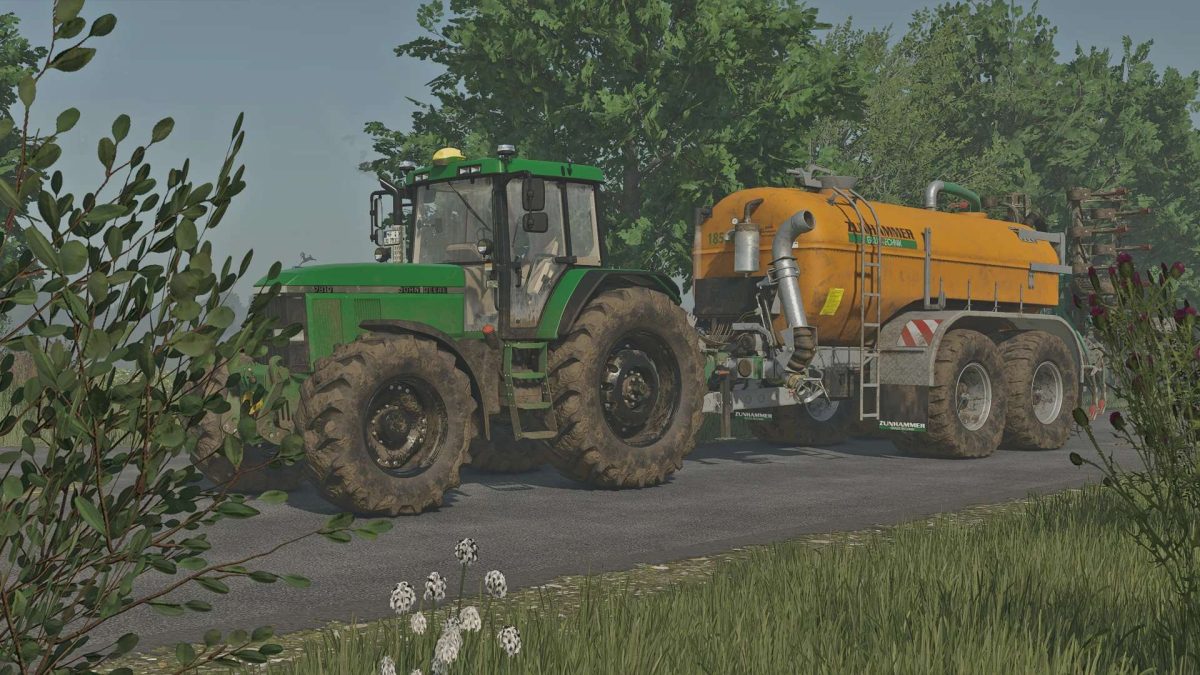
John Deere 7810 v 1.0.0.1


The John Deere 7810 v 1.0.0.1 brings a highly customizable experience to Farming Simulator 25. Players can tailor the tractor to their liking with a variety of body and wheel color options, along with different tire types to suit diverse farming needs. Additionally, the mod features personalized extras, adding to the tractor’s versatility. Thanks to the “Unlimited Color Configurations” mod, users have access to a wider range of color choices, allowing for even more creative expression. With its excellent performance metrics, this classic piece of machinery is designed to fit seamlessly into any farming operation.
– Extensive customization options
– Various body and wheel colors
– Different tire options available
– Personalized extras feature
– Unlimited Color Configurations mod included
– Impressive performance and flexibility
Version 1.0.0.1:
* Camera position adjusted
Credits:
dorschi_151


