

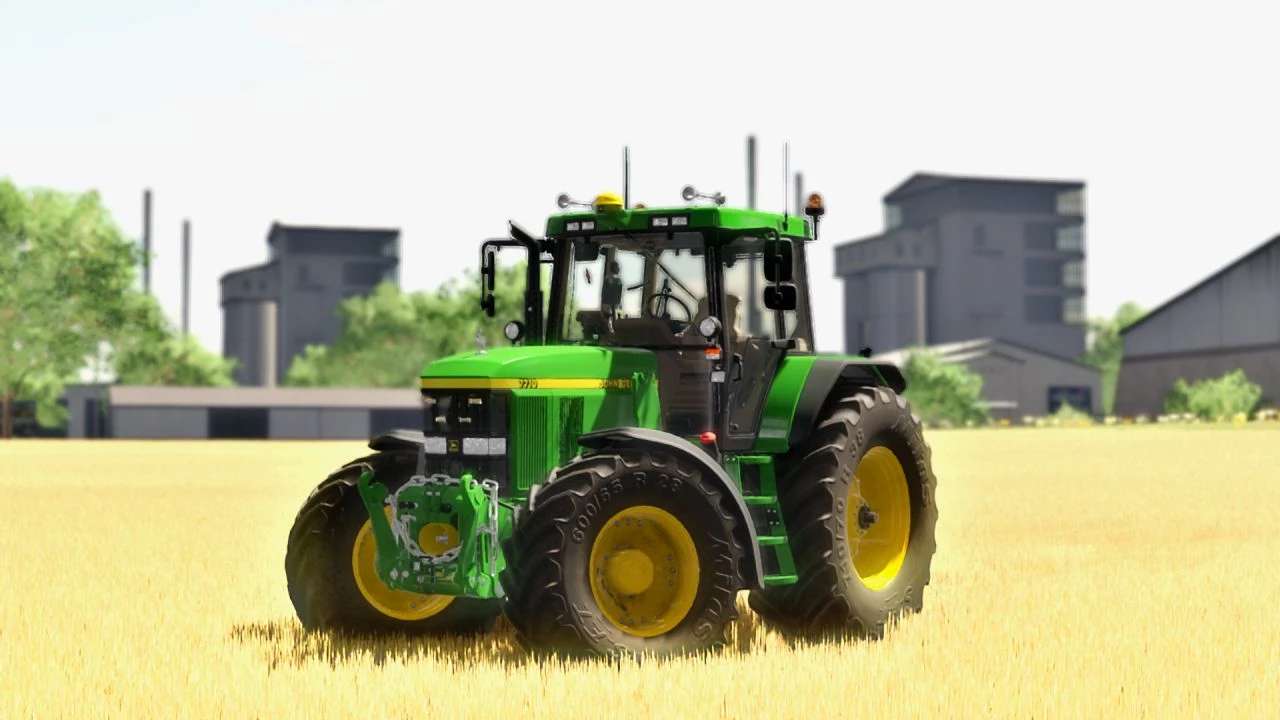
John Deere 7010 Series v 1.0


Power: 160 – 175 hp.
New specifications:
– Added support for interactive controls
– Added support for passenger mods
– Added live desktop support
– Added RealGPS support
– Added chain in FH configuration
– Added overhead light configuration
– Added Deer on Boneta
– Added air horn configuration
– Added Michelin Mann configuration
– Added configuration warning
– Added warning sticker configuration
– Added strobe light configuration
– New horn sound
– New window textures
– New dynamic smoke
– New details in the model
– Added new realistic engine sound
Interactive control features:
– Door (open/closed)
– Rear window (open/close)
– Foldable warning signs
– Turn signals (left/right)
– Lights
– Ignition
– Radio
Configurations:
– Wheels/tires
– Color of the rims
– FL console
– Front PTO
– Engine power
– Exhaust
– GPS
– Warning lights
– License plates
– Work lights
Credits:
Oskar12345


