

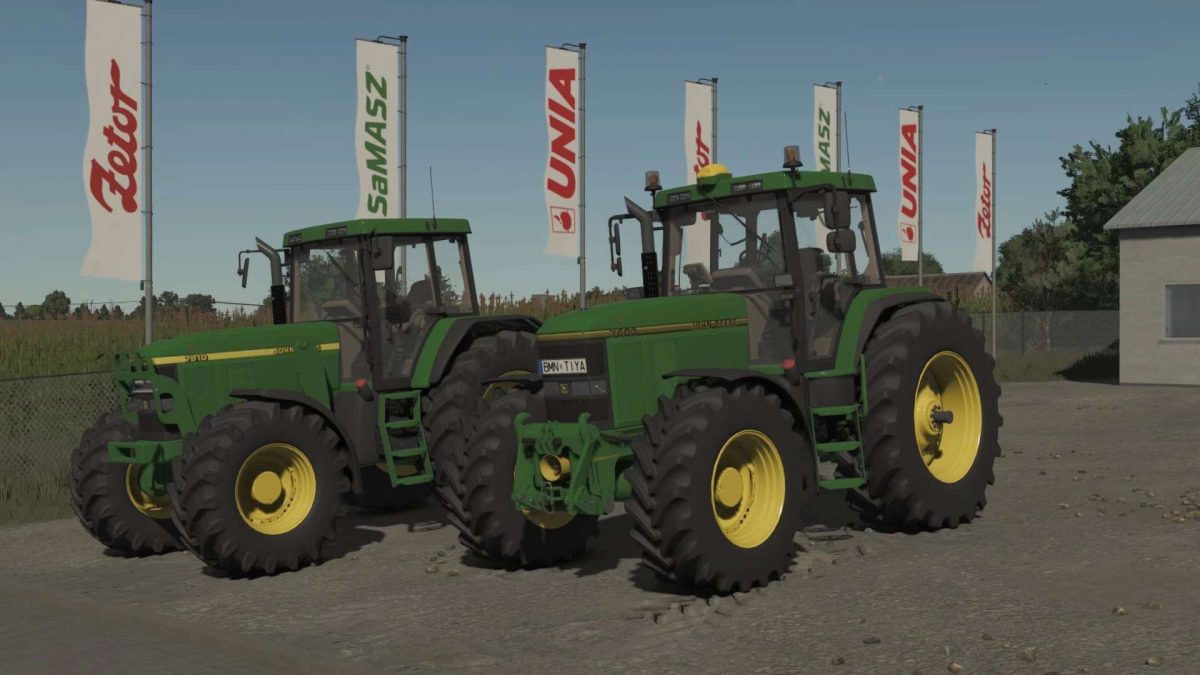
John Deere 7000 Series v 1.0


Price: 42700
Power: 130-175 HP
Maximum speed: 45 km/h
Tank capacity: 270 l of diesel
Mouse Control (Doors and Back Window)
Configurations:
– Tires
– Front accessory
– Rear hydraulic controllers
– Front wing
– Rotating beacon lights
– Rear wing
– Indicator support
– Auxiliary hydraulic oil tank
– Back windshield wiper
– Toolbox
– Steering wheel button
– Radio
– GPS antenna (guiding direction)
– Lever color
– Exhaust cover color
Engine configurations:
7000 Series:
– 7600 PowrQuad, Powershift, AutoQuad, AutoPower (130 HP)
– 7700 PowrQuad, Powershift, AutoQuad, AutoPower (150 HP)
– 7800 PowrQuad, Powershift, AutoQuad, AutoPower (170HP)
7010 Series:
– 7710 PowrQuad, Powershift, AutoQuad, AutoPower (160 HP)
– 7810 PowrQuad, Powershift, AutoQuad, AutoPower (175 HP)
Credits:
Shark09, MoosAgrar, Ossimagger, JHHG, Modding Leander


