

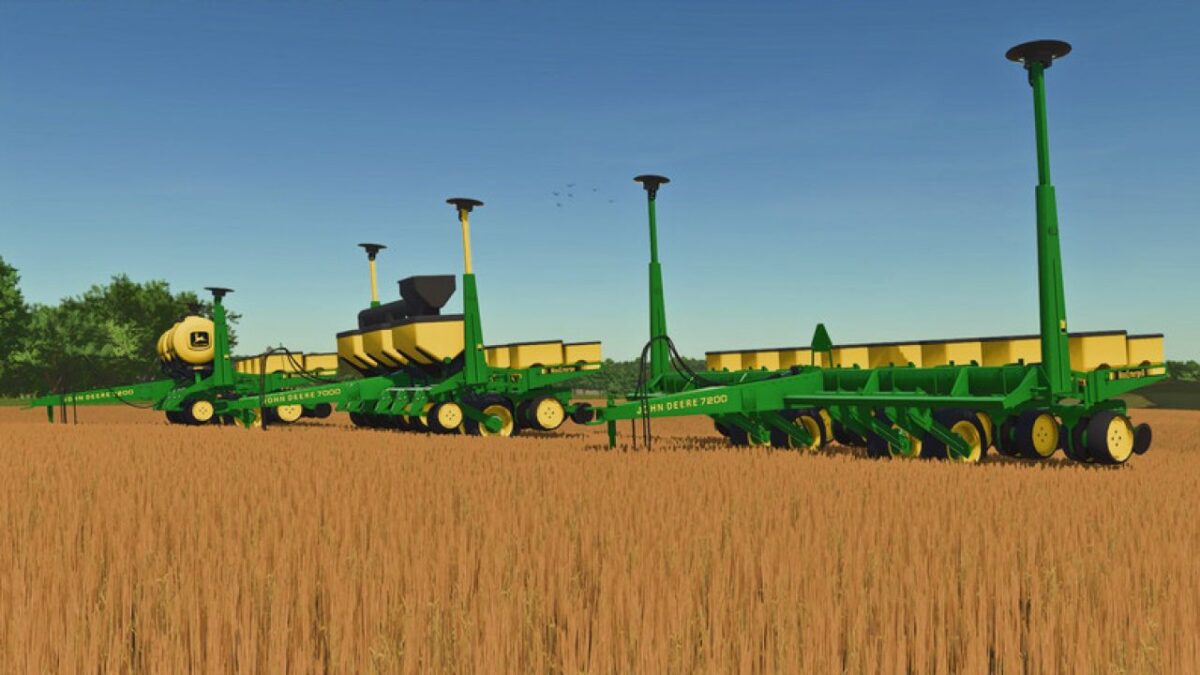
John Deere 7000/7200 v 1.0


This is a pretty substantial upgrade to the 7000 planter JMF did up at the same time RCR came out, with a ton of changes, tweaks, and improvements to make these a far more accurate planter. Green Acres happened to also be doing one of these at the same time, so we’ve put the best of both together to make these a pretty great option, with options ranging from a basic, 4 row, non-fertilizing 7000 to a well optioned 8-row 7200 with liquid or solid fertilizer, and everything in between. That is now converted to 25.
Options
– Models for 7000 or 7200
– 4R/30″, 6R/30″, and 8R/30″ frame options
– Fertilizer options for Solid or Liquid
– SMV Triangle
– Row Markers
– Insecticide Boxes
– Solid Fertilizer Box Extensions or Cross Auger (Cross Auger only on 6 and 8 row models)
– MaxEmerge or MaxEmerge 2 Row Units
– Yellow (7000) or Green (7200) Row Marker extensions
Tweaks and Changes
– Planters have been given “Ground Drive” Functionality (Green Acres)
– Added unique weights and power requirements based on size
– Corrected Attacher joint position from the upper hitch hole to the center of the hitch
– Accurate era “John Deere” Decals on the Liquid Fertilizer tanks
– Accurate era “John Deere” logo on the solid fertilizer and seed boxes
– Enhanced model decals for improved accuracy
– New Cross Auger model (purely for looks, no real extra functions or animations)
– Changed Row Markers to be correct width (Green Acres)
– Solid Fertilizer extensions
– Added Row-Crop Ready spoiler text in the function tags (Store view)
– Lots of small details and tweaks (ItsC0WB0YGamez and Green Acres)
Credits:
WholeKFCMenu, ItsC0WB0YGamez, Green Acres Modding, JMF, SleutjesModding


