

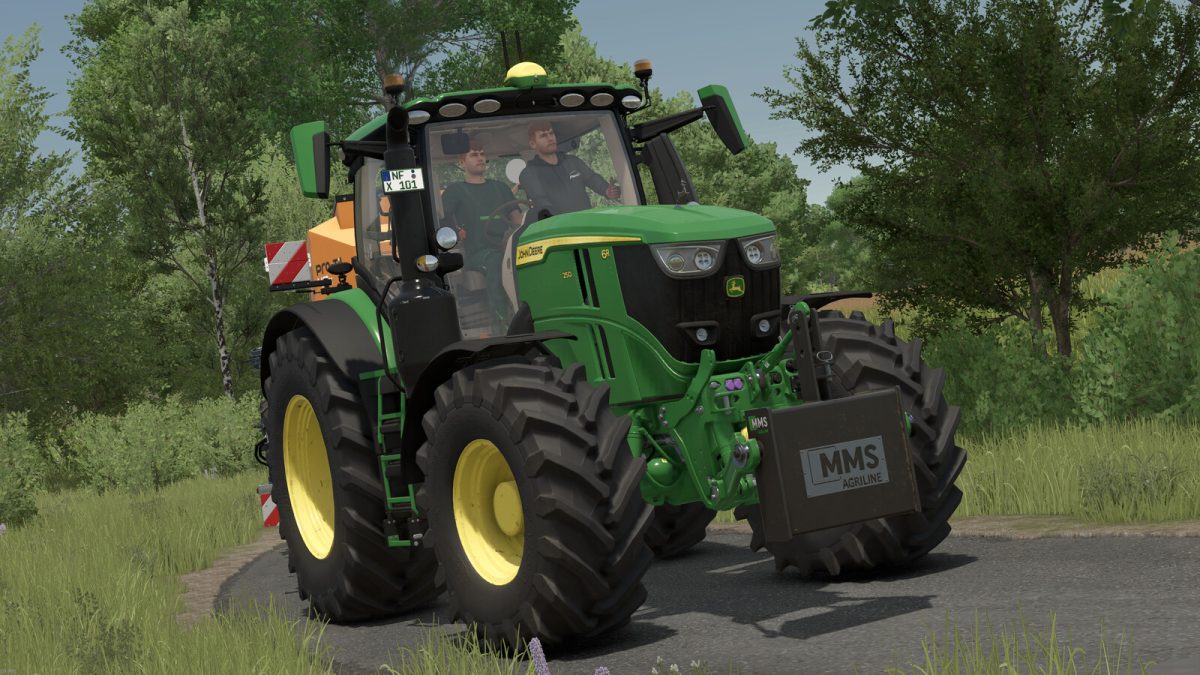
John Deere 6R 230/250 v 1.0.0.1


Store category: Medium tractors
Base price: 268.000 €
Power: 281 – 301 hp
Top speed: 50 km/h
Configurations:
– Tire selection
– Design: Design
– Panorama window
– Deer
– Front attachments
– Extra G5 display
– Rotating beacons
– Stickers
– Exhaust
– Warning plates
– Mirrors
– Heated rear window
– Trailer couplings
– Front loader attachment
– Main color
– Design color
– Rim color
Engine configurations:
– 6R 230 (281 HP)
– 6R 250 (301 HP)
– All configurations include a 40 km/h and a 50 km/h version.
Miscellaneous:
– Supports Interactive Control and mouse control
– New sounds added (thanks to siLance)
Version 1.0.0.1:
* Precision Farming support added
* Real GPS support added (Extra G5 Display)
* Interactive Control edited + engine start point added
* Added configuration for screen / radio
* Added configuration for Starfire 6000
* Roof hatch / roof window made selectable
* Original rims + wheel weights installed
* Hauer console suitable for FS25_HauerXBPack installed
* Seat cam installed
* Minor adjustments to the sound
* Various visual adjustments
Credits:
B3N


