

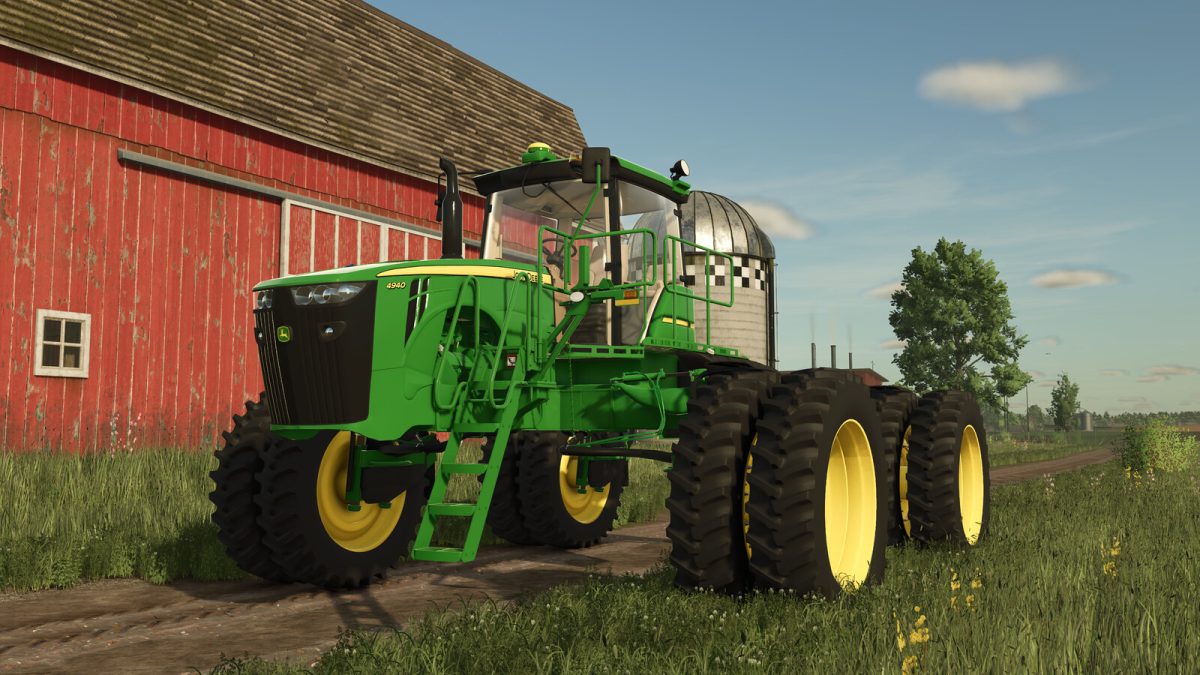
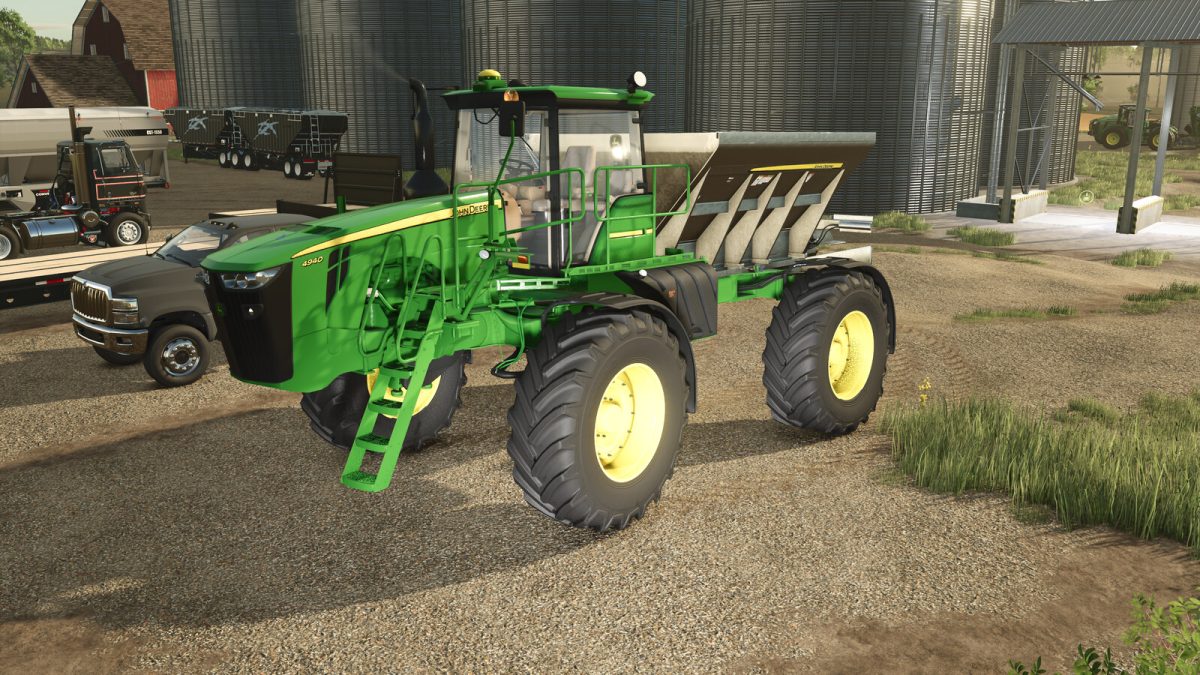
John Deere 4940 Self Propelled Sprayer v 1.0


Model: 4940 Self-Propelled Sprayer
Max speed: 52 km/h
Price: $195.000
Power: 340 HP
Drive: Full-time 4WD
Fuel tank capacity: 587 Liters / 155 gal
Tank Capacity: 4542 Liters / 1200 gal
Boom: 120 ft / 36.5 meter
Spray speed range: 0-35 km/h 0-20 mph
Boom Price: $84.990
Drybox Price: $48.000
Features:
– Drybox
– 120-ft boom
– StarFire 3000 option
– 4-wheel independent dynamic suspension
– Entrance animation: Ladder and Steering Wheel
– Joystick animation: Forward, Neutral/Park and Reverse
– Monitors with realistic animations: Speed, hours, hectares worked, etc.
– Support for Drybox and 120-ft boom coupling
– Direct Injecton option (120-ft boom)
– Load Command System option (120-ft boom)
– GreenStar 3 Monitor with Spray Star and Spread Star
– Tires RowCrop / LSW
– Fenders options
– Beacon options
– Support to the Manure System for resilient loading
Credits:
Custom Modding


