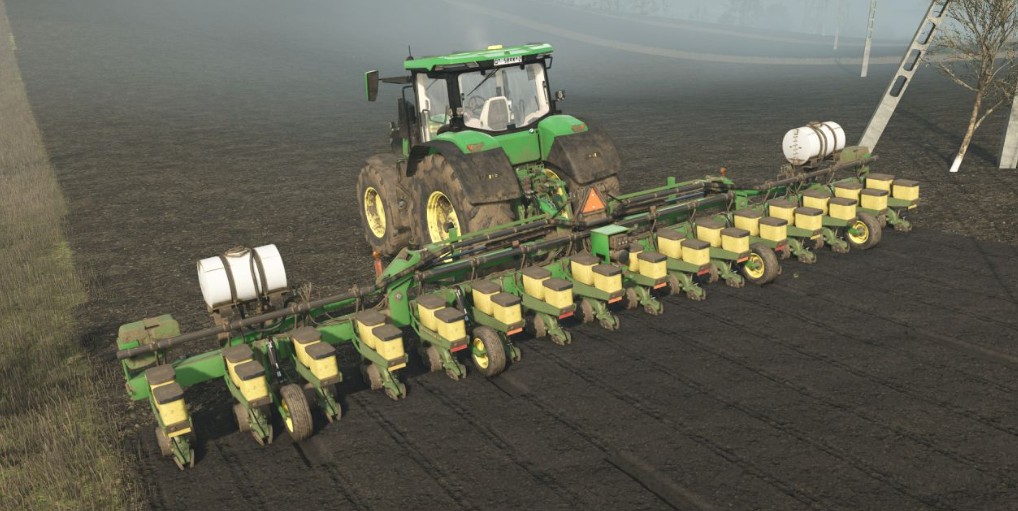
John Deere 1720 16R30 2012 v 1.0


The John Deere 1720 16R30 2012 v1.0 mod for Farming Simulator 25 introduces a detailed planting solution for players looking to enhance their farming experience.
With a generous seed capacity ranging from 896 to 1696 liters, this planter is designed to accommodate various crop needs.
It also supports the use of liquid fertilizers or herbicides with a capacity of 757 liters, ensuring that you can maintain healthy crops throughout the growing season.
This mod is priced at $62,300 and features a working width of 12 meters (40 feet) and an efficient working speed of 15 kph (9 mph).
The versatility of the John Deere 1720 is evident with multiple tank configurations available, some of which may require an additional tank for optimal use.
Additionally, players can customize their planting apparatus with different wheel configurations, disk configurations, and additional weight options, allowing for tailored performance across diverse field conditions.
– Seed capacity: 896-1696 L
– Liquid fertilizer/herbicide capacity: 757 L
– Price: $62,300
– Working width: 12m (40ft)
– Working speed: 15kph (9mph)
– Tanks configurations
– Wheels configurations
Credits:
Supesmile, JHHG Modding