
FS22 Excavators


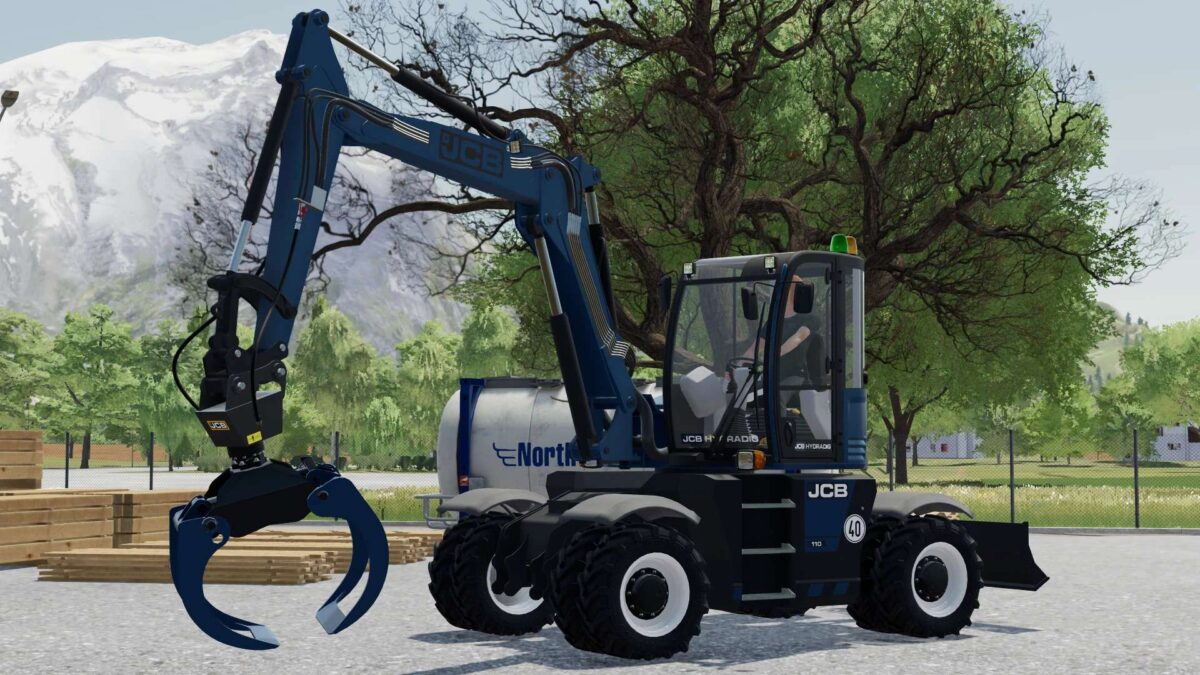
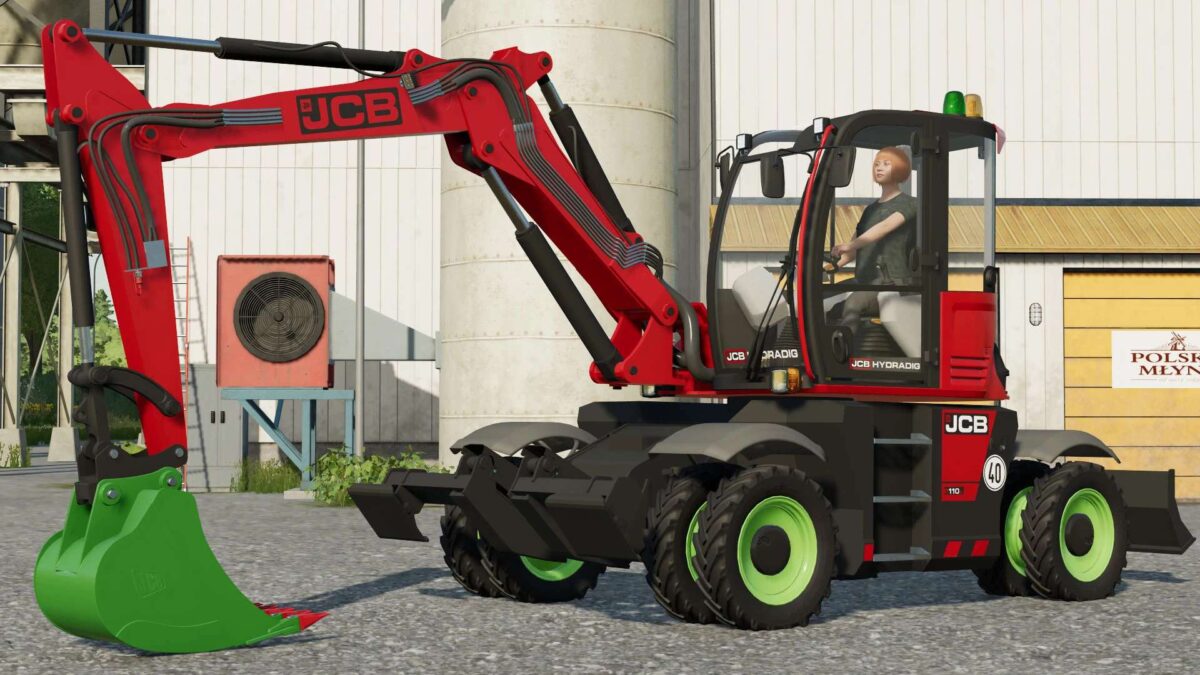
JCB Hydradig 110W v 1.0.2.0

– Power 109 hp
– Selectable Wheels Brand
– Selectable Folding Mechanism
– Selectable Rim Color
– Choice of Color

Included Tools:

JCB 110W Shovel:
– Capacity 1500 liters
– Selectable Design Color
– Choice of Color

JCB 110W Grabber:
– Weight 480 kg
– Choice of Color

Version 1.0.2.0:
* Added support for GEM Group 10-20 Ton Excavator Bucket Pack
* Added support for Volvo DLC attacher (unrealistic), now all tools compatible with DLC excavator can be attached. Although an adapter is visible to simulate the compatibility, the weight of some attachments will be large and the Hydradig can’t work with them
* Added trailer attacher on the blade.

Credits:

Cyprus Simulation Gamers

How to install FS22 Excavators?
Firstly find a mod which you like and want to download. Then download a mod to your PC. Mods are usually in .zip format file. But sometimes it can be in .rar. If a mod file is a .zip format no needed additional actions. If a file is in .rar, then you must unarchive mod with software like WinRar or Zip7. Windows 10 users no need to use software for archives, Win10 itself has a feature to unarchive files.
The next step is to find mods folder in your PC. Usually, it is in Documents/My Games/Farming Simulator 25/2025. Open the "mods" folder and put downloaded .zip archive or unarchived .rar file to this folder.
Last step. Enjoy of FS25 mods!

Leave a Reply

Your email address will not be published. Required fields are marked *