Invoice System v 1.0.0.1


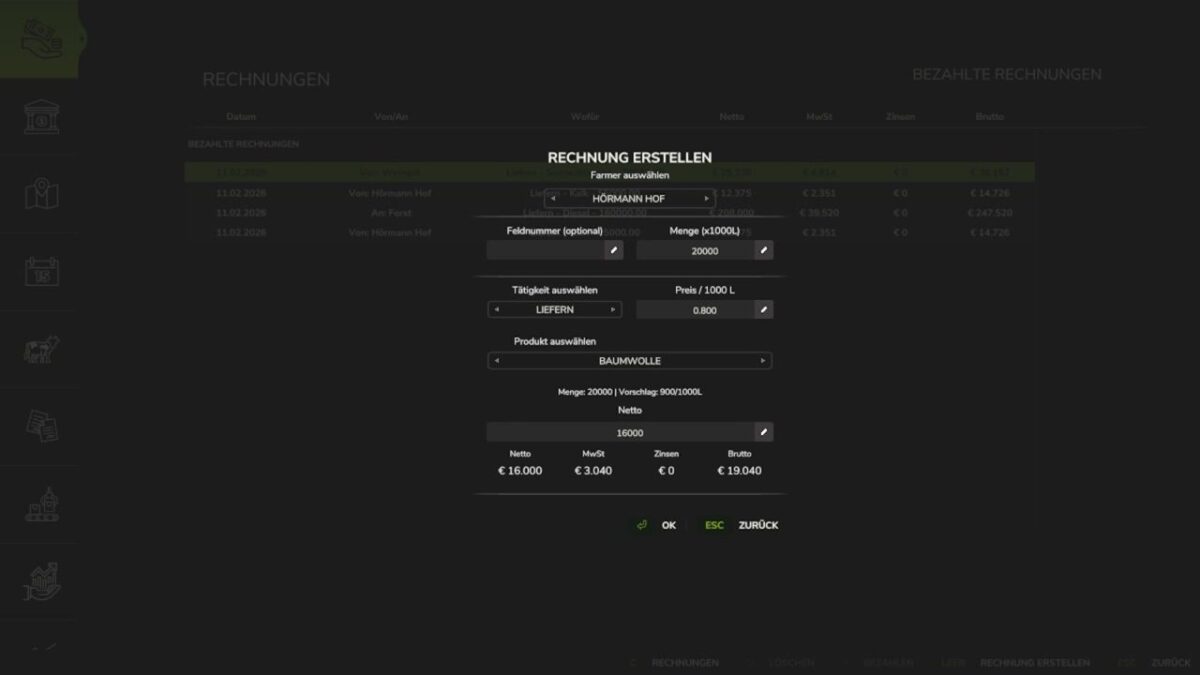
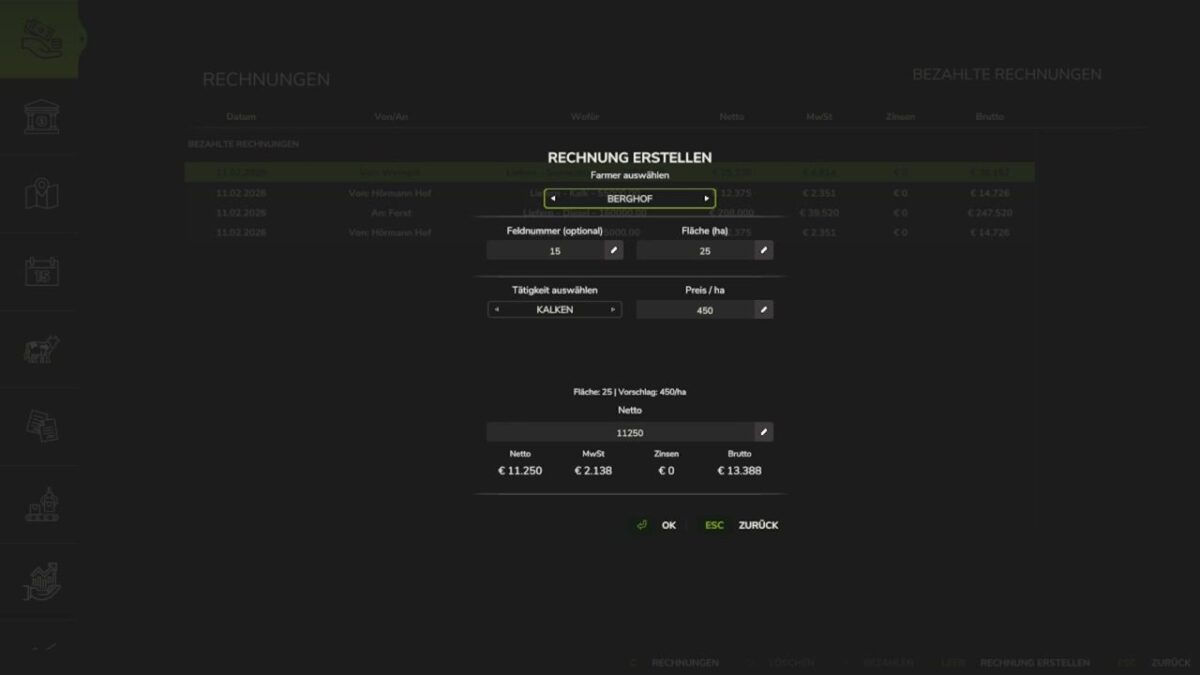
This mod allows you to trade between farms in multiplayer and send each other invoices.
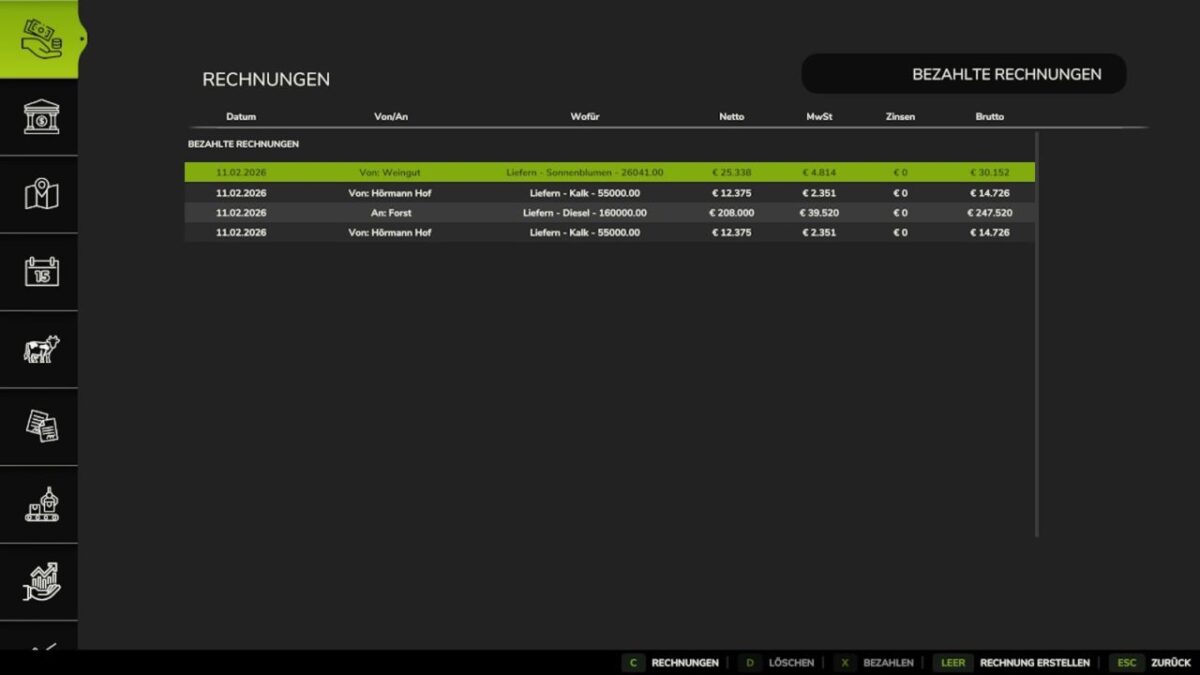
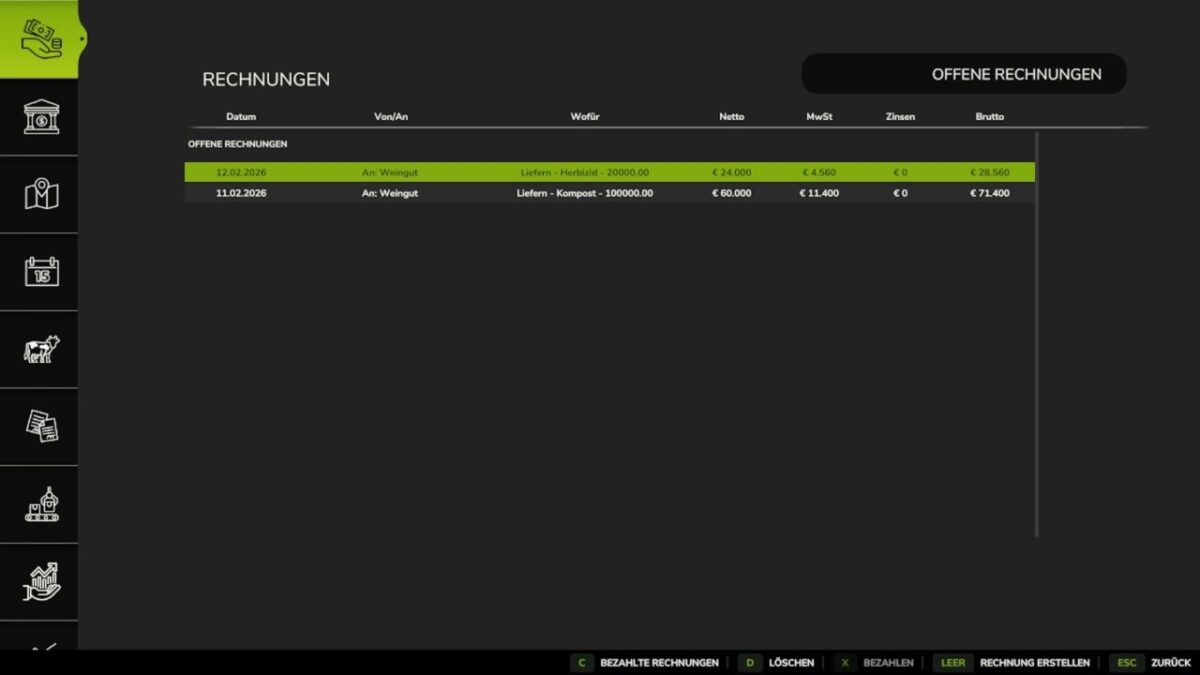
Invoices are clearly displayed and marked as paid or unpaid.
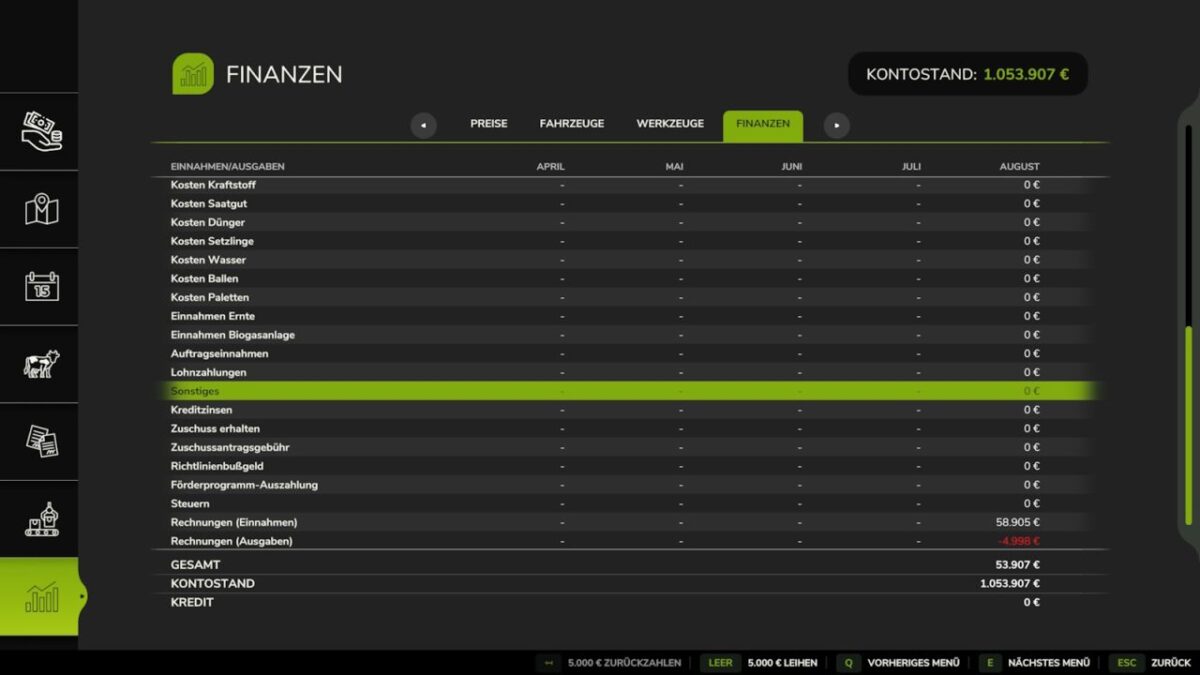
Additionally, all invoices are automatically included in the financial statistics.
When creating an invoice, you can:
issue invoices for individual fill types on the map, and
bill for fieldwork.
The following values can also be adjusted in the settings:
VAT rate and late payment interest rate
Important:
This mod is intended exclusively for multiplayer.
While it is prepared for use with the Redtape mod, they should not be used together at this time, as errors may occur until adjustments are made.
Adjustable values in the menu:
VAT rate,
late payment interest rate.
The mod is only available for multiplayer.
Preparation for the Redtape mod is integrated.
Note: Do not use them together at this time, as errors may occur.
Version 1.0.0.1:
* Version number corrected
* Menu completely reworked and adapted to Giants
* When creating invoices, tasks can now be selected by letter
* Order list added
* VAT now differentiates between tasks and deliveries, depending on the set percentage: tasks 19%, deliveries (products) 7%.
* Animals added to the selection
* RP now has an “Other” text field
* Invoices are now displayed with status and automatically moved to the history when “Paid”
* Invoice details added via double click
* Delete button added
* FS25_Redtape compatible
* RP now has an “Other” text field
Credits:
DonQuacko, GvRTeam