

International CV Series v 1.0


With up to 350 hp and 750 lb-ft of torque, the International® CV™ Series is among the most capable, lightweight trucks available. In fact, it’s the only class 5/6 truck designed, distributed and supported by a manufacturer that specializes in diesel commercial trucks. A high-strength frame rail, commercial-grade transmission and braking system, and optional air suspension equips the CV Series with the versatility and endurance for the job today and for whatever’s ahead.
Differences compared to the basegame truck:
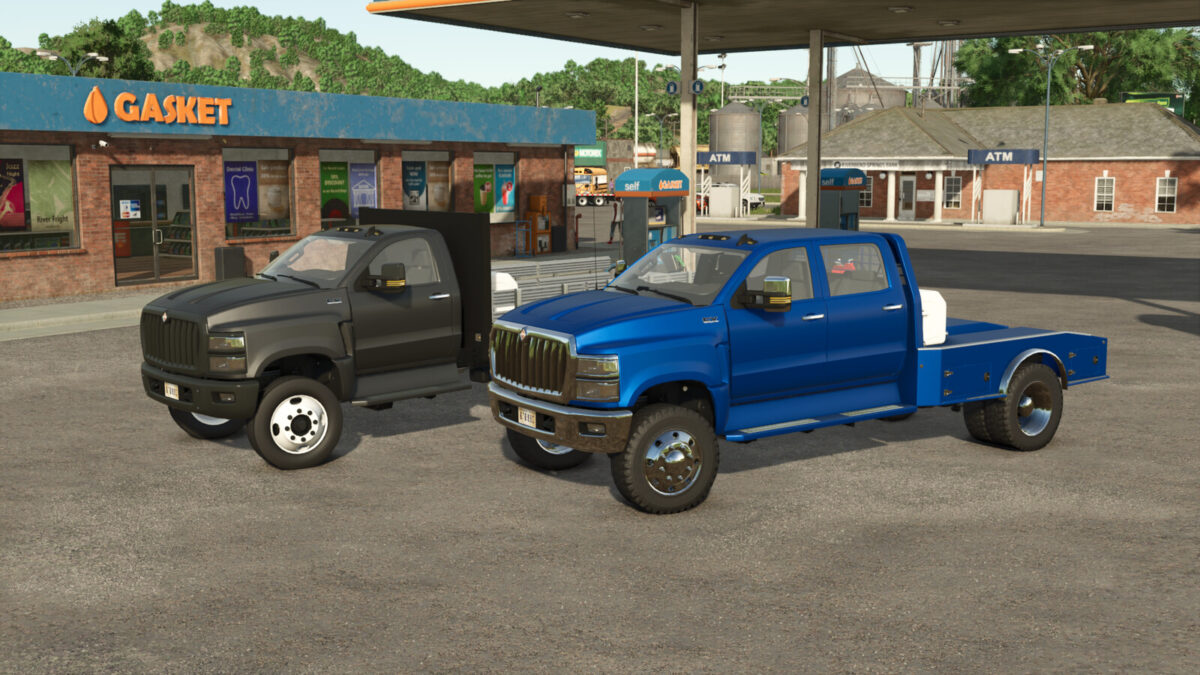
– Correct steel and aluminum wheel options with two tire options
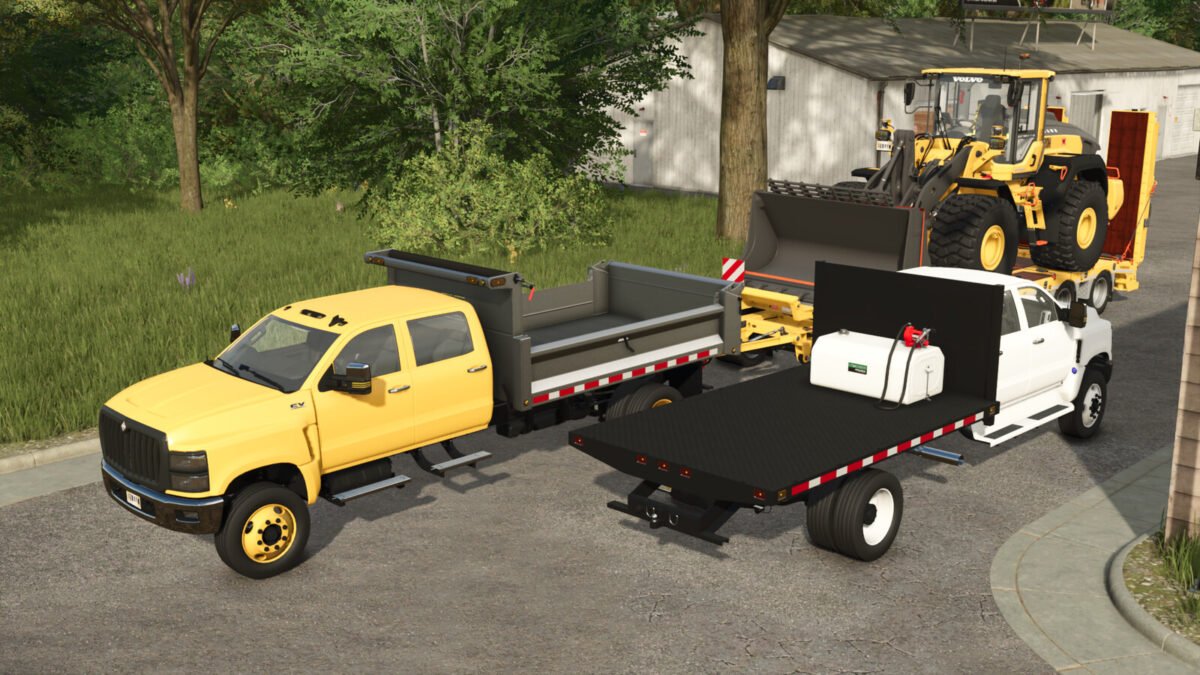
– Addition of the ER Flatdeck option which has a gooseneck attacher, bumper hitch attachers to connect any trailer and straps
– Westeel Road Vault fuel tank that can connect to either flatdeck option
– Added step cover option
– Added motor tuning option
International CV
Horsepower: 350-500
Price: $67500-94000
Westeel Road Vault Fuel Tank
Capacity; 450L
Price: $1500
Credits:
Bcbuhler


