Info Display Extension v 1.2.1.0


A small mod to extend the displays.
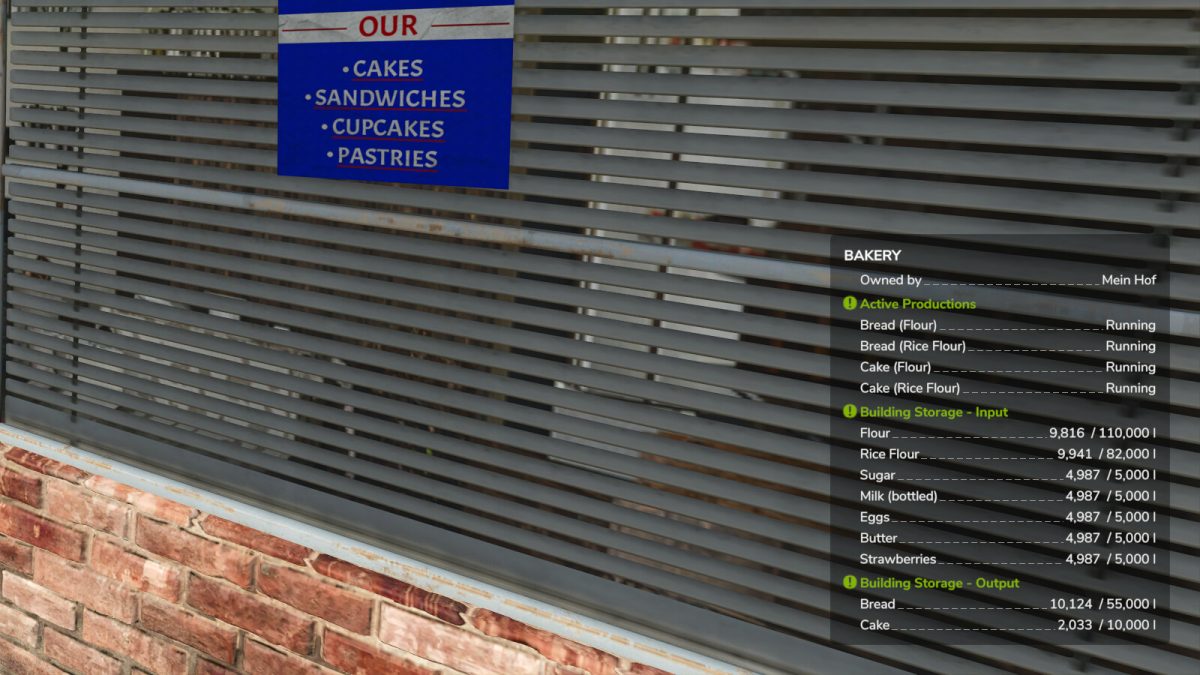
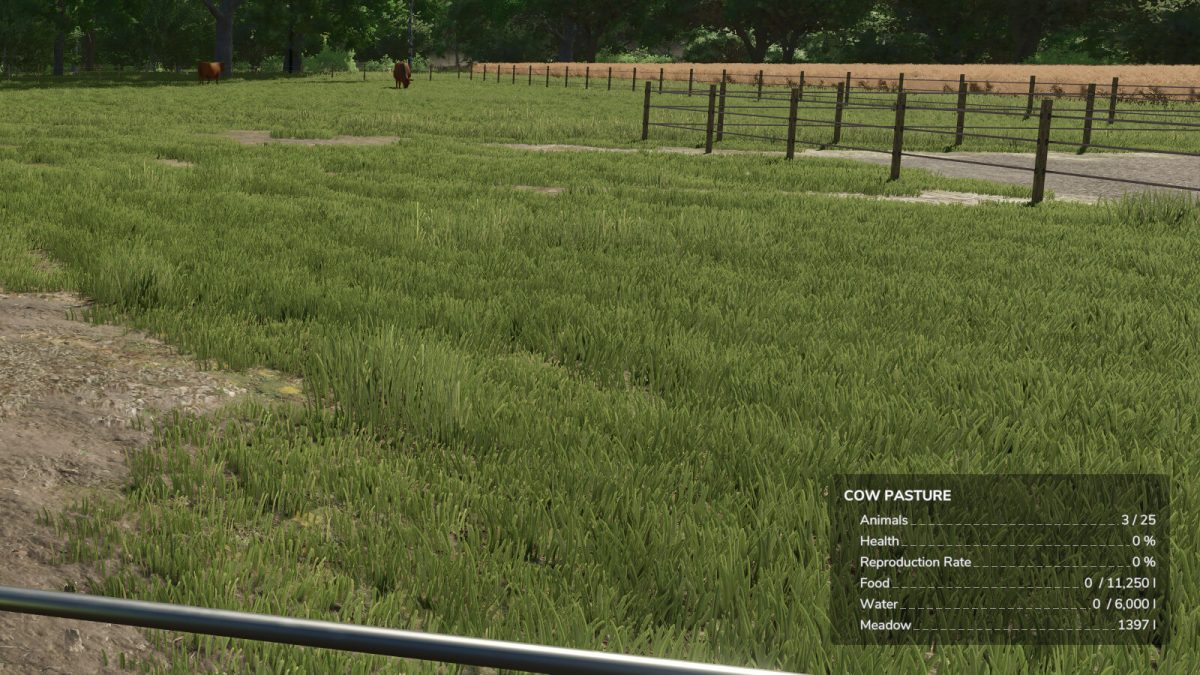
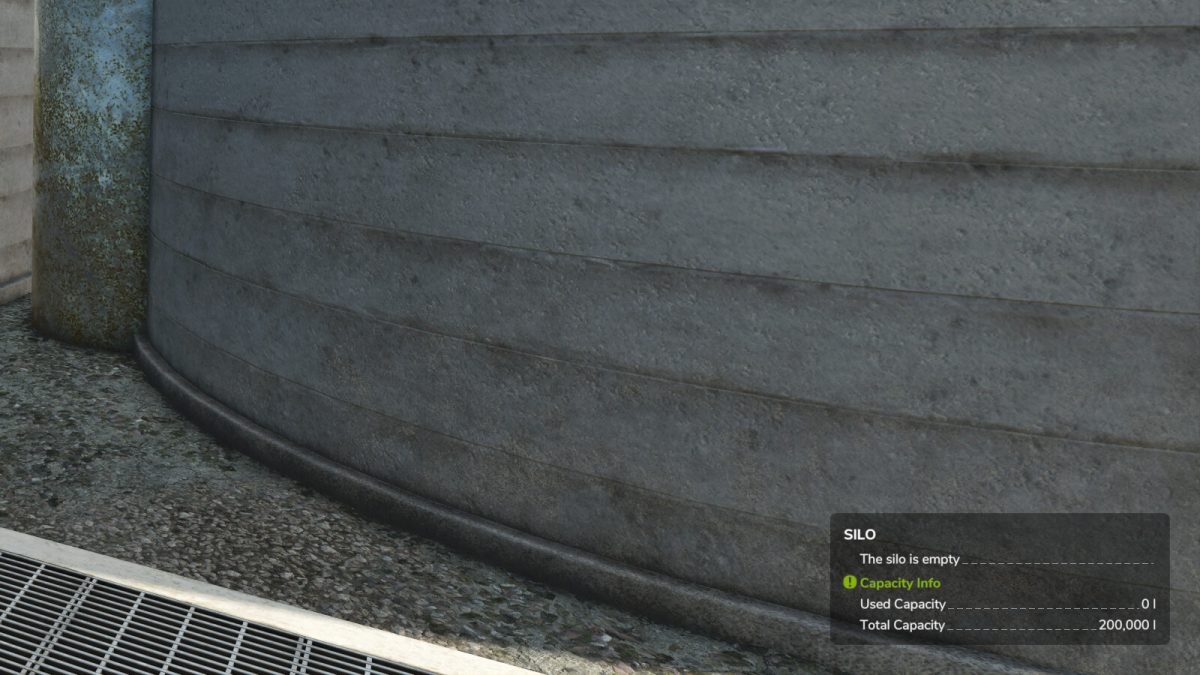
Extends the Info Hud displays of
– silos
– Productions
– animal sheeds
– Manure heaps
– trees (Most information ony in single player available)
– Vehicles and attachments
– Field growth
– Factories and event buildings
– Adds units of numbers where possible as not everything is in litres.
– shortens the display of Shift in German and English in F1 view
The following basegame bugs are fixed by the mod
– Missions for fruits that require a preparer are now generated (make sure that your map also has a suitable sales point for loose goods)
– Incorrect display of quantities in feeding robots if the map has changed the base recipe
– Double manure display for animal barns with integrated manure pile
Version 1.2.1.0:
* Fix for fruits such as grass so that growth is displayed correctly
* Translations by the community
Credits:
Achimobil