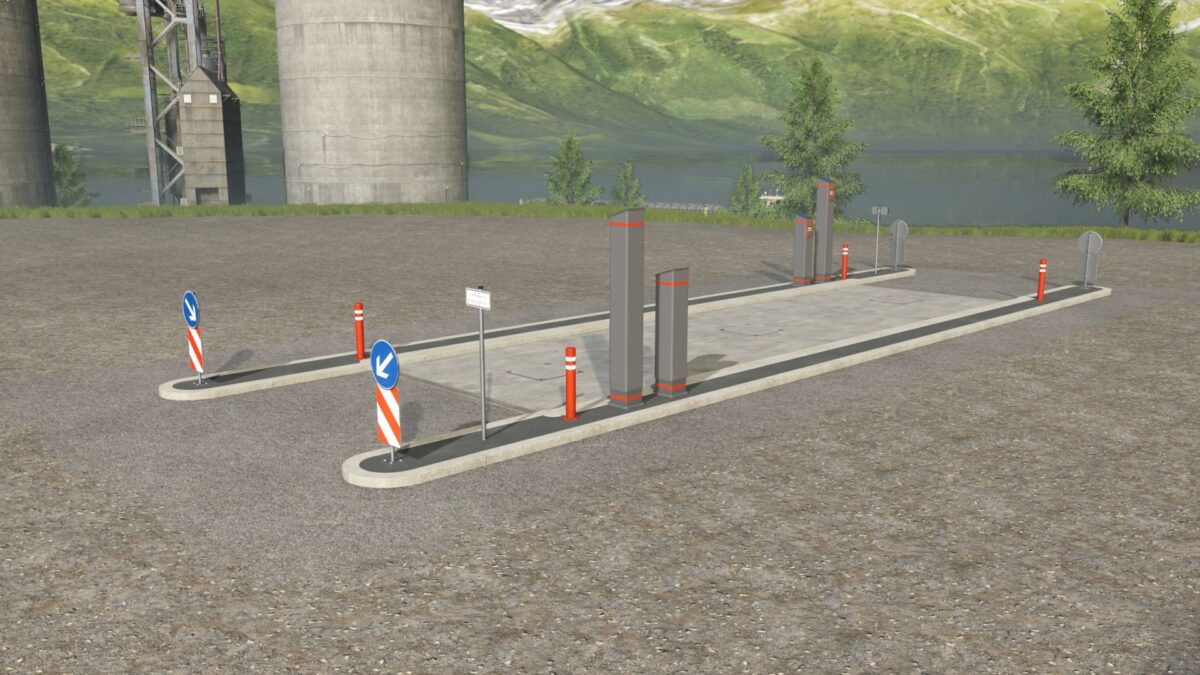
Industrial Weighing Line v 1.0


The Industrial Weighing Line v 1.0 is designed to cater to a variety of commercial vehicles within your Farming Simulator 25 gameplay. This feature allows players to weigh their vehicles and loads accurately, ensuring proper management of resources and facilitating better decision-making in logistics.
The weighing line is available at a purchase price of 0 €, allowing players to integrate this tool without any initial investment. However, it does incur maintenance costs of 25 € per day, which is an important factor to consider in your daily budget management.
Players can find the weighing line categorized under Construction > Buildings > Tools in the shop, making it easy to locate. Furthermore, it supports multiple languages, including German, English, French, Italian, Spanish, and Polish, ensuring accessibility for a diverse range of players.
– Industrial weighing line for commercial vehicles
– Purchase price: 0 €
– Maintenance costs: 25 € / day
– Located under Construction / Buildings / Tools
– Supports multiple languages: German, English, French, Italian, Spanish, Polish
Credits:
Landbauer