

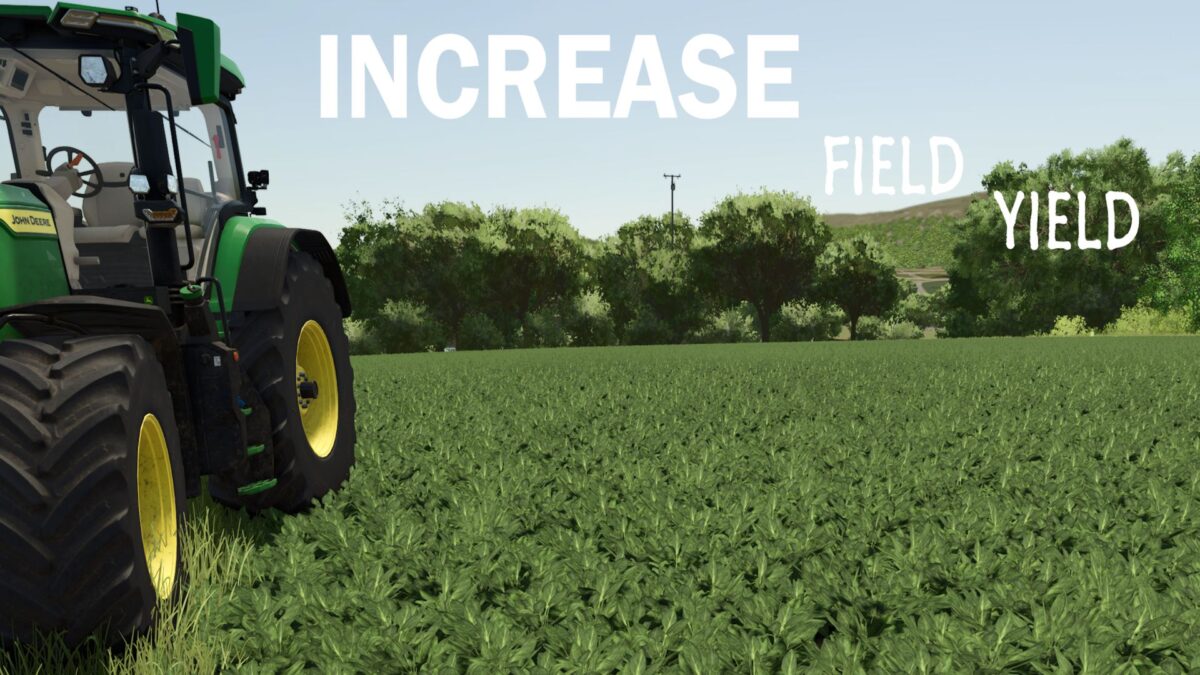
Increase Field Yield v 1.0.1.1


The IFY Mod enhances your farming experience by increasing field yields across a variety of crops.
With this mod, you’ll see significantly higher harvests from your fields, allowing you to reap more from your hard work.
The mod is designed to make your gameplay faster, easier, and more enjoyable, especially for players looking for a relaxed farming experience.
By boosting yields for crops like wheat, barley, maize, canola, and many others, the IFY Mod takes the grind out of farming.
Spend less time waiting and more time enjoying the results of your labor.
Whether you’re looking to build your farm faster or just want a smoother, more satisfying experience, this mod ensures that your crops grow more efficiently, letting you focus on the fun of farming.
How to install:
– Step 1. Go to Your Mods Directory Locate your Farming Simulator 25 Documents folder: Example: C:/Users/[NAME]/Documents/My Games/FarmingSimulator2025
– Step 2. Install the Mod
– Step 3. Navigate to the mods folder, then drag and drop FS25_IFY.zip: Farming Simulator 25/data/scripts
– Step 4. Then go back to the C:/Users/[NAME]/Documents/My Games/FarmingSimulator2025 folder and drag and drop the modSettings folder in there.
– Step 5. This will install the mod and activate the increased yields for your crops
Version 1.0.1.1:
* Removed dependence on the modSettings folder/file
* Added a forgotten resource call on the GRASS croptype
* The mod is now a drag and drop into the mods folder
Credits:
StaticMdz


