Improved Corn Texture v 1.0.0.1


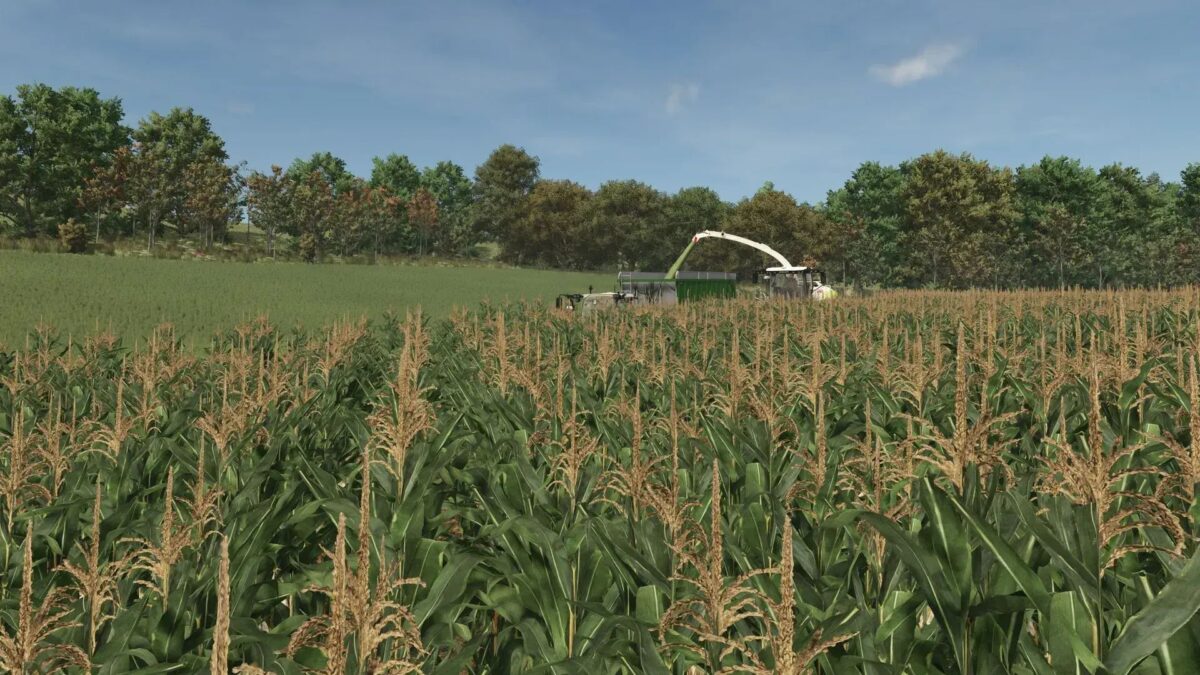
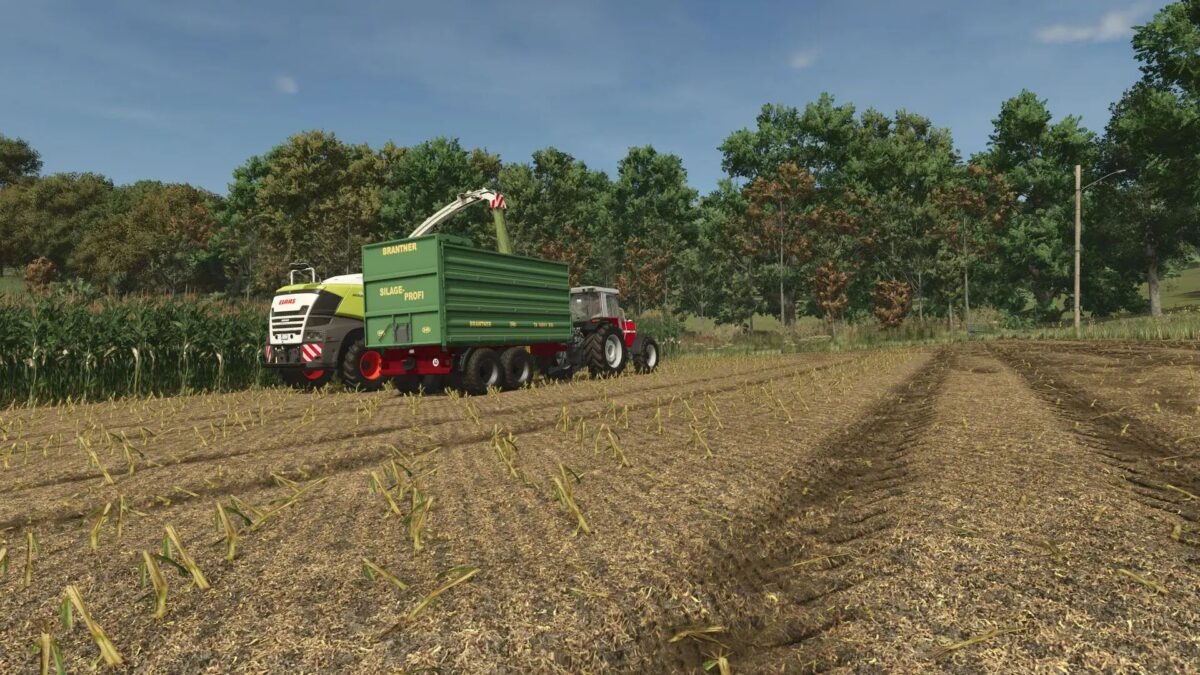
The Improved Corn Texture mod version 1.0.0.1 offers a refined texture for corn crops in Farming Simulator 2025, aiming for a more realistic appearance that complements the game’s graphics. In addition to the corn texture, this mod also includes a filling tarpaulin created from real photos, enhancing the authenticity of your farming experience.
To install the filling tarpaulin, navigate to the directory “C:/Programs (x86)/Farming Simulator 2025/data/fillPlanes” on your computer. For the corn foliage, you’ll need to place the files in “C:/Programs (x86)/Farming Simulator 2025/data/foliage.”
It is highly recommended to back up the original files before replacing them, ensuring that you retain the default content of the game. This mod seeks to improve the visual elements of corn farming, contributing to a more immersive gameplay experience.
Version 1.0.0.1:
* New real fill tarpaulin created
* Stubble revised
* Color and saturation readapted
* Maiskoben (Harvestreadygreen) newly textured
Credits:
Johannes.G