

FS25 Misc

Imperial System Conversion Settings v 1.0

Imperial System Conversion Settings v 1.0

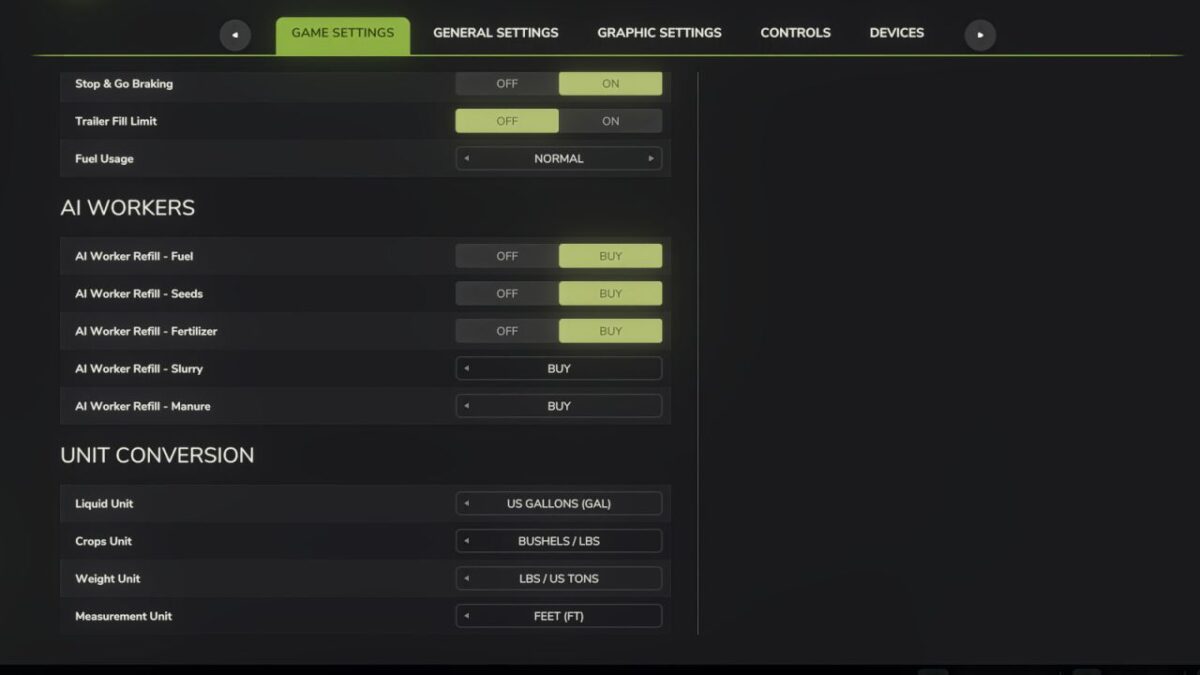
Adds a “Unit Conversion” section to the Game Settings tab in the pause menu.

Choose your preferred units for:
– Liquid: Liters or US Gallons
– Crops: Liters, Bushels (grains) or Lbs (root crops / other solids)
– Weight: Kg / Tonnes or Lbs / US Tons
– Measurement: Meters / Centimeters or Feet

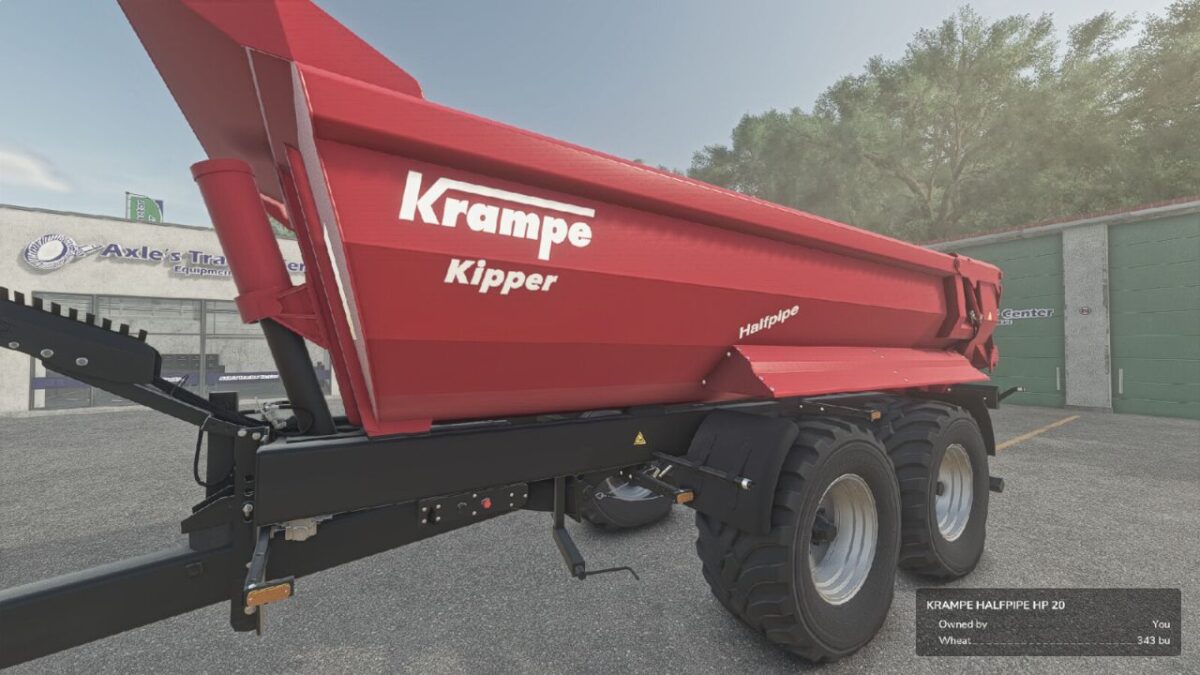
Converts the shop list, vehicle configuration screen (capacity, fuel, methane, working width, bale sizes), in-game HUD fill levels, prices menu storage, and info boxes. Fill types are classified individually: grains show bushels, liquids gallons, dry bulk lbs / US tons, and bales or pallets keep their piece counts.

Settings are saved per-profile and persist between game sessions.
Does not affect in-game prices or game mechanics — display only.

Credits:

FastFarm Dad

How to install FS25 Misc?
Firstly find a mod which you like and want to download. Then download a mod to your PC. Mods are usually in .zip format file. But sometimes it can be in .rar. If a mod file is a .zip format no needed additional actions. If a file is in .rar, then you must unarchive mod with software like WinRar or Zip7. Windows 10 users no need to use software for archives, Win10 itself has a feature to unarchive files.
The next step is to find mods folder in your PC. Usually, it is in Documents/My Games/Farming Simulator 25/2025. Open the "mods" folder and put downloaded .zip archive or unarchived .rar file to this folder.
Last step. Enjoy of FS25 mods!

Leave a Reply

Your email address will not be published. Required fields are marked *