
FS25 Maps

Illschwang Map v 1.0

Illschwang Map v 1.0

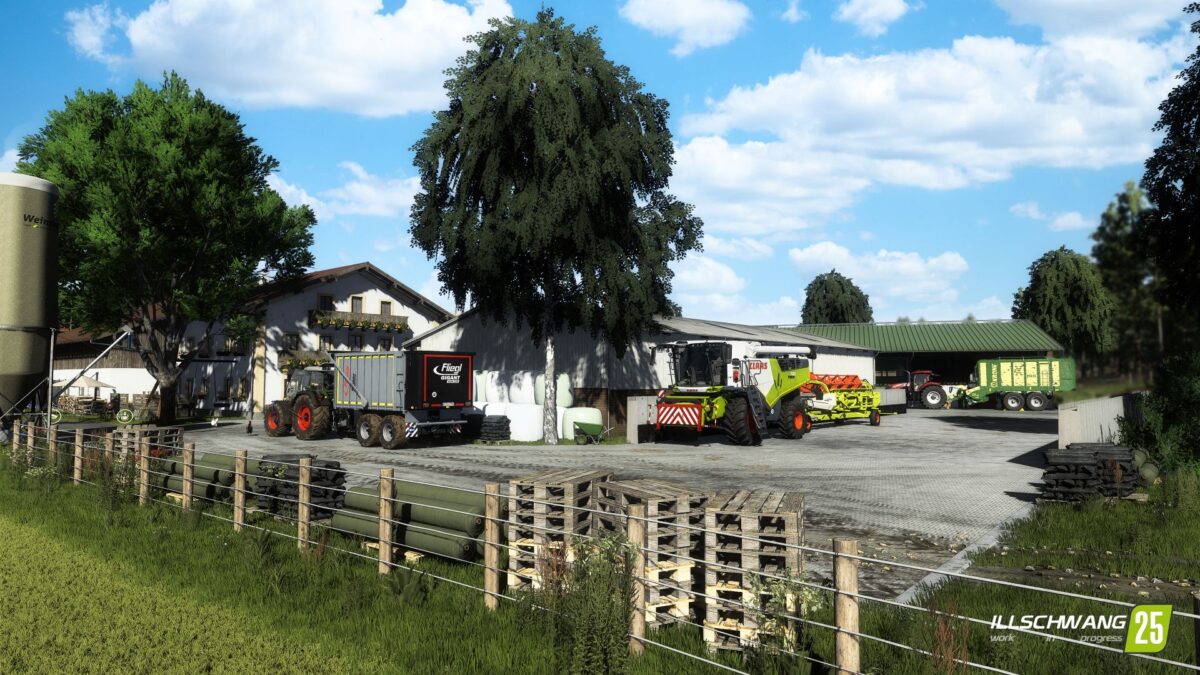
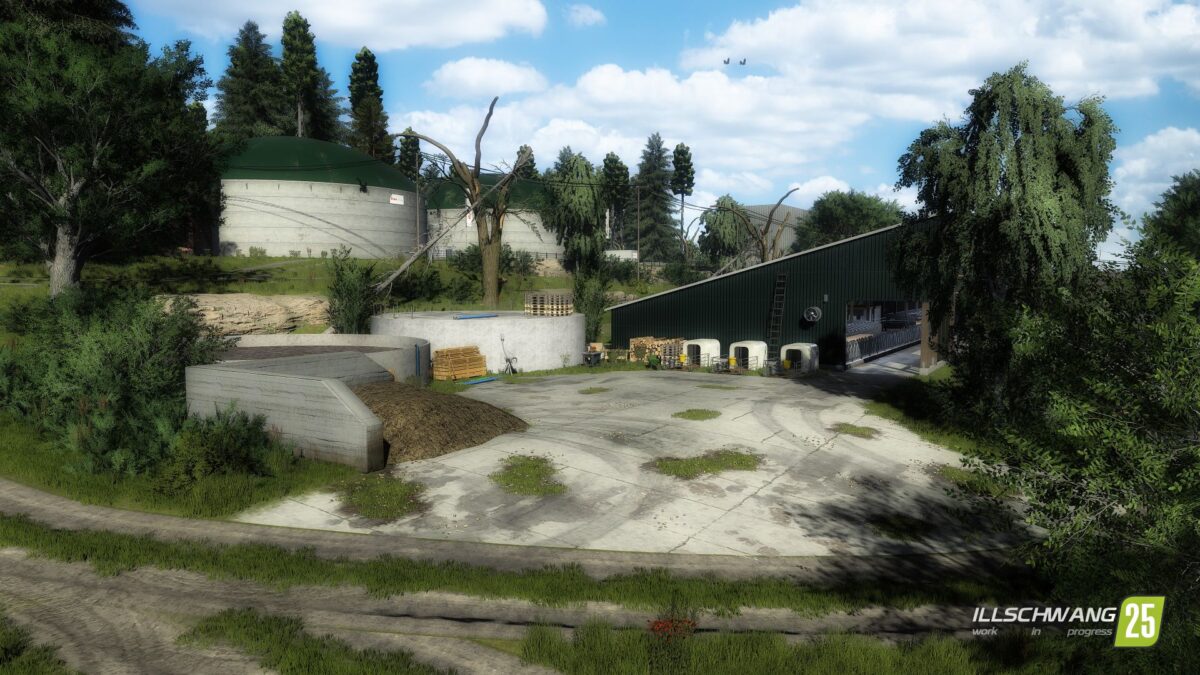
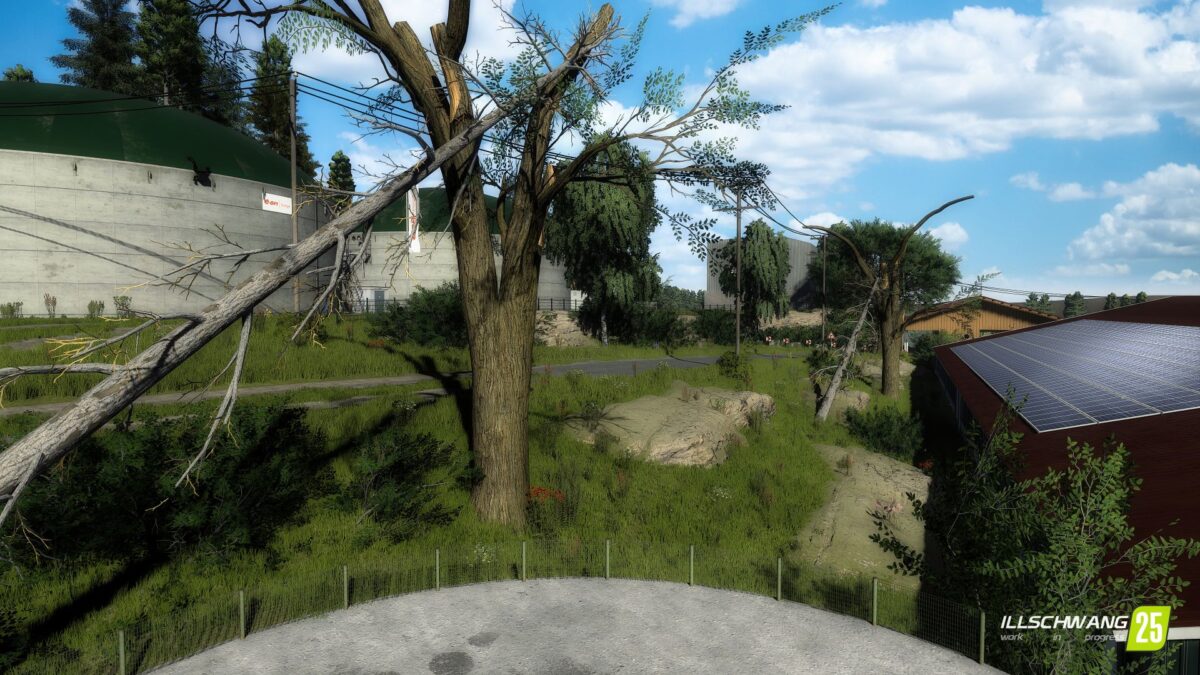
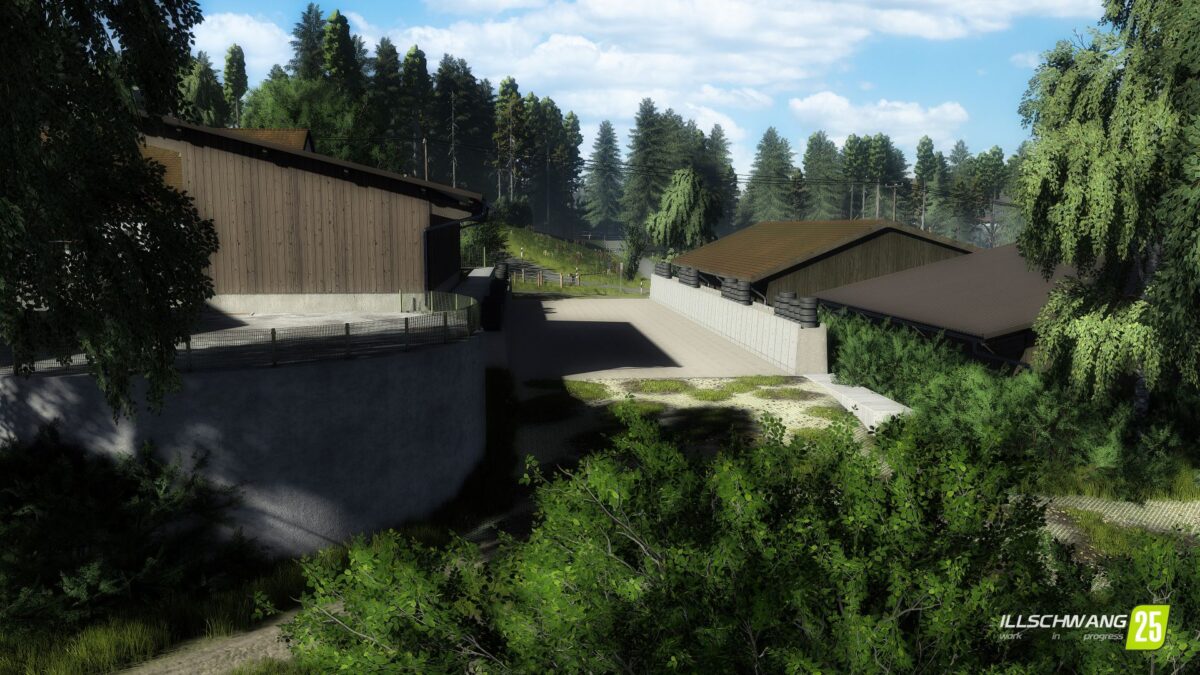
– 18 playable farms, biogas plants and contractor farms
– 255 original field sizes – from small farm plots to large scale cultivation areas.
– From fields that are 1ha to large ones of around 13ha
– A total of 500ha of arable land awaits you
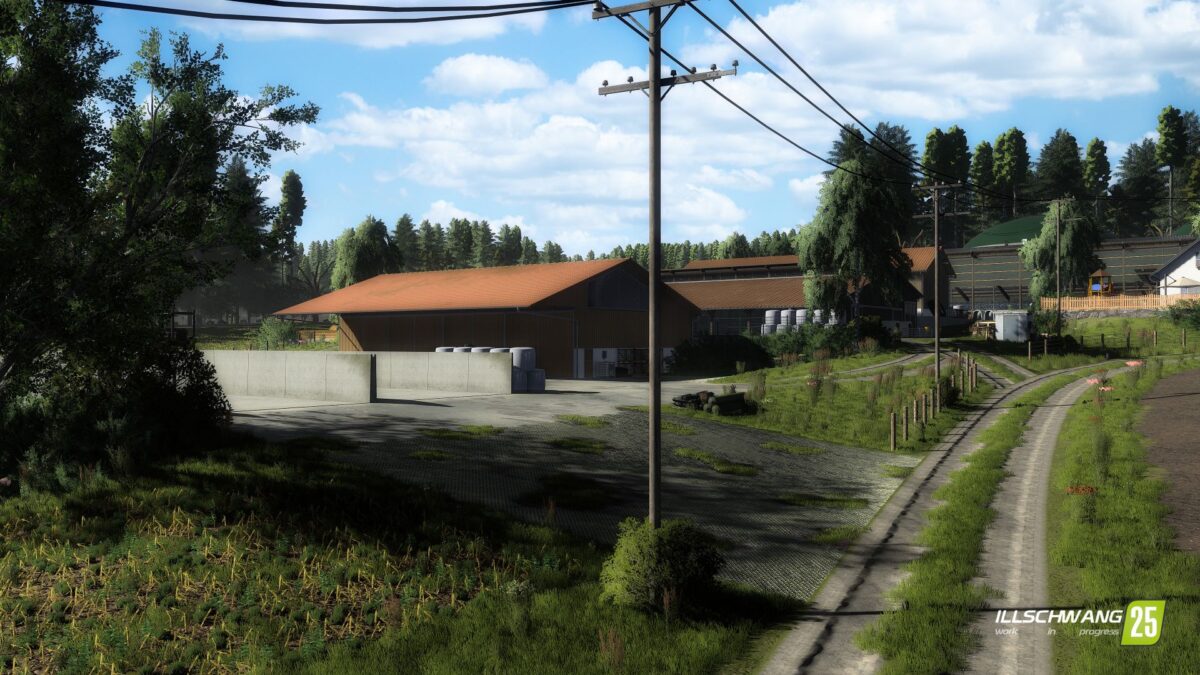
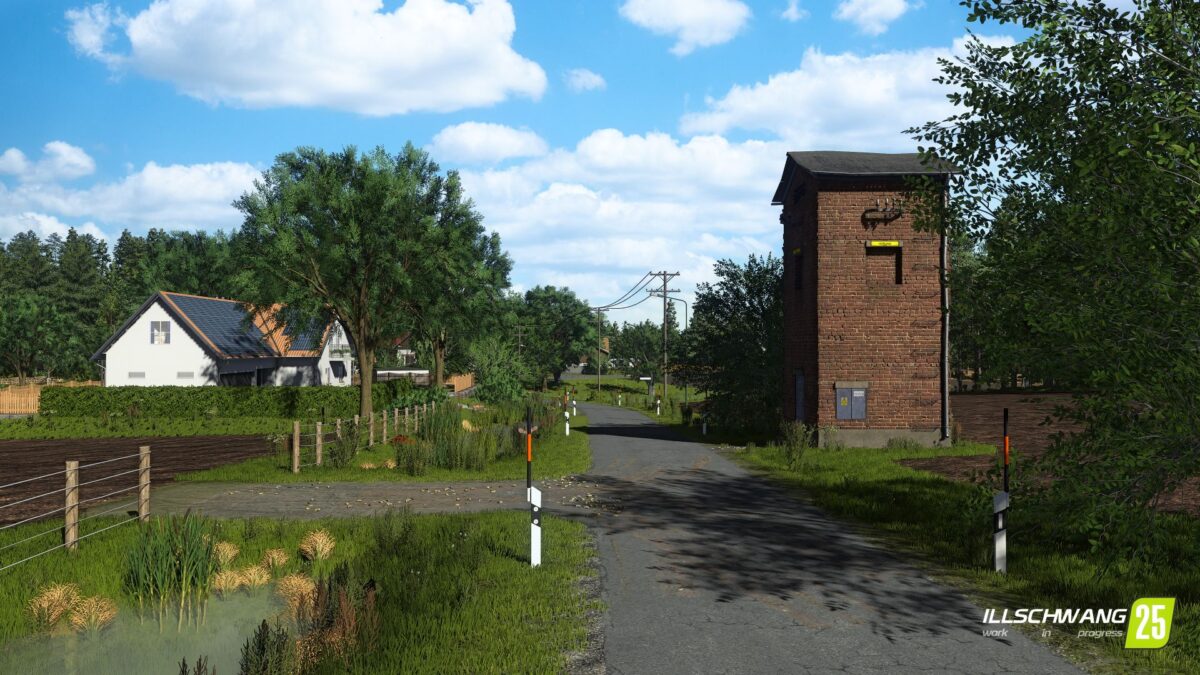
– 12 small villages, large forests and the flair of the Oberpflaz – an atmosphere that is recognizable
– Farms and industrial sites recreated almost 1:1 – choose from a total of 18 farms that are true to the original
– Whether cows, pigs, horses, or other animals: you make the choice
– Dynamic seasons & weather – work in harmony with wind, rain and nature
– Suitable for solo and multiplayer – from relaxed after work games to large community campaigns. Everyone will find their own home here

Credits:

CreativeAgrar

How to install FS25 Maps?
Firstly find a mod which you like and want to download. Then download a mod to your PC. Mods are usually in .zip format file. But sometimes it can be in .rar. If a mod file is a .zip format no needed additional actions. If a file is in .rar, then you must unarchive mod with software like WinRar or Zip7. Windows 10 users no need to use software for archives, Win10 itself has a feature to unarchive files.
The next step is to find mods folder in your PC. Usually, it is in Documents/My Games/Farming Simulator 25/2025. Open the "mods" folder and put downloaded .zip archive or unarchived .rar file to this folder.
Last step. Enjoy of FS25 mods!

Leave a Reply

Your email address will not be published. Required fields are marked *