

Icon Tool Tips with Name/Description v 1.0


Are you tired of hovering over mysterious little icons in the shop menu, desperately wondering whether that icon means “wheat” or “potatos”? Those dark days are OVER!
Introducing Icon Tooltips — the mod that finally tells you what you’re looking at!
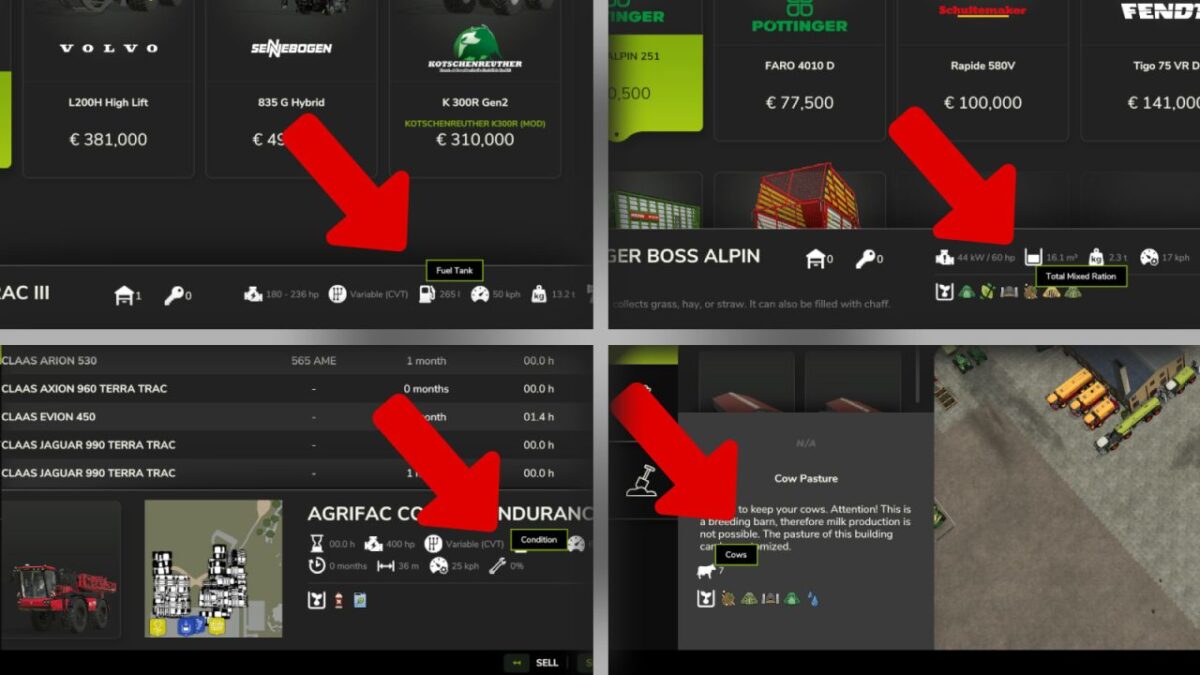
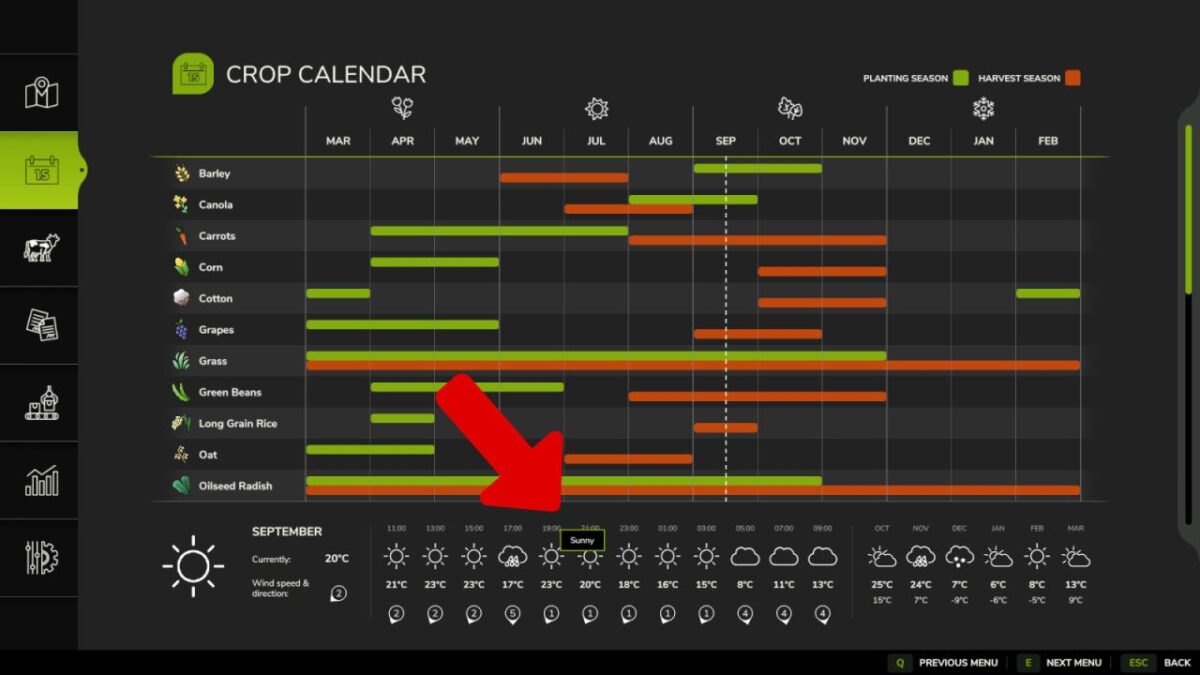
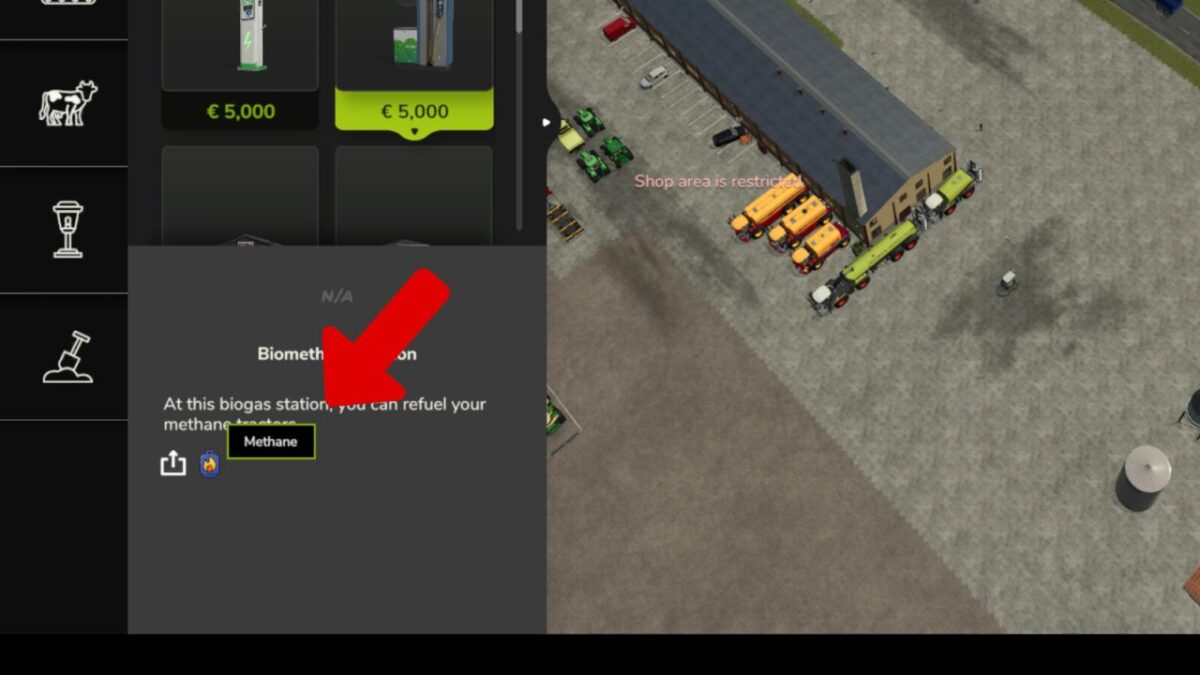
Simply move your mouse over any attribute icon and — like magic — a sleek tooltip appears with the EXACT name of the attribute. No more guessing. No more squinting. No more accidentally leasing a tractor you thought was a bargain because you misread the power icon.
Works everywhere that matters:
– Shop & configurator
– Construction & placeable edit screen
– In-game statistics vehicle list
– Calendar weather forecast
Covers everything: engine power, working width, capacity, fill types, tires, fuel, electric battery, transmission, bale sizes, seeds, slots, winch specs, animal groups, vehicle condition, weather icons and more.
Download now — your farming career will never be the same! (Results may vary. Does not actually make tractors cheaper.)
Credits:
Helfer B.


