

Hungarian Radio Stations v 1.0


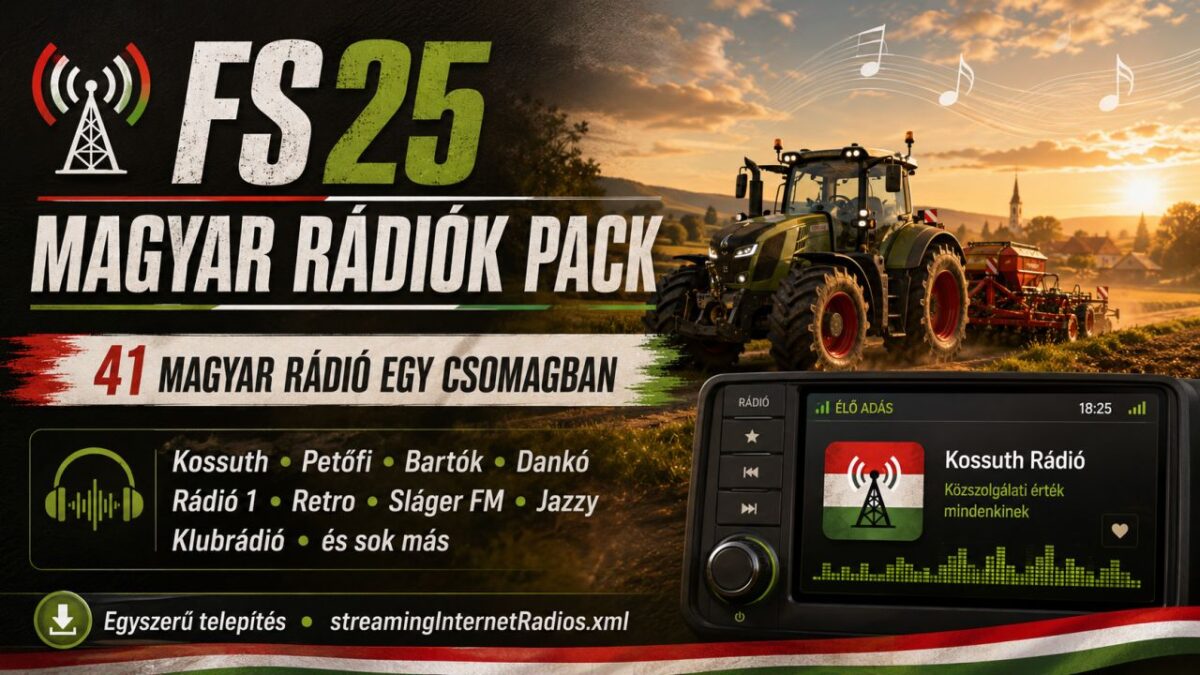
This mod adds a Hungarian radio pack to Farming Simulator 25. The pack includes 41 Hungarian radio stations, featuring national, local, music, news, sports, talk and themed radio stations.
The goal of this radio pack is to make your farming experience more immersive by allowing you to listen to real Hungarian radio stations while playing.
Features:
41 Hungarian radio stations
National and local stations
Music, news, sports and themed radio channels
Simple installation
Single streamingInternetRadios.xml file
Some included stations:
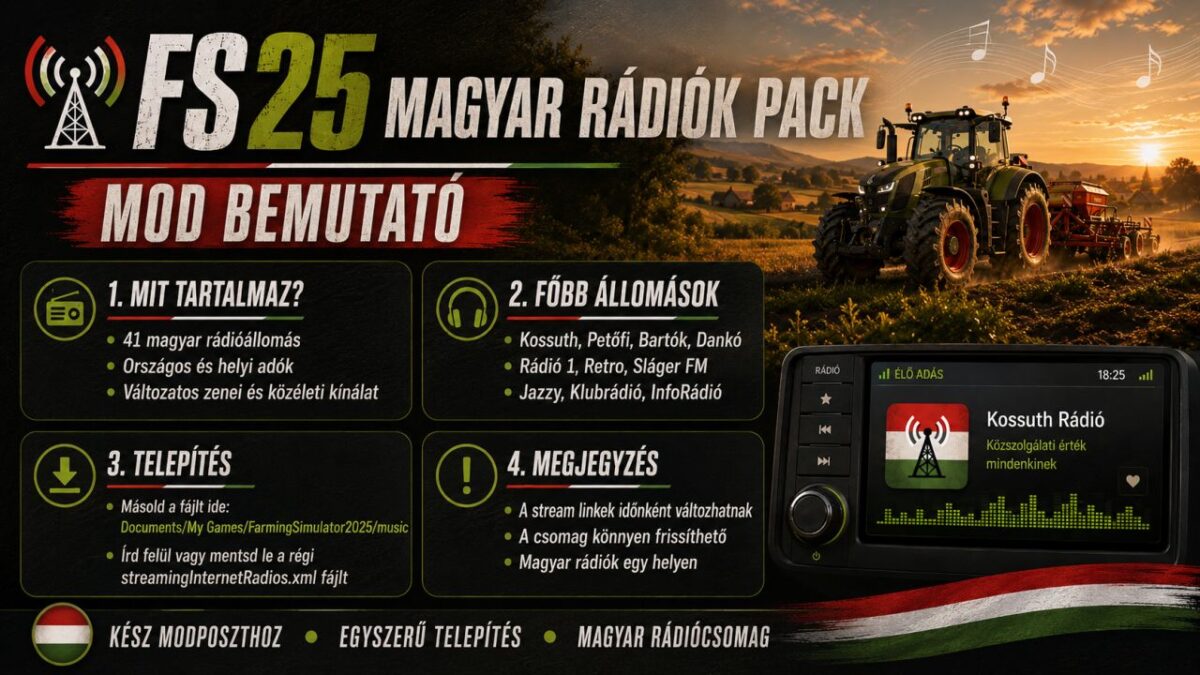
Kossuth Rádió, Petőfi Rádió, Bartók Rádió, Dankó Rádió, Nemzeti Sport Rádió, Rádió 1, Retro Rádió, Sláger FM, Best FM, InfoRádió, Klubrádió, Jazzy, Tilos Rádió, Rádió 88, Forrás Rádió, Sunshine FM, Campus Rádió, Poptarisznya, Dance Wave, Luxfunk and many more.
Installation:
Open this folder:
Documents/My Games/FarmingSimulator2025/music
Make a backup of your existing streamingInternetRadios.xml file.
Copy the new streamingInternetRadios.xml file into the folder.
Restart the game.
Credits:
CLS940


