


FS25 Other Tractors

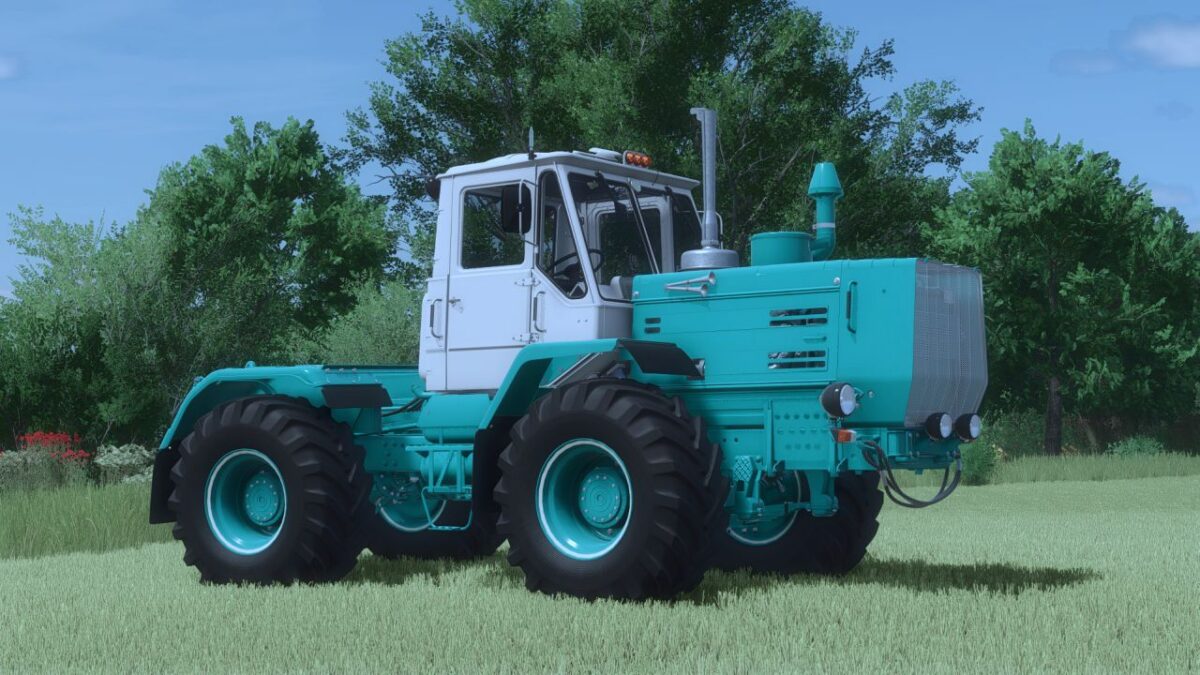
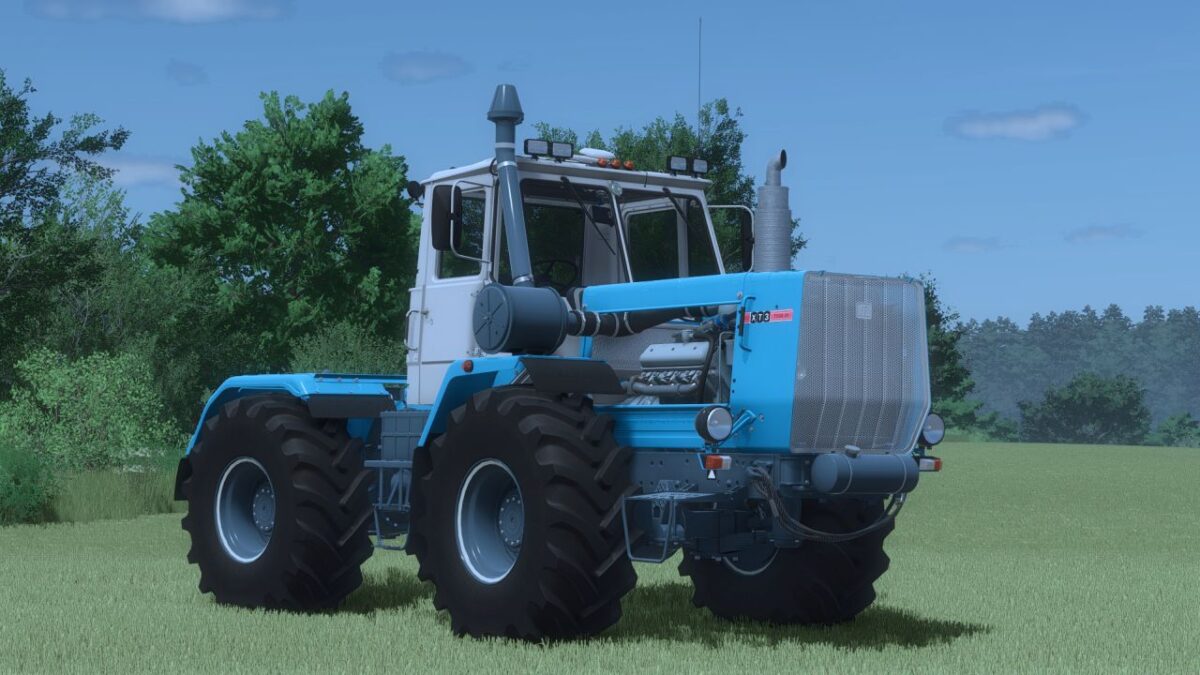
HTZ T-150K V6/V8 v 2.1

HTZ T-150K V6/V8 v 2.1

Modification of the KhTZ T-150 (V6–V8)
For Farming Simulator 25

The pack contains 2 tractors manufactured by KhTZ:
T-150K (YAMZ-236)
T-150K (YAMZ-238)

24 configurations are available:
Wheel brand
Choice of wheels
Exhaust pipe
Road train
Working lighting (front, rear, additional)
Feet and dimensions
Mudguards
Mirrors
Footboards
Air filter
Air conditioner
External and internal accessories
Stickers
Rear fenders, side elements, hinge

14 color configurations:
Hood
Cabin
Hood covers
Upper and middle shields
grid
Air filter
Hood caps
Frame
wings
Hand washer
Instrument panel
Wheel rims
Side covers

Features:
Support for Interactive Control
Full compatibility with multiplayer

Credits:

AgroFermaUA, FarmWorks

How to install FS25 Other Tractors?
Firstly find a mod which you like and want to download. Then download a mod to your PC. Mods are usually in .zip format file. But sometimes it can be in .rar. If a mod file is a .zip format no needed additional actions. If a file is in .rar, then you must unarchive mod with software like WinRar or Zip7. Windows 10 users no need to use software for archives, Win10 itself has a feature to unarchive files.
The next step is to find mods folder in your PC. Usually, it is in Documents/My Games/Farming Simulator 25/2025. Open the "mods" folder and put downloaded .zip archive or unarchived .rar file to this folder.
Last step. Enjoy of FS25 mods!

Leave a Reply

Your email address will not be published. Required fields are marked *