

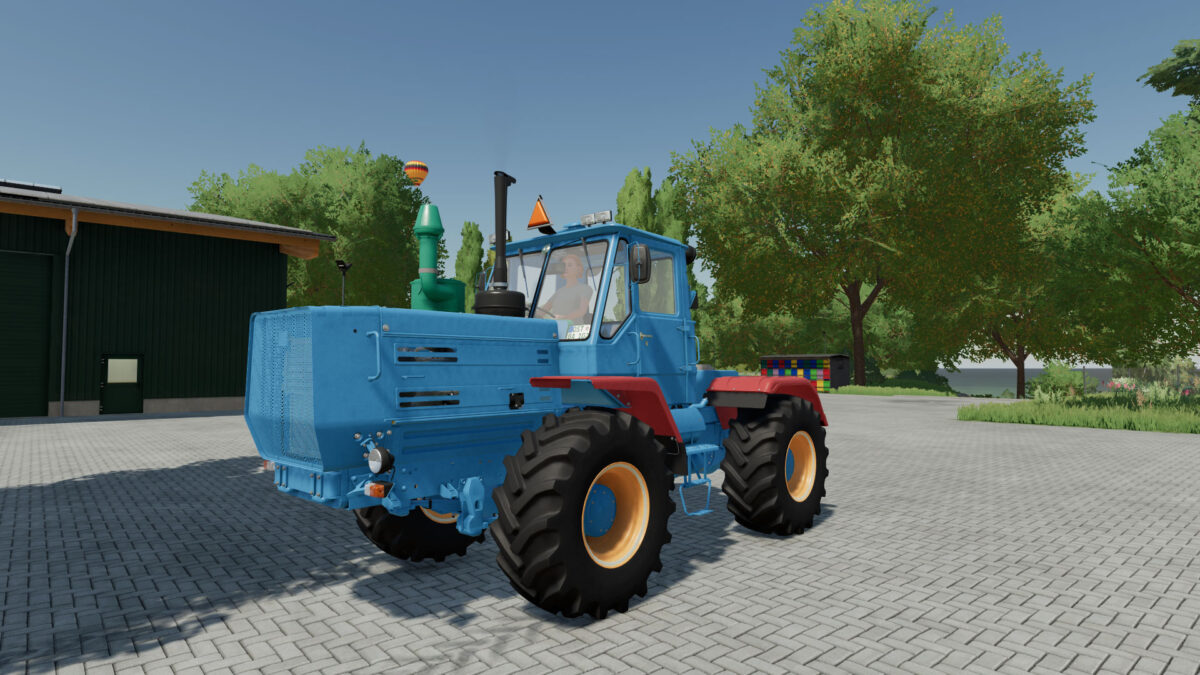
HTZ T-150K v 1.1


– Power 180 hp
– Frame color selection
– Choice of cabin color
– Choice of hood color
– Choice of the color of the hood flaps
– Choosing the color of the wings
– Choice of exhaust pipe color
– Glass color selection
– Color selection of the dashboard
– Rim color selection
– Headlight configuration
– Configuration of additional lighting
– Mirror configuration
– Configuration of the air filter
– Configuration of the footrests / battery box
– Configuration of mudguards
– Configuration of the air conditioner
– Configuration of the pneumatic signal
– Horseshoe/triangle configuration on the radiator grille
– Configuration of the strip on the glass
– GPS configuration
– Wheel configuration
– License plate configuration
– Passenger support
– A triangle is included
– Support for Interactive Control
Credits:
RusAgroTeh, A.B Modding, Dereznia letvinov, AgroFermaUA


