
FS25 Buildings

House 4 Bed 3 Bath Style 3 v 1.0

House 4 Bed 3 Bath Style 3 v 1.0

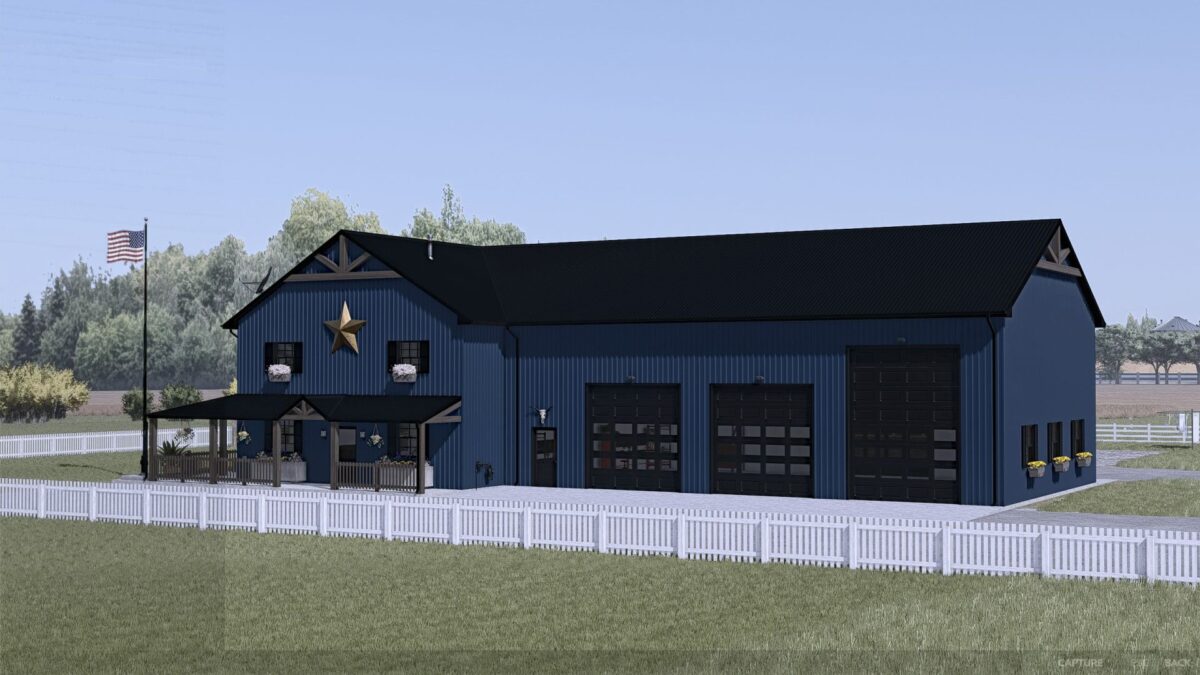
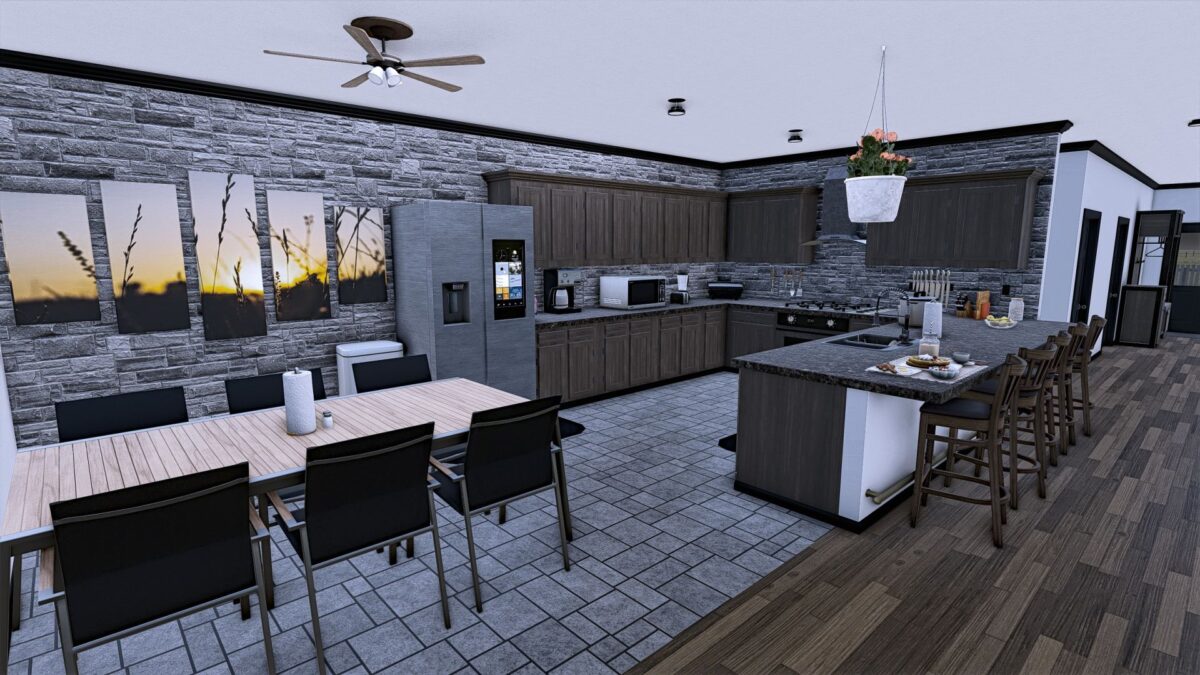
Here is a detailed house consisting of 4 bedrooms, including the master suite, 3 bathrooms, a living room, a home office, a kitchen/Dining, a Trophy room, Laundry utilities that are included in 1 of the bathrooms and a luxurious back patio/elevated deck that has direct access to the master suite.
This house also includes an attached shop style garage with 5 total bay doors (3 – 12×12, 2 – 12×16) with 2 of the bays being pull through style.
The metal siding can be customized to be the color of your choice from the available color options.
This house functions for sleeping and wardrobe options as well as storage in the garage for your vehicles and equipment.

Credits:

Snakebizzle

How to install FS25 Buildings?
Firstly find a mod which you like and want to download. Then download a mod to your PC. Mods are usually in .zip format file. But sometimes it can be in .rar. If a mod file is a .zip format no needed additional actions. If a file is in .rar, then you must unarchive mod with software like WinRar or Zip7. Windows 10 users no need to use software for archives, Win10 itself has a feature to unarchive files.
The next step is to find mods folder in your PC. Usually, it is in Documents/My Games/Farming Simulator 25/2025. Open the "mods" folder and put downloaded .zip archive or unarchived .rar file to this folder.
Last step. Enjoy of FS25 mods!

Leave a Reply

Your email address will not be published. Required fields are marked *