

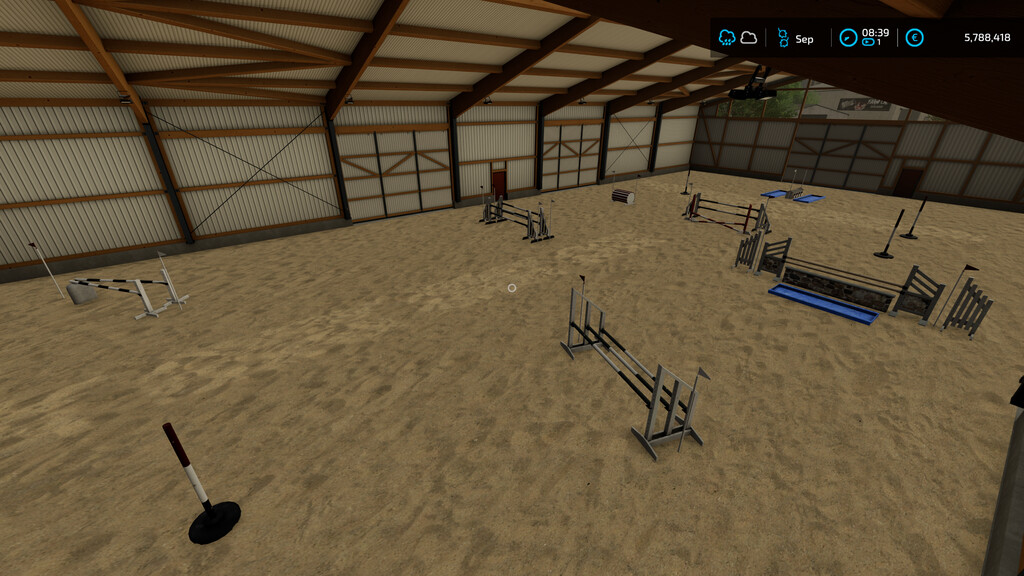
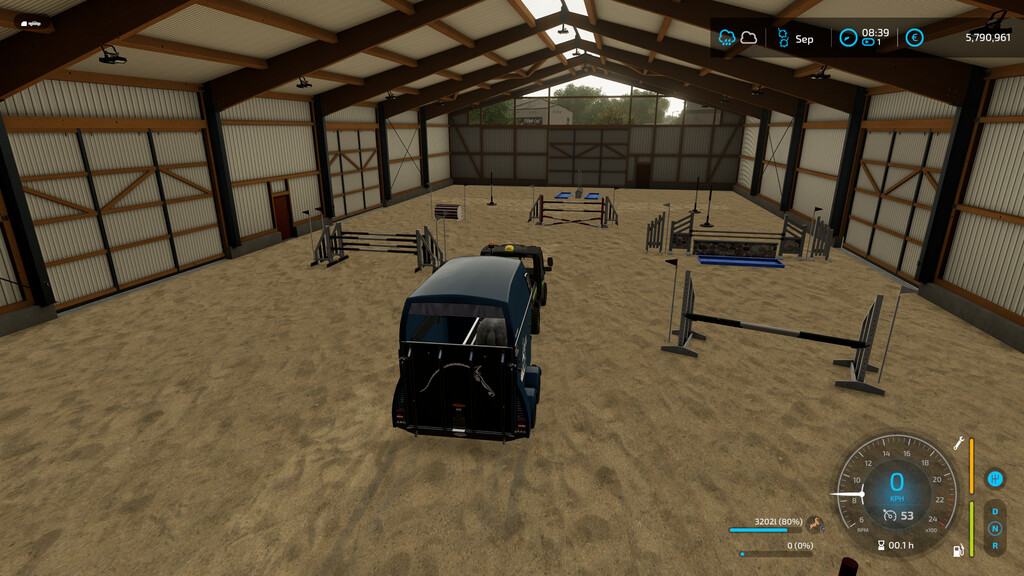
Horse Training Facility v 1.0.0.1


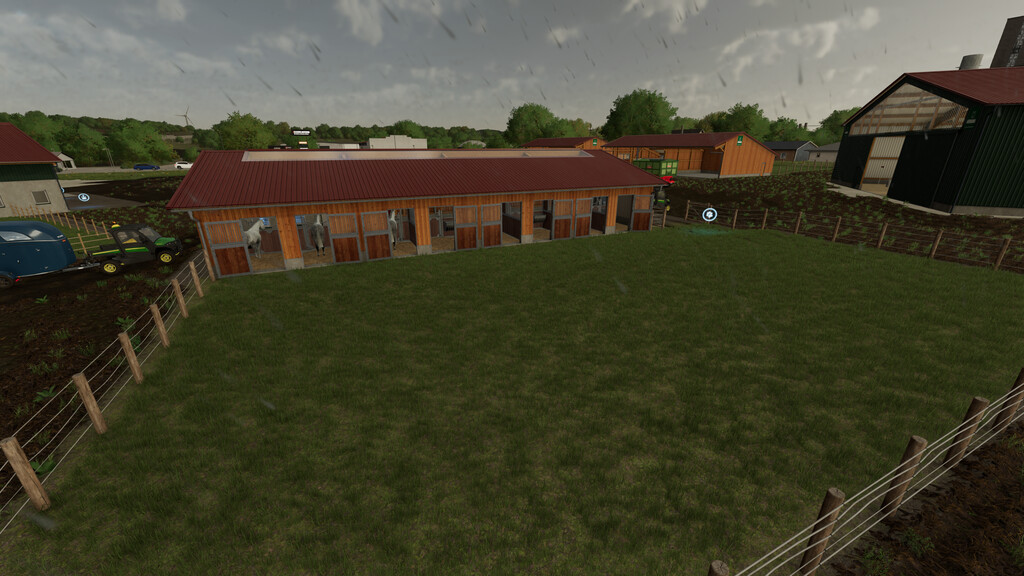
– Horse Training Facility:
Price: 100000 $
Daily Upkeep: 100 $
Category: Production Points
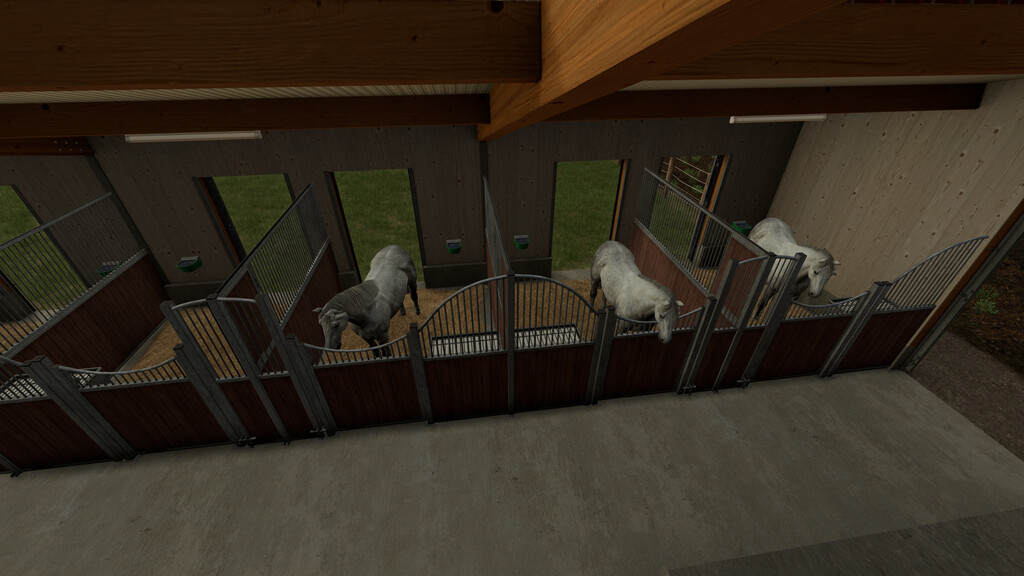
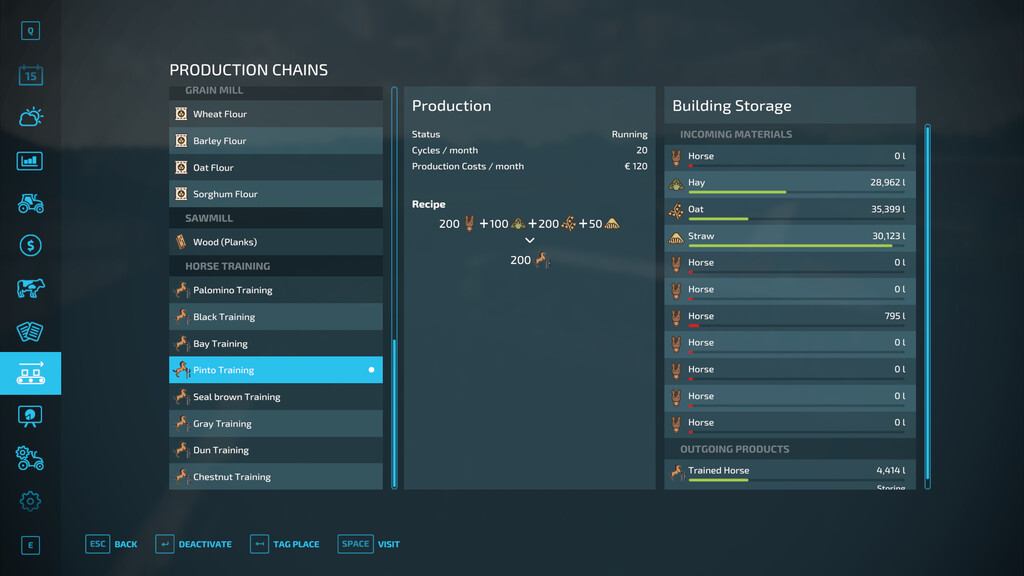
Give your horses an extra boost by giving them a special training to raise their value. Feed them hay and straw to keep them healthy.
You can also see how many trained horses you already have in your training facility.
WARNING:
Do not add horses with an age of 0 months. Otherwise you won’t get any fillLevel for the horses.
– Riding Hall:
Price: 50000 $
Daily Upkeep: 200 $
Category: Sell Points
Here you can sell your trained horses. Selling is almost in the whole riding hall possible.
– Horse Transport Trailer:
Price: 16000 $
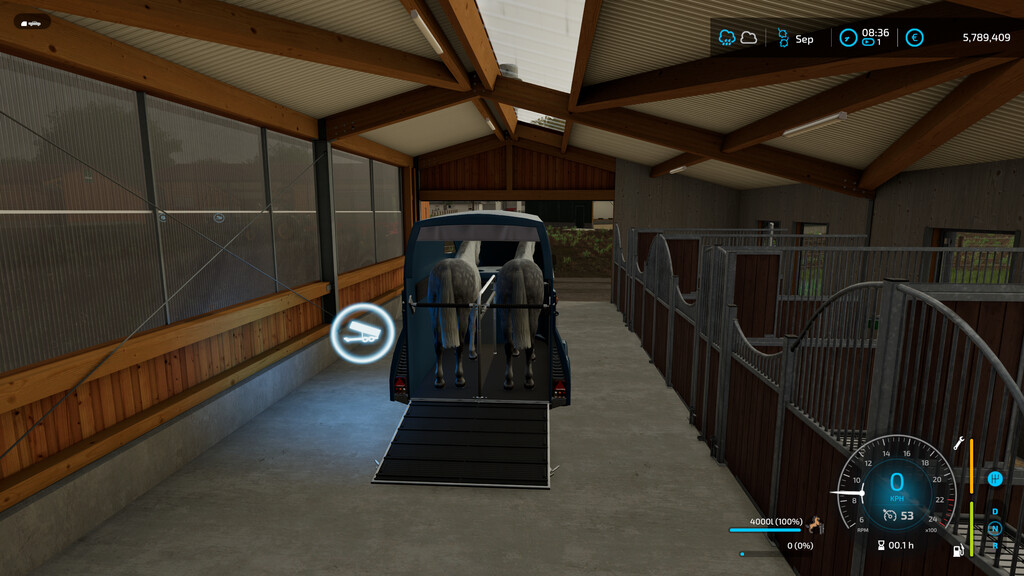
Capacity: 4000 L (equals 2 trained horses)
This trailer can transport your trained horses. You can also see visually how many trained horses you have loaded.
Changelog:
V1.0.0.1
– Horses now are loaded from the base game
– Preparations in the xml for an future update of the animal input extension
Credits:
tn4799


Why won’t this mod be loaded in FS22, I have placed the zipped mod in the mod folder of FS22 but it does not show up. Thank you.