

Horsch Agrovation Map v 1.0.0.1


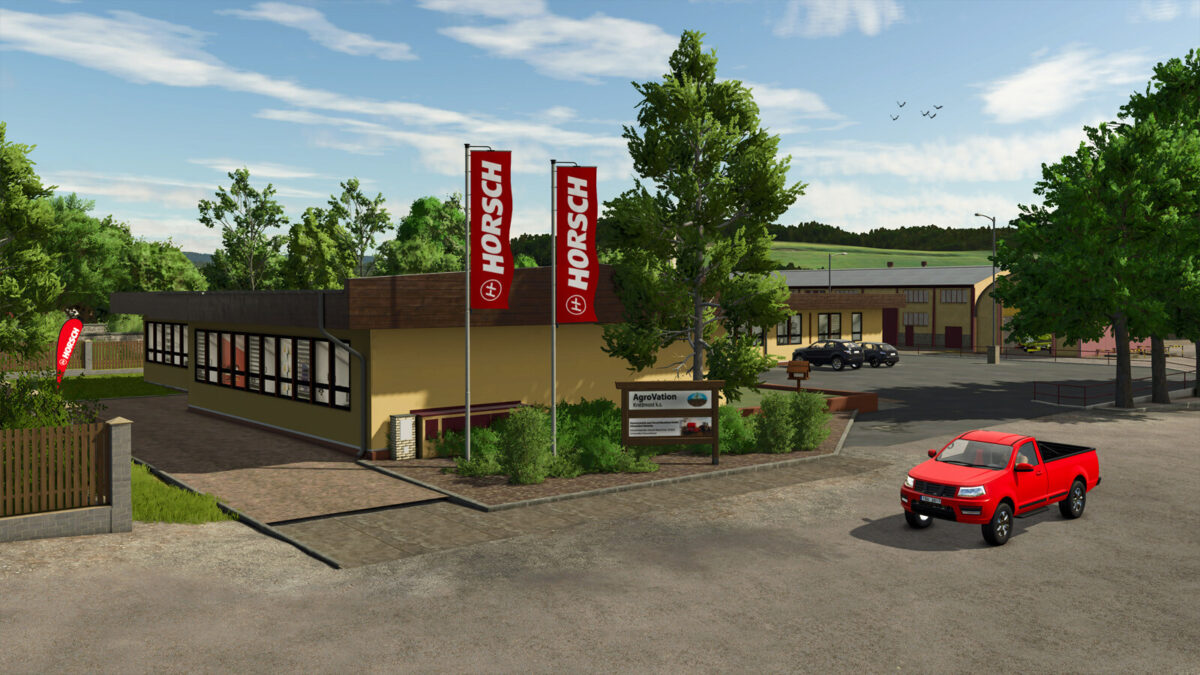
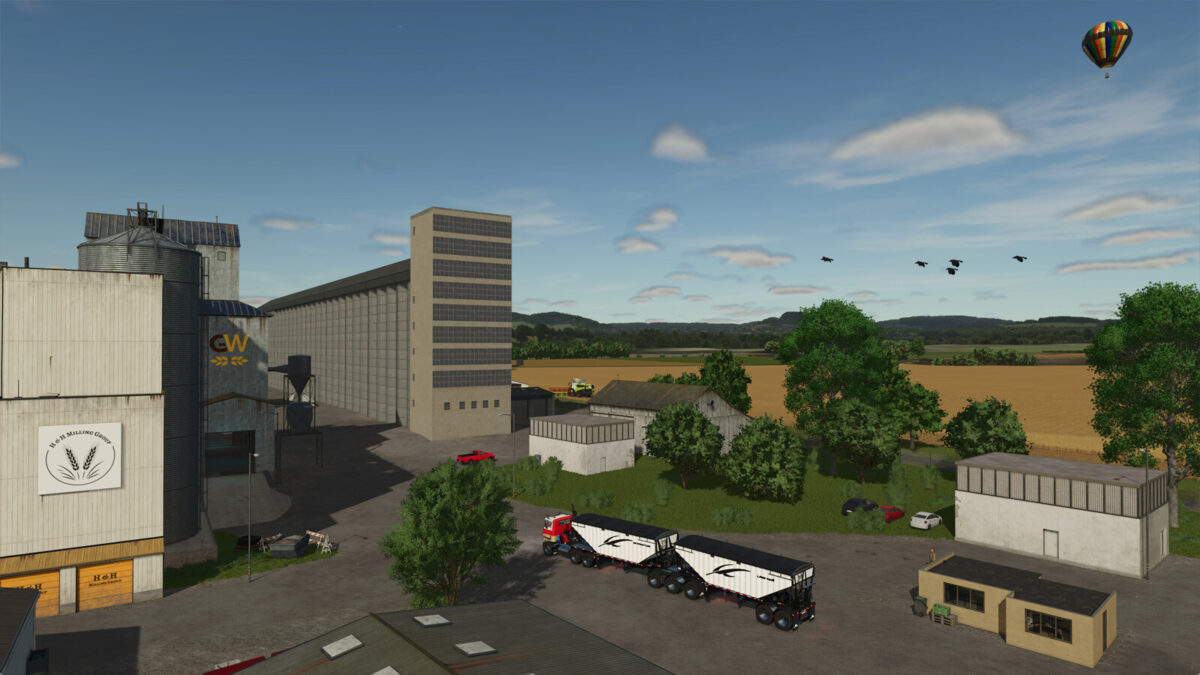
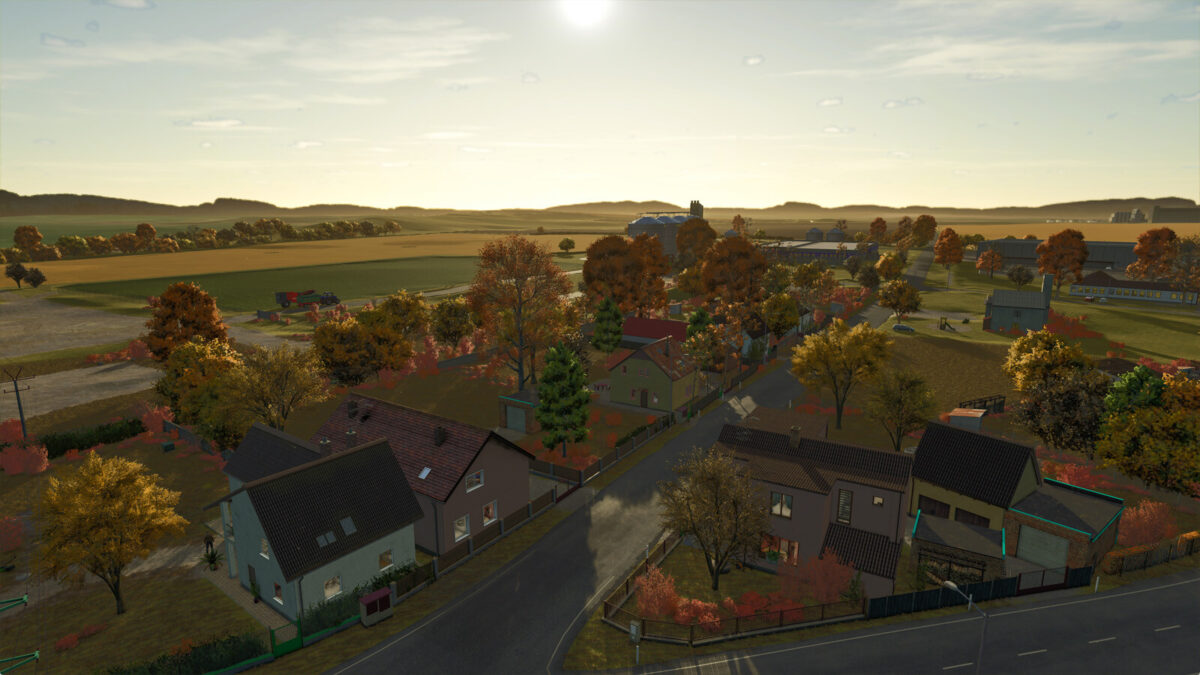
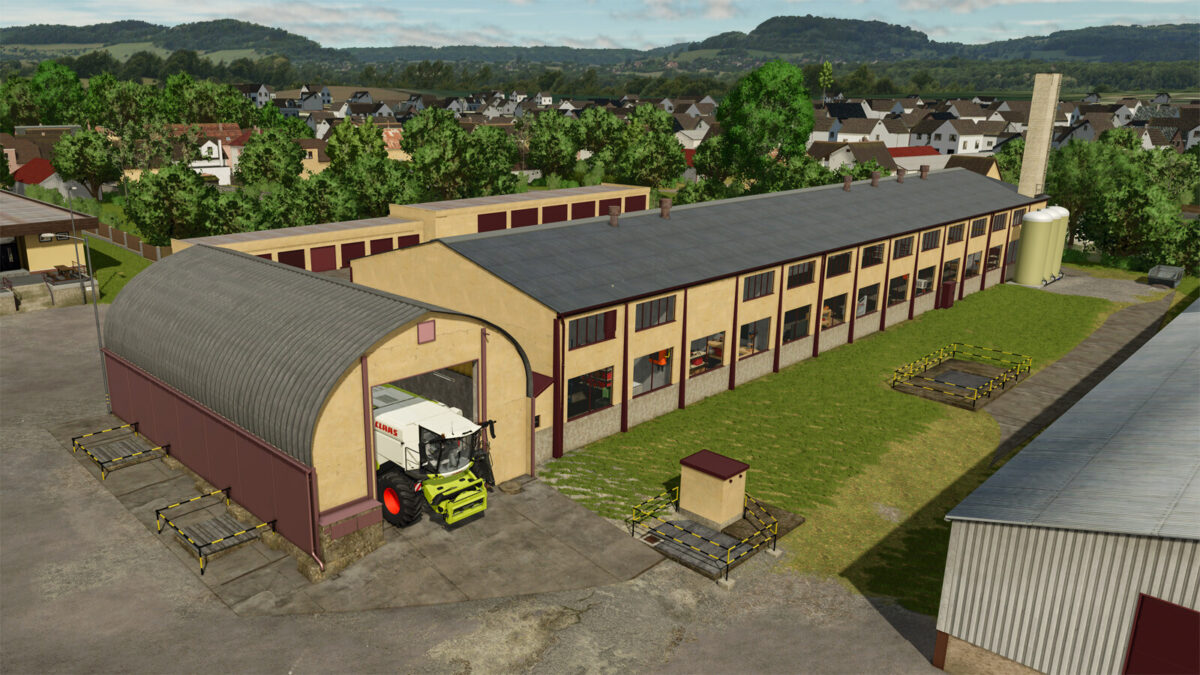
The Horsch Agrovation Map v1.0.0.1 for Farming Simulator 25 presents a revamped farming experience with its updated features and enhanced functionalities. This edited version of the Horsch Agrovation Map includes a multi-angle ground effect, allowing for a more realistic interaction with the landscape. Players can now fully utilize manure, lime, and mulcher equipment on this map as they should function correctly with the latest update.
This map offers a diverse layout with various fields, suitable for both small and large farming operations. The enhancements aim to provide a more engaging and immersive farming simulation, improving the overall user experience.
– Edited Horsch Agrovation Map
– Multi Angle Ground Effect feature
– Functional manure, lime, and mulcher equipment
– Diverse field layouts for varied farming operations
– Enhanced realism in the farming simulation experience
Version 1.0.0.1:
* Manure, Lime and Mulcher should work now
Credits:
hilbert82


