

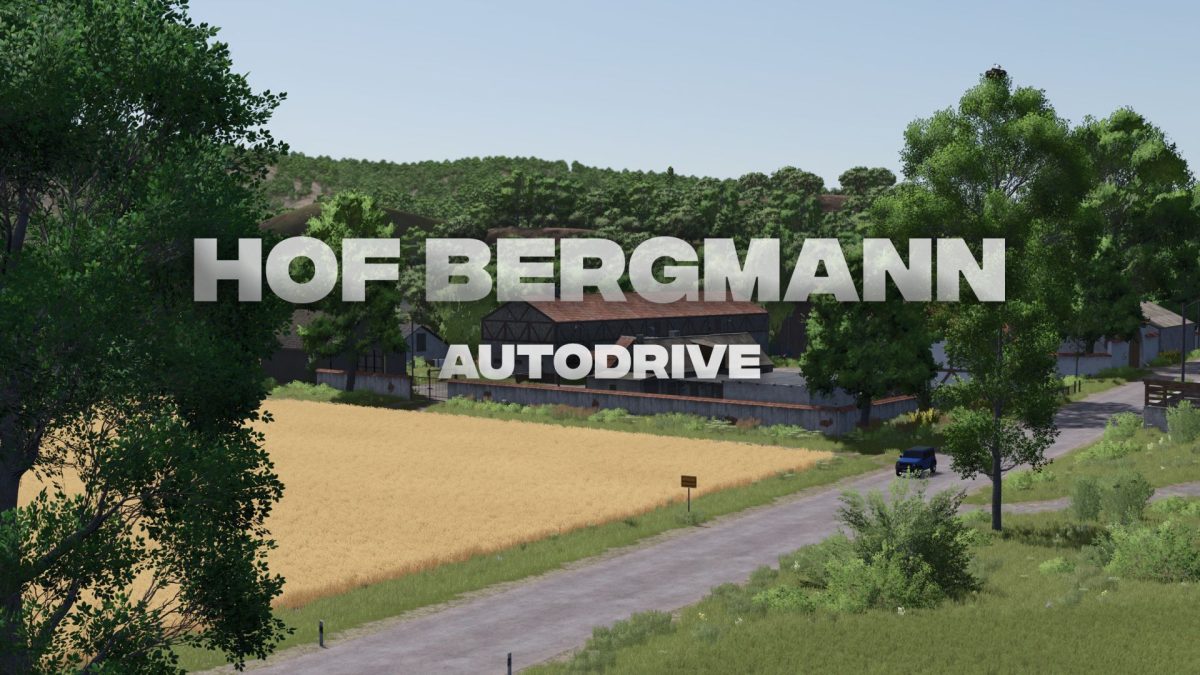
Hof Bergmann Autodrive v 1.0


This detailed and realistic map offers numerous possibilities for farming, livestock breeding, and production. Our AutoDrive course will help you manage the farm and its surroundings efficiently.
Features of the AutoDrive course:
– Complete farm connections – All relevant areas on the farm are integrated.
– Field connections – All fields are connected to the main roads.
– Road network & field paths – Optimal routing for efficient journeys.
– Production facilities & sales points – All important points are included.
– Liquids & special transport – Milk, manure, diesel, and more can be transported automatically.
– Multiple departure and loading points – For maximum flexibility on the farm.
– Clean and logical route layout – For a realistic gaming experience.
Credits:
elMatador


