Hitting the Road: Exploring Trucks and Cars in Farming Simulator 25


In the vast and immersive world of Farming Simulator 25 (FS25), transportation plays a crucial role in the success of any virtual farming operation. From hauling heavy machinery and crops to navigating the sprawling landscapes, having a reliable and diverse fleet of vehicles is essential. Enter the realm of trucks and cars, where the modding community has taken the game to new heights, introducing an array of exceptional mods that cater to every transportation need.
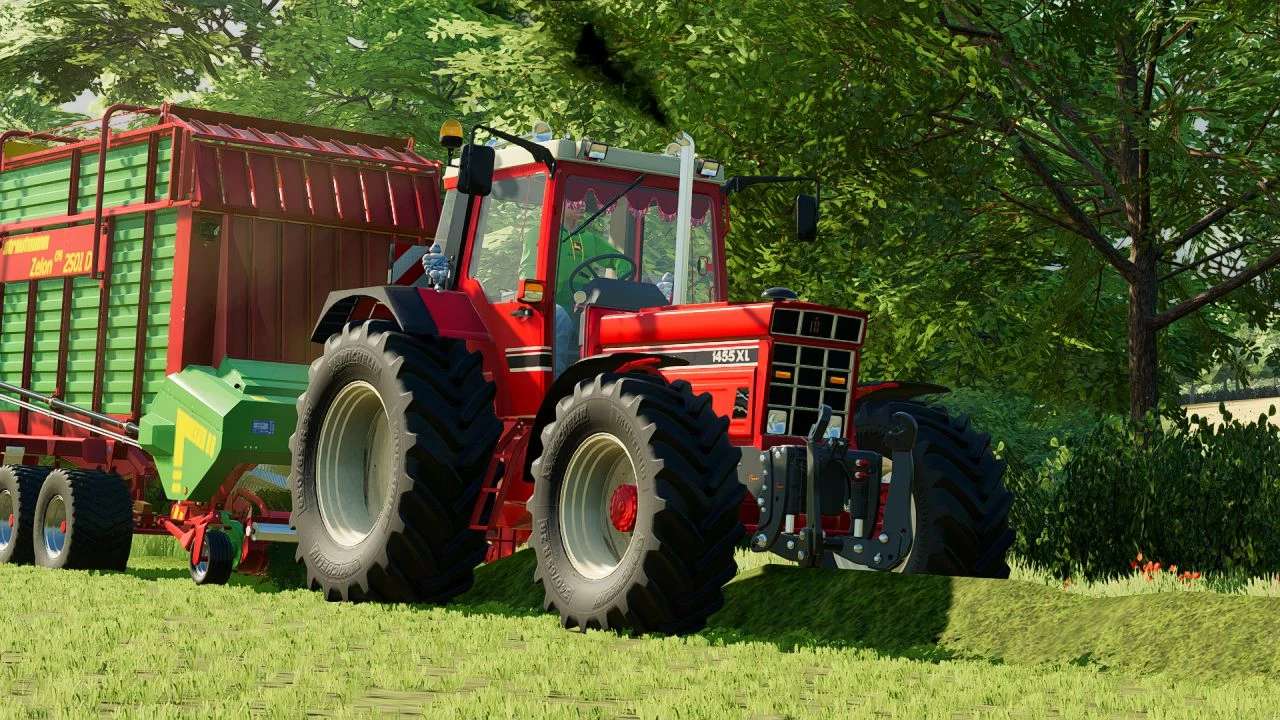
One of the standout features of FS25 is the ability to customize and expand your vehicle lineup. Trucks, in particular, have become a staple for many virtual farmers, offering unparalleled hauling capabilities and rugged durability. Whether you’re transporting massive combines across fields or delivering freshly harvested crops to the market, the right truck mod can make all the difference.
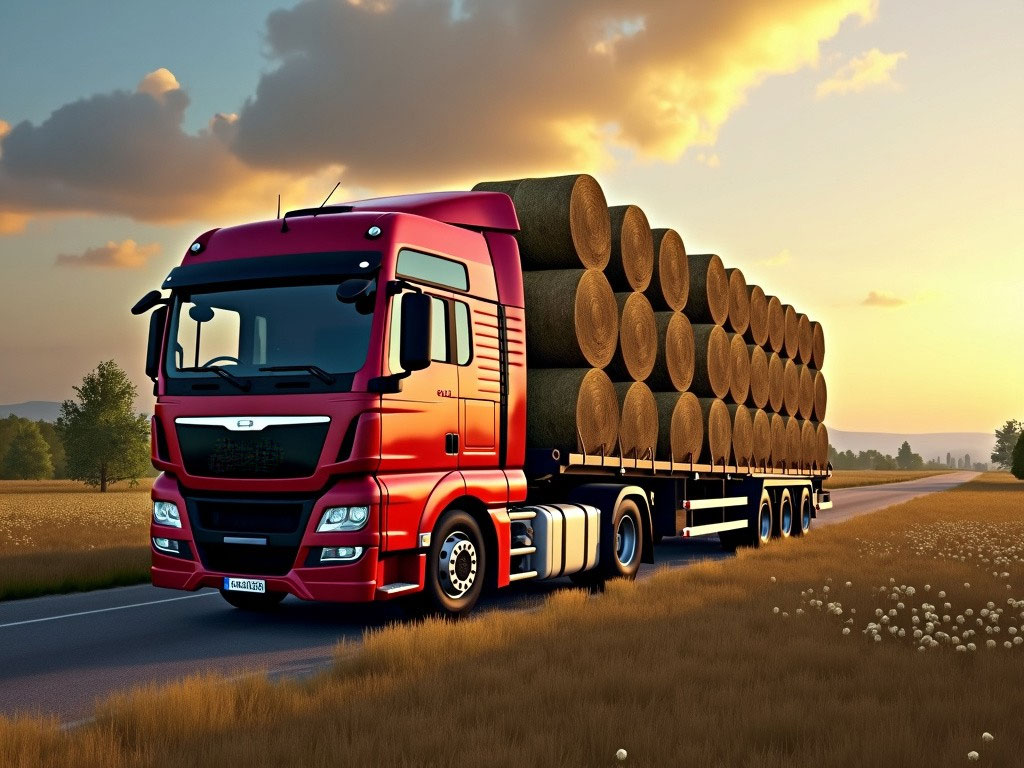
The modding community has embraced the importance of trucks, creating a vast selection of meticulously crafted mods that replicate some of the most iconic and powerful vehicles on the market. From heavy-duty semi-trucks capable of hauling oversized loads to nimble and versatile pickups perfect for navigating tight spaces, the options are truly endless.
Beyond their practical applications, truck mods in FS25 also offer an unparalleled level of customization. Virtual farmers can tailor their vehicles to their personal preferences, choosing from a wide range of body styles, engine configurations, and even customizable paint jobs and decals. This level of personalization not only adds a touch of individuality to your farming experience but also reflects the pride and passion that real-world farmers take in their equipment.
While trucks are undoubtedly the workhorses of the farming world, cars play an equally important role in FS25. These nimble and efficient vehicles are perfect for personal transportation, allowing you to navigate your virtual farm with ease and respond promptly to any emergencies or time-sensitive tasks.
The modding community has embraced the importance of cars, introducing a diverse array of mods that range from rugged off-road vehicles to sleek and stylish sports cars. Whether you’re exploring the rugged terrain of your virtual farmland or simply cruising down the open road, these car mods offer a unique blend of functionality and style.
One of the standout features of car mods in FS25 is the attention to detail paid by the modding community. From the realistic sound effects and physics simulations to the meticulously crafted interiors and exteriors, these mods strive to capture the essence of their real-world counterparts, providing an unparalleled level of immersion and realism.
In addition to trucks and cars, the modding community has also introduced a variety of specialized vehicles, such as fire trucks, ambulances, and even police cars. These mods not only add an element of realism to the game but also open up new avenues for role-playing and creative storytelling, allowing virtual farmers to tackle a wide range of scenarios and challenges.
As you navigate the vast landscapes of Farming Simulator 25, the importance of having a reliable and diverse fleet of vehicles cannot be overstated. With the help of the modding community’s exceptional truck and car mods, you can elevate your farming experience to new heights, ensuring that your transportation needs are met with style, efficiency, and unparalleled realism.