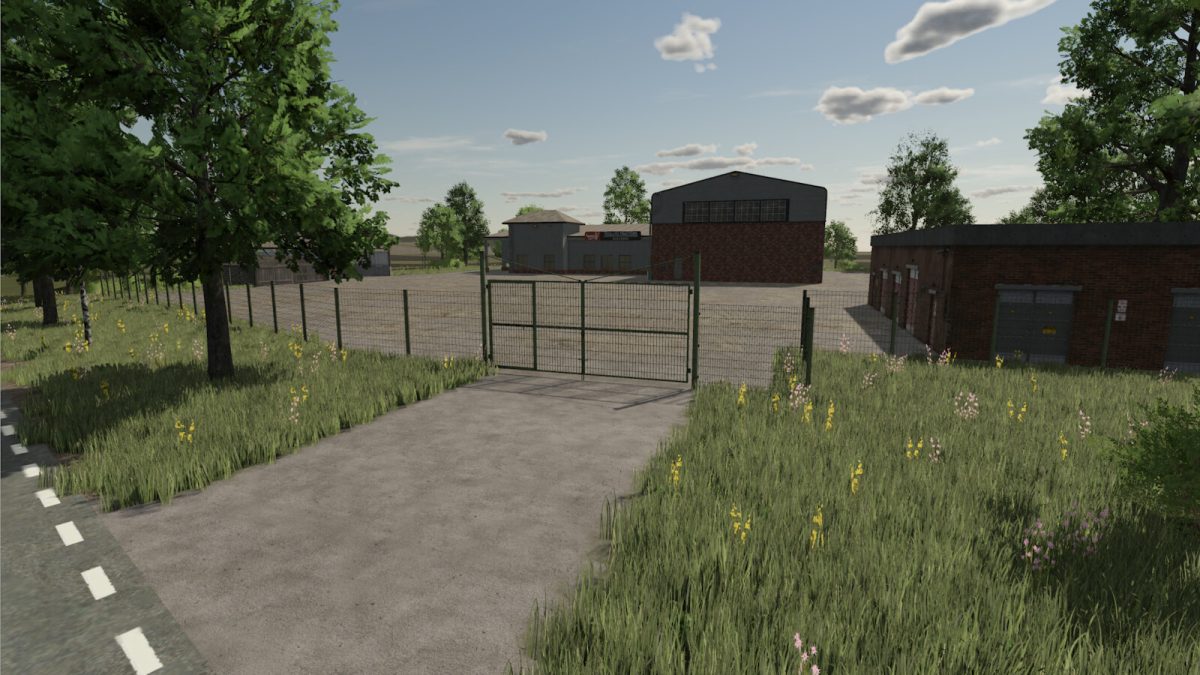
Hermanns Hausen Map v 1.0.0.1


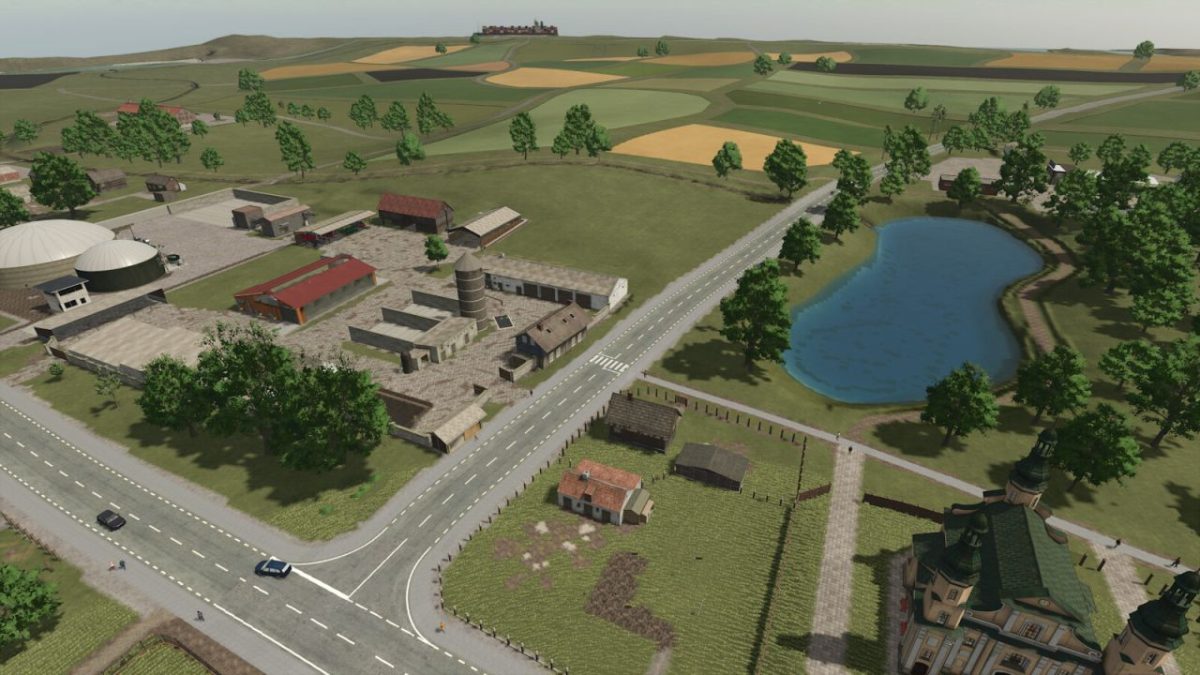
– There are 50 fields and some forest areas to farm
– On the farm there are: chickens, sheep and cows as farm animals. Future: Sheep produce manure and manure
– 2 greenhouses are available for salad etc…
– Cowshed accepts bales of straw (must be brought in with a front loader)
– Added regional license plates
– Added biomass and compost – can be spread on the fields as fertilizer with a manure spreader
Version 1.0.0.1:
* New crops added: rye, spelt
* Alfalfa, alfalfa hay, clover, and clover hay added (All can also be baled and stored loose in hay storage)
* Rapeseed straw storage added
* Animal feed adapted to new crops
* Biomass heating plants now produce biomass
* Biomass cogeneration plants now produce compost
* New sawmill installed
* Grass removed from streets and various trees added
* New vehicle dealer installed, salesroom accessible
* Greenhouses removed and replaced with shelters
* Allotment garden added
* New store images for purchase/sale points added to the map
* Dairy now produces cream and quark
* Various minor adjustments
* Longer opening hours added
* Purchasable areas edited
* NPCs added
* Some field paths removed and replaced with rows of trees
Credits:
beemer