


FS25 Misc

Herbicide Weed Cleanup v 1.0

Herbicide Weed Cleanup v 1.0

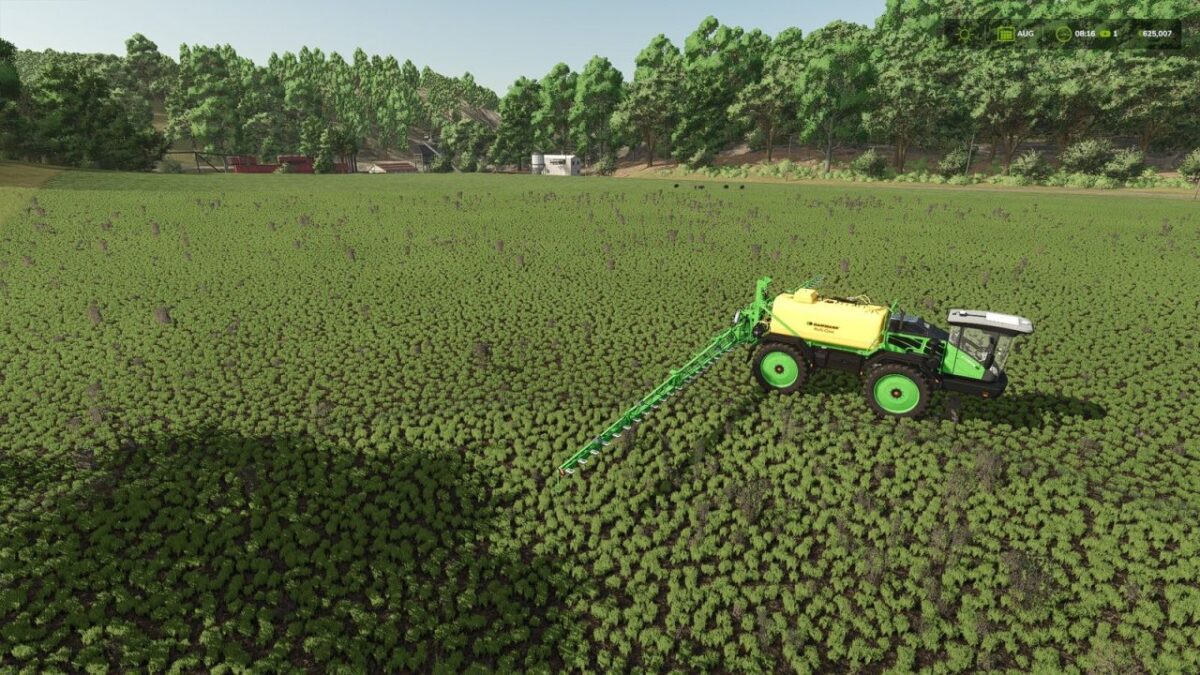
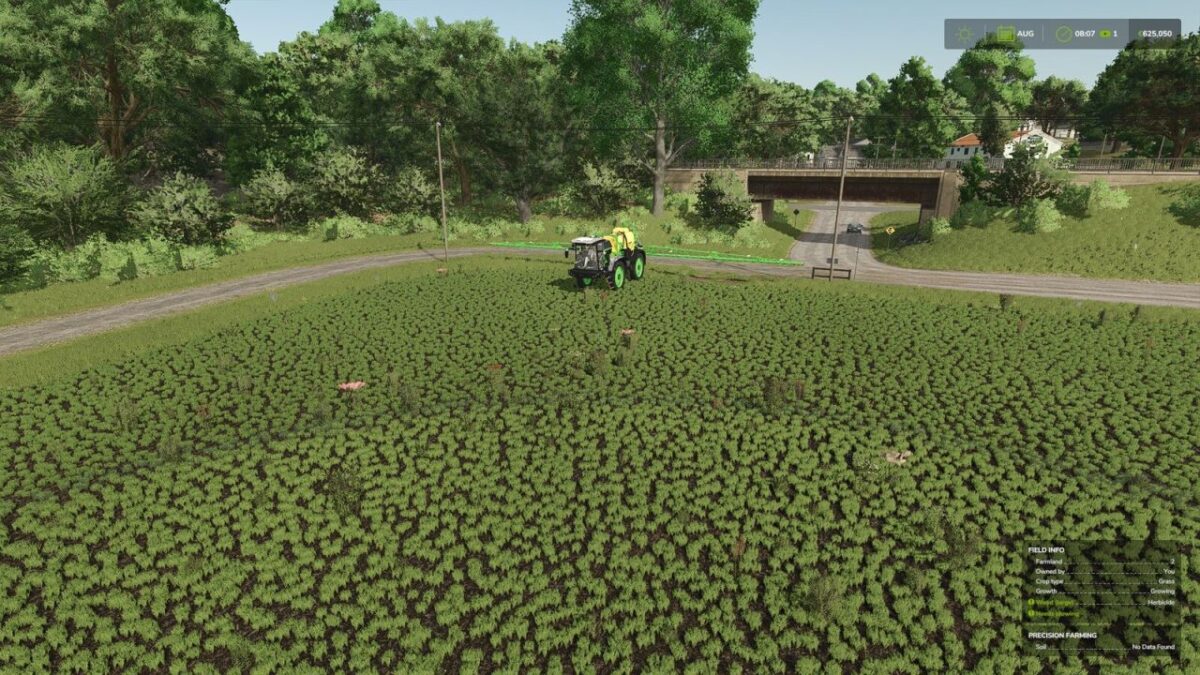
After spraying herbicide, dead weeds normally remain visible as withered plants on the field until the ground is worked again.
This mod clears that withered weed foliage in the background, so sprayed areas end up looking clean again.
A game setting (“Immediate” / “Delayed”) lets you choose between clearing within a couple of seconds or only once a month.
The delayed option further reduces the load, which is already small since it only covers the sprayed area, and is useful on busy dedicated servers.
Works exactly like the base game’s herbicide effect otherwise: spot spraying, Precision Farming, environmental score, etc. are unaffected, and only the leftover withered weed graphics are cleared.
Fully compatible with dedicated servers and multiplayer.

Credits:

Nalathan

How to install FS25 Misc?
Firstly find a mod which you like and want to download. Then download a mod to your PC. Mods are usually in .zip format file. But sometimes it can be in .rar. If a mod file is a .zip format no needed additional actions. If a file is in .rar, then you must unarchive mod with software like WinRar or Zip7. Windows 10 users no need to use software for archives, Win10 itself has a feature to unarchive files.
The next step is to find mods folder in your PC. Usually, it is in Documents/My Games/Farming Simulator 25/2025. Open the "mods" folder and put downloaded .zip archive or unarchived .rar file to this folder.
Last step. Enjoy of FS25 mods!

Leave a Reply

Your email address will not be published. Required fields are marked *