

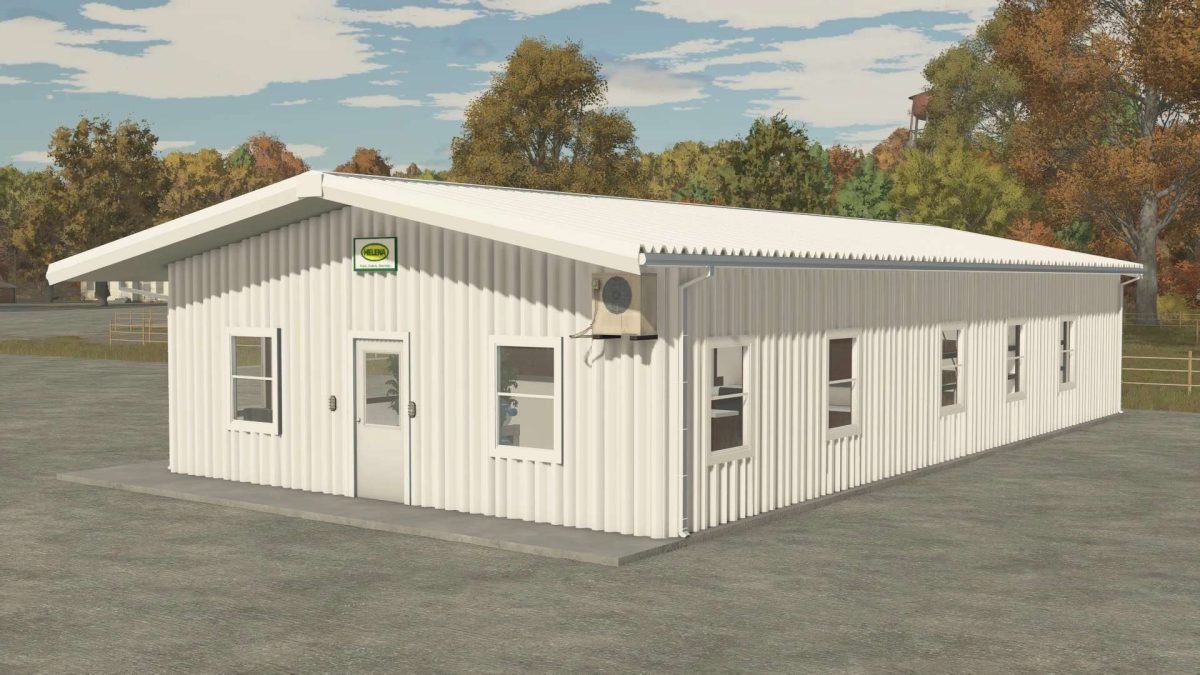
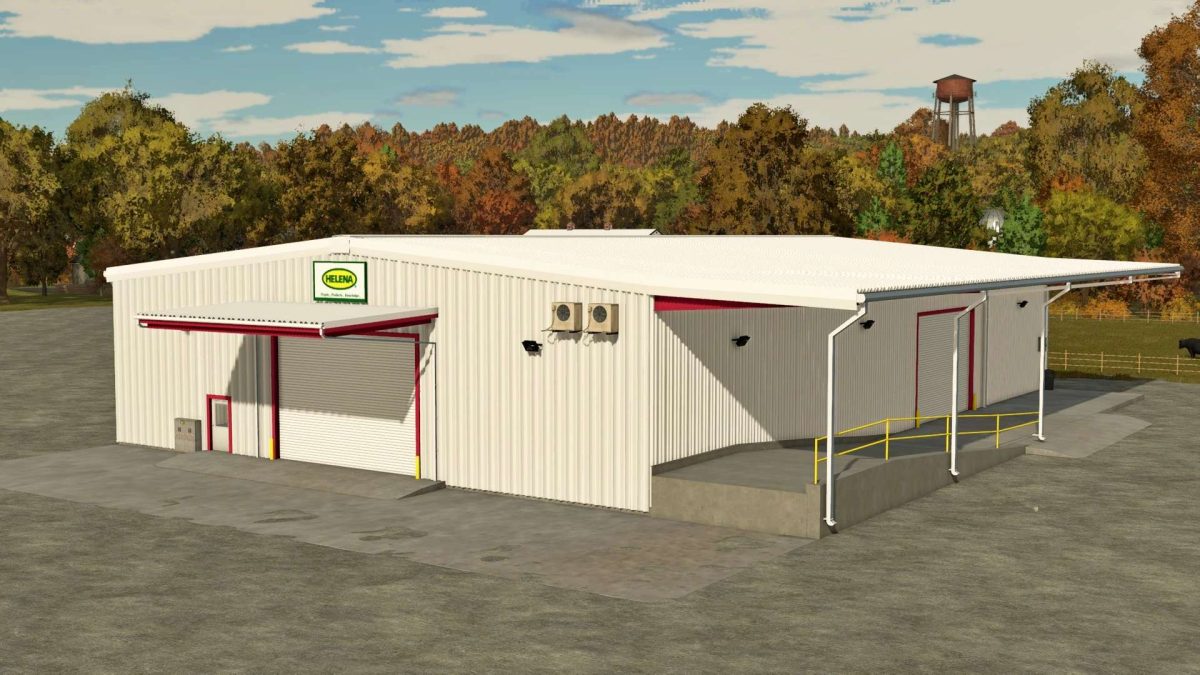
Helena Storage and Office v 1.0


Helena Storage and Office v 1.0 is a functional mod designed for Farming Simulator 25.
This mod offers players a new storage facility and office space that adds depth to the gameplay experience.
Players can utilize this location to purchase various chemicals necessary for their farming operations, enhancing the realism and efficiency of managing their agricultural activities.
The mod seamlessly integrates into the existing game environment, providing an easy-to-navigate interface for accessing storage and purchasing items.
Whether players are looking to boost crop yields or protect their fields from pests, this facility offers the resources they need for effective farm management.
– Offers a dedicated storage area for chemicals
– Includes an office space for managing purchases
– Enhances realism in agricultural operations
– Easy-to-use interface for navigation
– Compatible with the Farming Simulator 25 environment
Credits:
FieldWise Modding


