

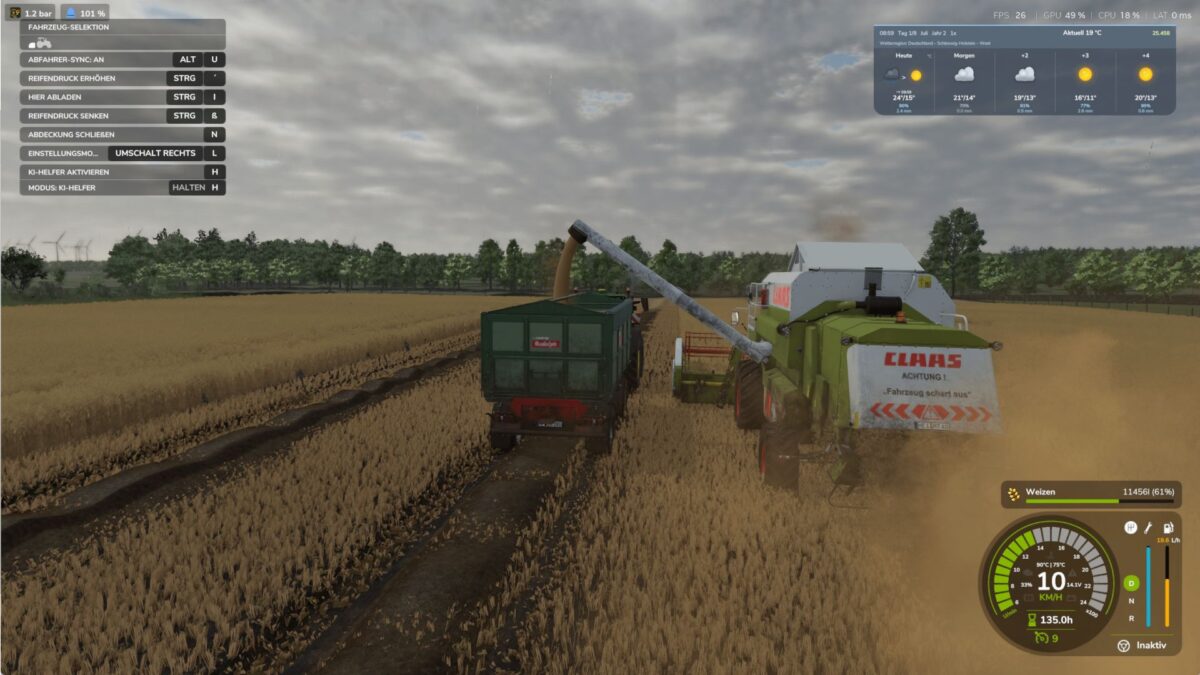
Harvester Unloader Sync v 1.2.4.1


Harvester Unloader Sync synchronizes the speed of the departure tractor with a combine or forage harvester when overloading.
The mod is based on real assistance systems from agriculture.
If the sync system is retrofitted on both vehicles, the tractor can automatically adopt the speed of the harvester and correct the longitudinal distance while driving.
The steering remains entirely with the player.
Features
Realistic speed synchronization
Automatic distance correction
Support for combine harvesters and forage harvesters
Sync retrofit in the vehicle shop
both vehicles require the system
No display and no scan without suitable equipment
HUD only on a compatible harvester nearby
no automatic steering
Performance optimized vehicle detection
Support for existing languages
Version 1.2.4.1:
* Lua bug fixed
Credits:
Sherman200


