

Hardcore Balance Mod v 1.0.0.8


This mod makes the gameplay more difficult, making it more interesting and balanced. For a improve the game, it is recommended to start a new game.
Gameplay changes:
Disabling time acceleration. Time acceleration only during sleep. It’s necessary for you to construct a farmhouse.
Removed sleep and wardrobe triggers from all farmhouses except of those that need to be constructed.
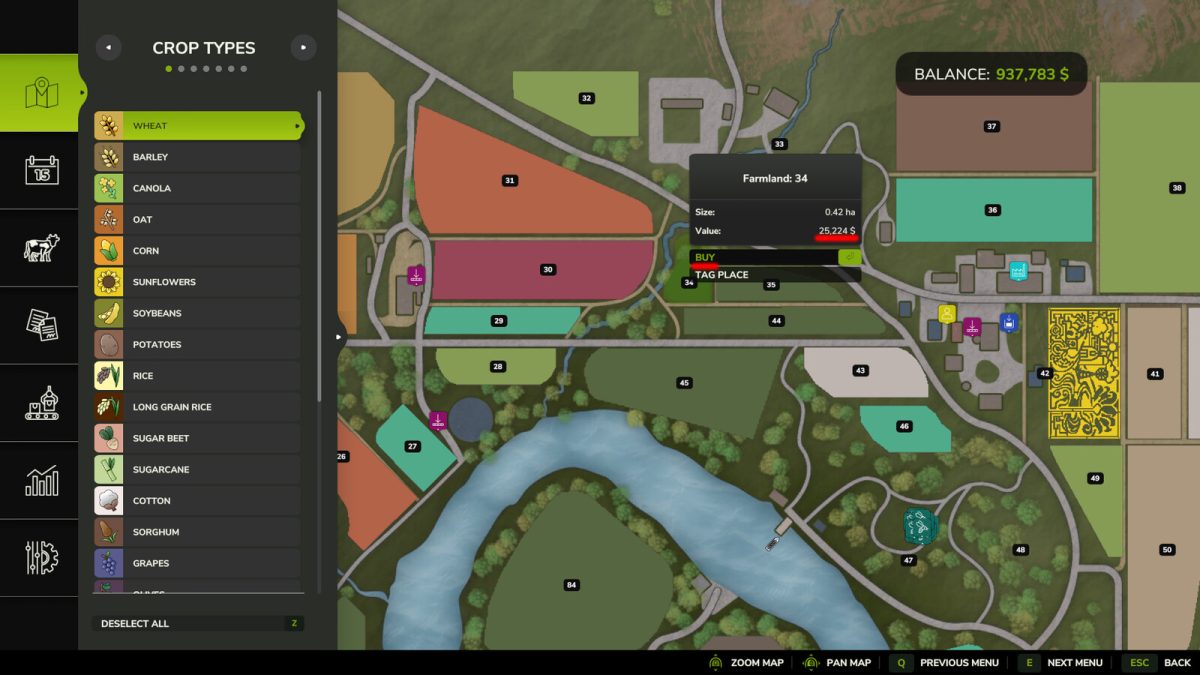
Price the field reduction after purchase by 50% (after the sale the price is restored).
No Fast Travel (player position is remembered).
Removed vehicles from contracts.
Added a penalty for canceling a contract in the amount of 50% of the reward.
The emergence of new contracts has been improved. Missions to rocks removal, deadwood, and wood transport are now generated once per hour.
Interest rate on the loan 15% per month. The initial credit limit is zero (credit limit increases as purchasing farmlands and buildings).
The output mode of production cannot be changed (default is Storing).
The price of decorational trees has increased by 10 times.
Fixed incorrect operation of wood chippers, now the mass of outgoing wood chips is equal to the mass of loaded woods (less wood chips).
The maximum pick up mass by hands has been reduced to 50 kg.
The fermentation time of silage is 1 month, regardless of the economic difficulty.
Changelog Version 1.0.0.6:
Added support for French and Polish languages.
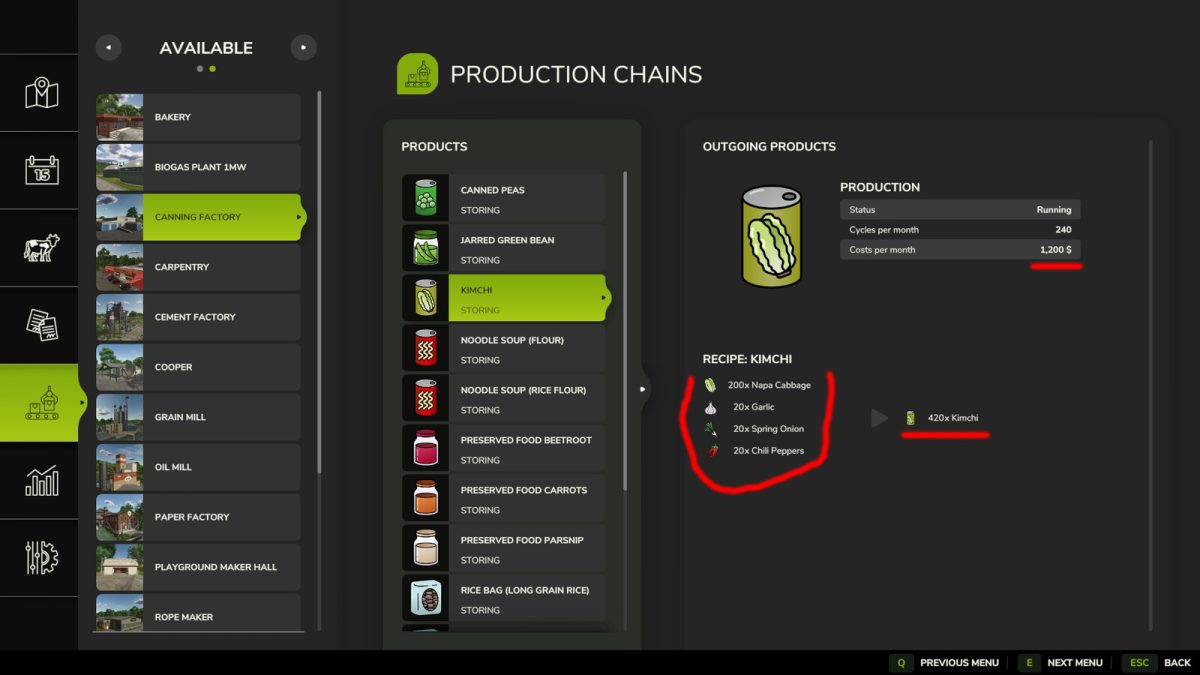
All productions has been accelerated by 10 times. Except for the Wagon Builder, Playground Maker Hall (RIVERBEND SPRINGS), and Piano Manufacture (ZIELONKA).
Forced game settings set:
1. Economic Difficulty – HARD
2. Fuel Usage – HIGH
3. Seasonal Growth – YES
4. Days Per Month – 1 DAY
5. Fixed Visual Month – OFF
6. Snow – ON
7. Periodic Plowing Required – ON
8. Fieldstone – ON
9. Lime Required – ON
10. Weeds – ON
11. Disaster Destruction – ENABLED
Version 1.0.0.8:
* Fixed incorrect collision of the modified STEMA TRIUS trailer
* Fixed a parameter that caused the mod registers itself as a DLC
Credits:
ALXXA


